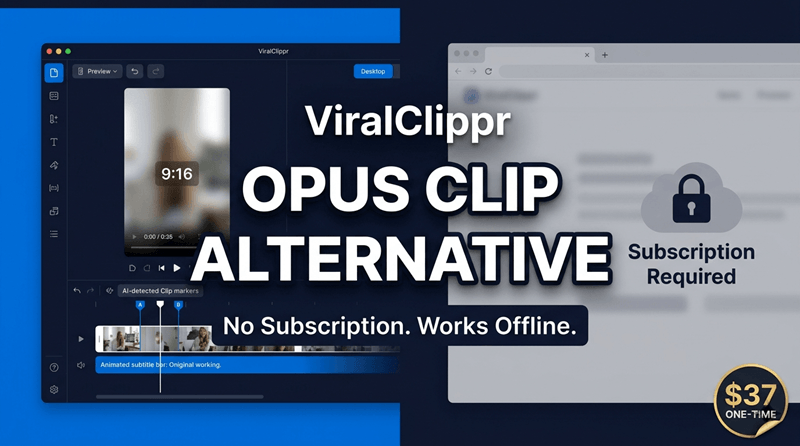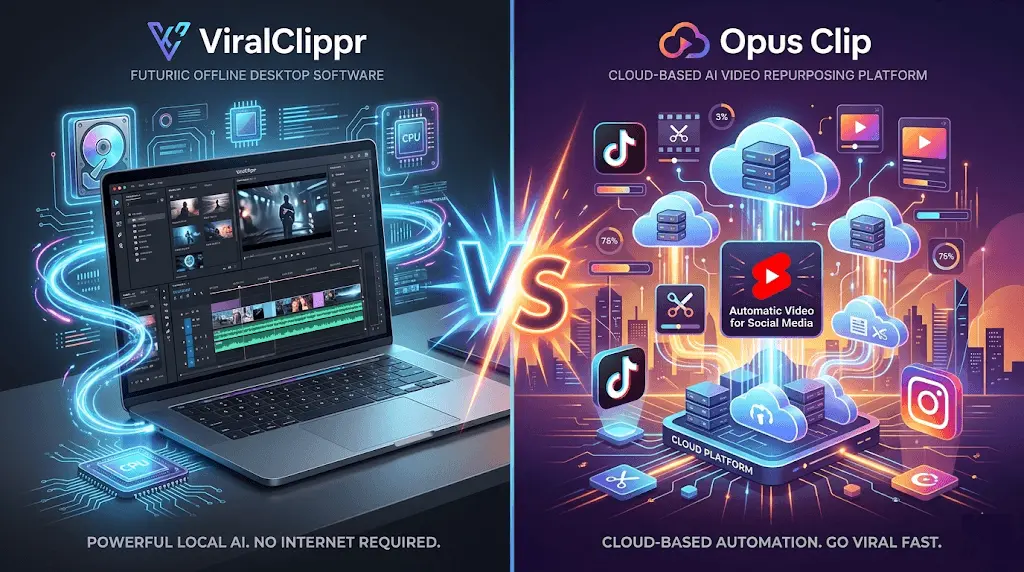
Short-form video content dominates platforms like TikTok, Instagram Reels, and YouTube Shorts. Creators, marketers, and businesses are constantly searching for the fastest way to turn long videos into viral clips. Two tools that stand out in this space are ViralClippr and Opus Clip.
While both tools aim to solve the same problem—automating short-form video creation—they are fundamentally different in how they work, pricing structure, and user experience.
In this detailed comparison, we’ll break down ViralClippr vs Opus Clip, explore their strengths and weaknesses, and help you decide which one fits your workflow best.
What Is ViralClippr?
ViralClippr is an offline AI-powered Windows application designed to convert long videos into short, viral-ready clips automatically.
Unlike most cloud-based tools, ViralClippr runs directly on your computer.
👉 Official tool:
https://gogrowtools.com/items/l/ViralClippr-AI-Offline-Video-to-Viral-Shorts-Generator
Key Features of ViralClippr
- 100% offline processing (no cloud upload required)
- No monthly subscription fees
- AI-powered viral clip detection
- Converts long videos into TikTok/Reels/Shorts formats
- Fast local processing on Windows PC
- Privacy-focused (your videos never leave your device)
Who Is ViralClippr For?
- Content creators who want privacy
- YouTubers repurposing long videos
- Freelancers editing client content offline
- Marketers who prefer one-time software purchase
What Is Opus Clip?
Opus Clip is a cloud-based AI video repurposing tool that automatically turns long-form content into short viral clips.
It is widely known in the creator economy and used by podcasters, YouTubers, and social media marketers.
According to industry reviews, Opus Clip uses AI to analyze video content, detect high-engagement moments, and generate short clips with captions and virality scoring .
Key Features of Opus Clip
- AI virality scoring system
- Auto-caption generation with styling
- Cloud-based processing
- Multi-platform export (TikTok, Reels, Shorts)
- AI detection of highlight moments
- Built-in editing tools
ViralClippr vs Opus Clip: Core Difference
The biggest difference between these two tools is simple:
ViralClippr = Offline, one-time tool focused on privacy and cost-efficiency
Opus Clip = Cloud-based subscription platform focused on AI automation and scalability
This difference impacts everything from pricing to workflow.
Feature Comparison: ViralClippr vs Opus Clip
| Feature | ViralClippr | Opus Clip |
|---|---|---|
| Processing Type | Offline (local PC) | Cloud-based |
| Internet Required | ❌ No | ✅ Yes |
| Pricing Model | One-time purchase | Monthly subscription |
| AI Virality Scoring | Basic/Included | Advanced scoring system |
| Caption Generation | Yes | Yes (advanced styles) |
| Auto Editing Tools | Basic | Advanced |
| Privacy | Very high (local files only) | Medium (cloud upload required) |
| Speed | Depends on PC hardware | Cloud optimized |
| Beginner Friendly | Medium | High |
Performance Comparison
ViralClippr Performance
ViralClippr’s performance depends heavily on your hardware. Since everything runs locally:
- High-end PCs = fast processing
- Low-end PCs = slower rendering
However, the biggest advantage is no upload time and no waiting queues.
You control everything locally, which makes it ideal for users handling sensitive content.
Opus Clip Performance
Opus Clip is designed for speed and convenience.
It processes videos in the cloud and automatically generates multiple clips from a single upload. According to user testing, AI tools like Opus Clip typically generate multiple clips per video, though not all are perfectly usable without editing .
Pros:
- Fast processing
- No hardware limitations
- Stable output quality
Cons:
- Requires internet
- Upload time for large files
- Subscription required
Pricing: Which One Is More Affordable?
ViralClippr Pricing Advantage
ViralClippr uses a one-time payment model, which makes it highly attractive for:
- Budget creators
- Agencies handling multiple clients
- Long-term users
No recurring fees = long-term savings.
👉 Tool page:
https://gogrowtools.com/items/l/ViralClippr-AI-Offline-Video-to-Viral-Shorts-Generator
Opus Clip Pricing
Opus Clip operates on a subscription model:
- Free plan (limited minutes + watermark)
- Starter plan (~$15/month)
- Pro plan (~$29/month)
This means over time, costs can add up significantly for heavy users.
Ease of Use
Opus Clip Wins for Beginners
Opus Clip is extremely beginner-friendly:
- Upload video
- Let AI do the work
- Download clips instantly
No setup required.
ViralClippr Requires Slight Setup
ViralClippr requires installation and local processing setup, but once installed:
- No internet dependency
- No account required
- Faster repeated workflows
Use Case Breakdown
Choose ViralClippr if you:
- Want offline video processing
- Prefer one-time payment tools
- Work with sensitive/private content
- Want full ownership of your workflow
- Hate subscriptions
Choose Opus Clip if you:
- Want a plug-and-play SaaS tool
- Need cloud scalability
- Prefer advanced AI editing features
- Create content frequently across multiple platforms
SEO & Content Creator Perspective
From an SEO and content marketing perspective, both tools help creators:
- Increase short-form content output
- Improve social media engagement
- Repurpose long videos efficiently
However:
- Opus Clip is better for teams and agencies
- ViralClippr is better for independent creators and offline workflows