Create Natural Voiceovers with Offline Text‑to‑Speech
Fast, private Windows TTS for creators and developers—no internet, no delays.
See Voixto - AI Offline Text To Speech in Action
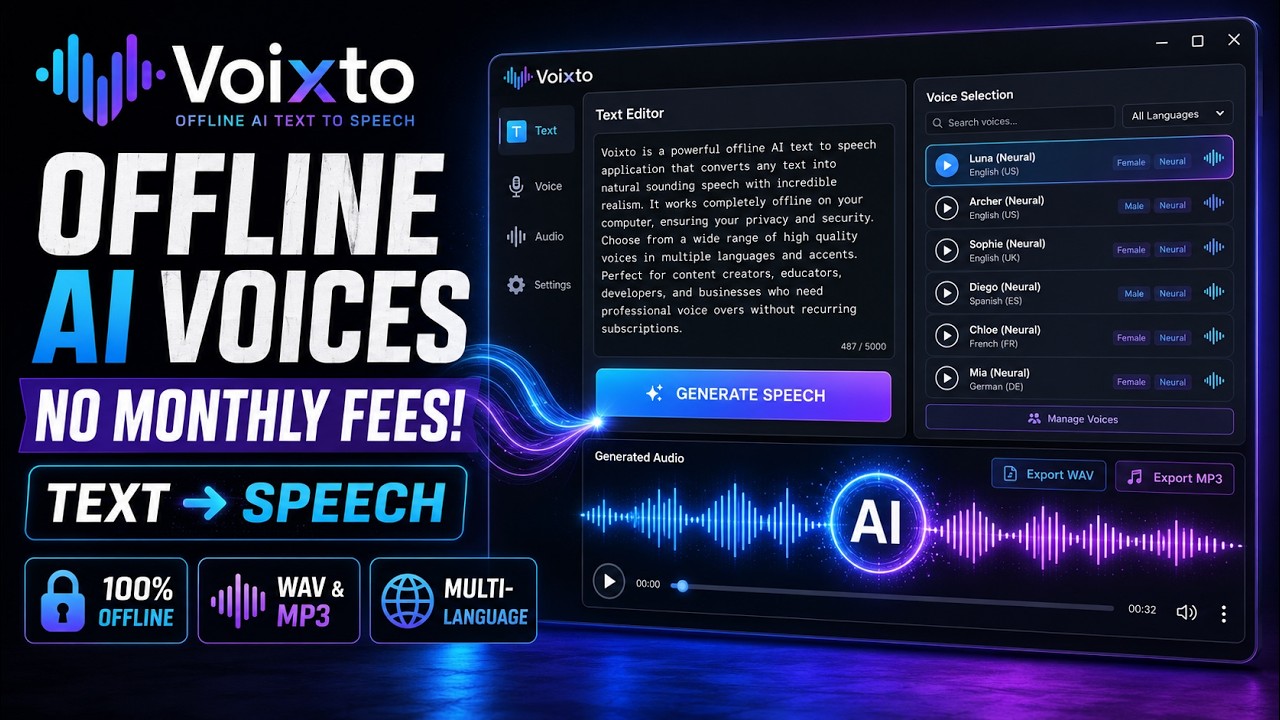
Tired of robotic voices, slow cloud tools, and subscription lock‑ins?
Stop losing hours to clunky workflows and unreliable connections.
- Cloud TTS delays, dropouts, and dependency on a constant connection
- Robotic, inconsistent voice quality that hurts engagement
- No batch processing—repetitive manual exports eat your time
- Limited control over speed, tone, and expression
- Guesswork without real‑time preview leads to endless re‑renders
- Privacy worries when uploading scripts and client documents
- Needing extra apps just to add basic EQ or reverb
- Messy imports and exports that break your production flow
- Cluttered interfaces that slow you down instead of speeding you up
- Recurring subscriptions cutting into your budget
Turn Your Script Into Studio‑Quality Audio—Offline
Start now—no internet required after installation.

Powerful Features
Everything You Need to Work Smarter, Instantly
True Offline Text‑to‑Speech
Generate high‑quality speech entirely on your Windows machine—no internet needed after installation for privacy and reliability.
Natural, Human‑Like Voices
Transform written text into lifelike audio that keeps listeners engaged across voiceovers, audiobooks, and learning content.
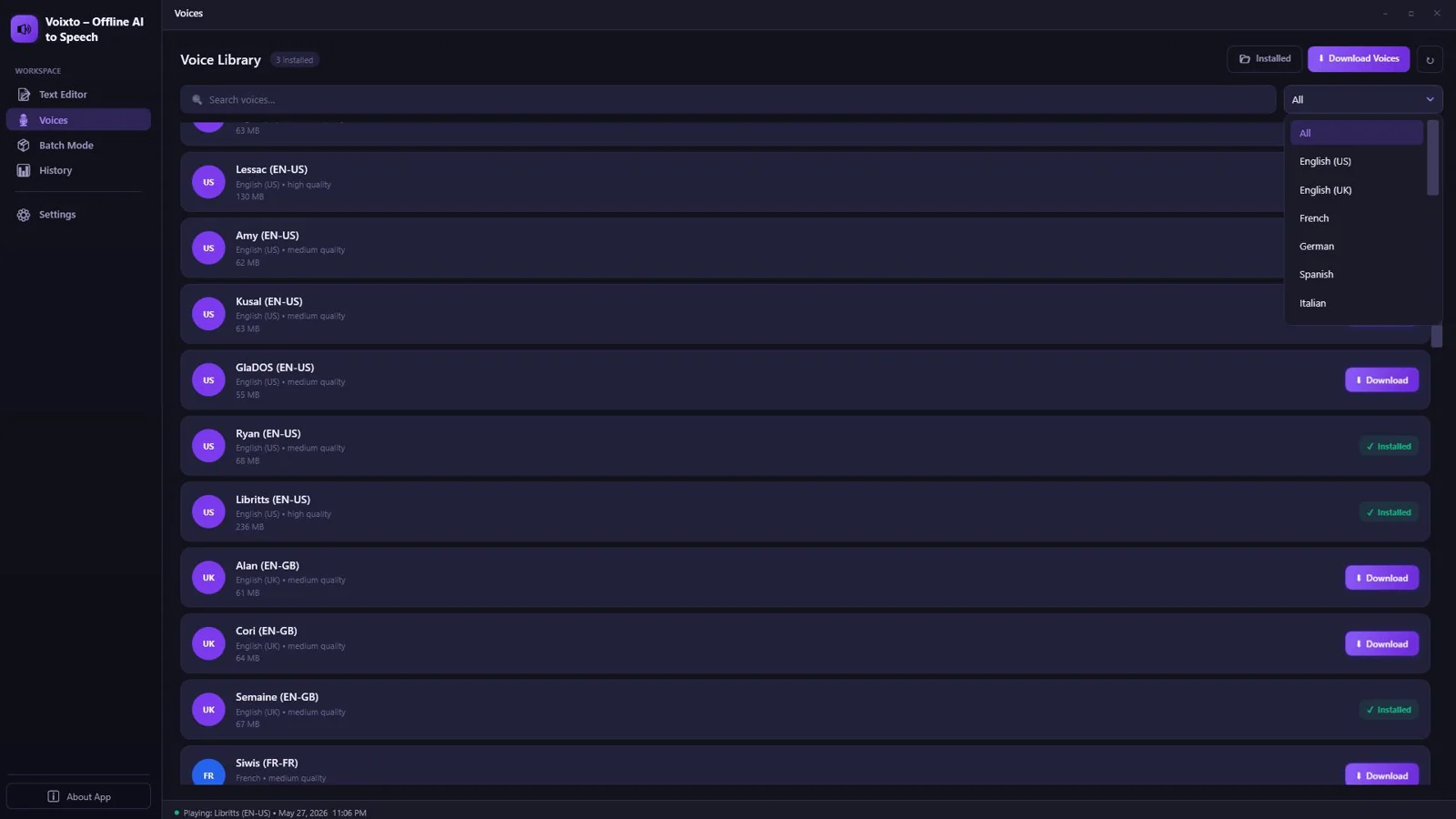
Multiple Voice Options
Switch voices instantly to match your style or project needs without leaving your flow.
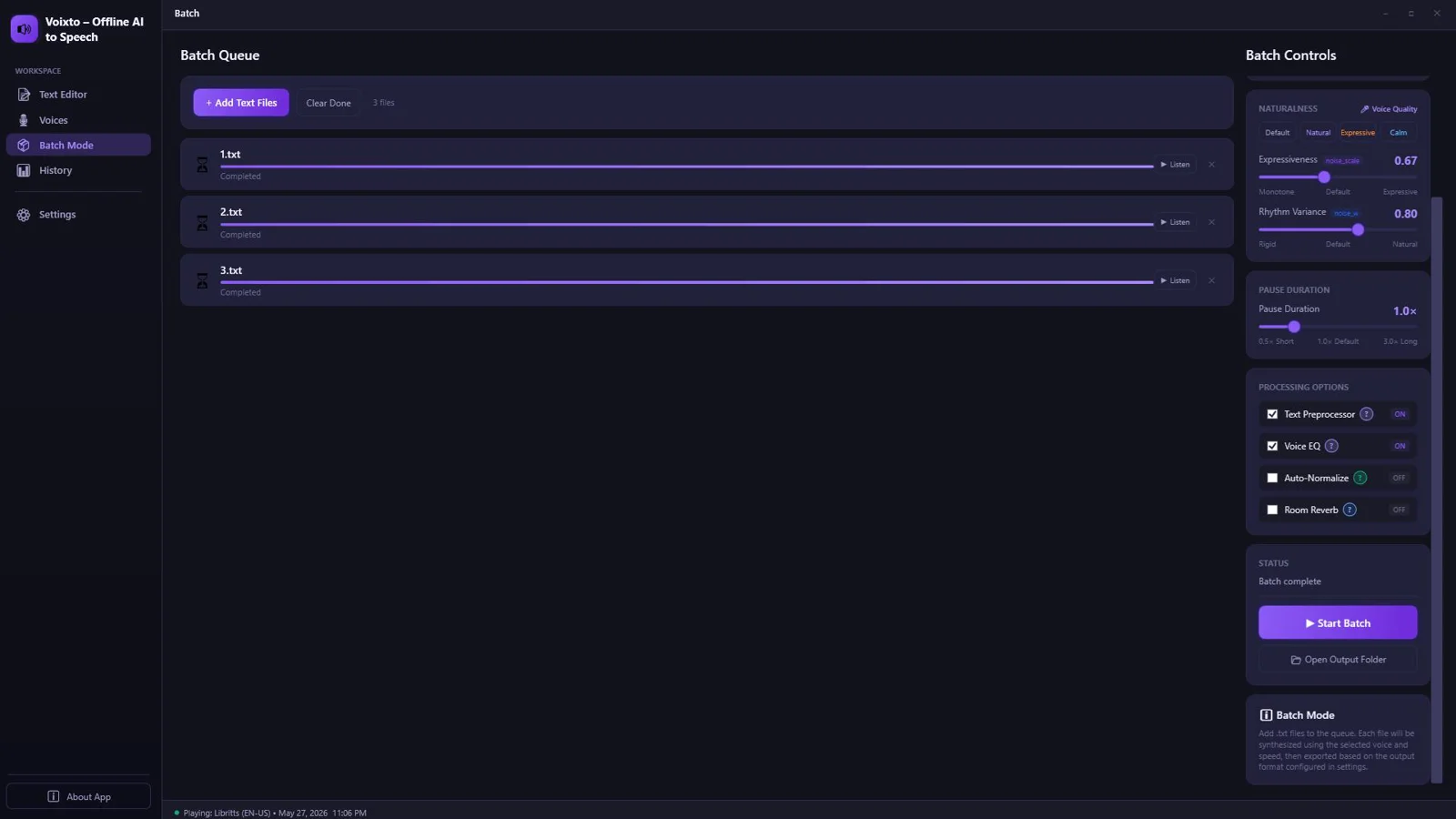
Batch Audio Generation
Process multiple files in one go—perfect for large content libraries and scalable production.
Real‑Time Preview & Playback
Hear edits as you make them to eliminate guesswork and speed up approvals.
Speed, Tone & Expression Controls
Dial in pacing and delivery for the exact mood you want—clear, confident, or conversational.
Advanced Text Processing
Structured parsing ensures clean, consistent speech from varied sources and formats.
Built‑in EQ & Reverb
Polish your audio inside the app—no extra plugins required.
Import TXT, MD, DOCX
Bring in scripts from your favorite editors with seamless file import.
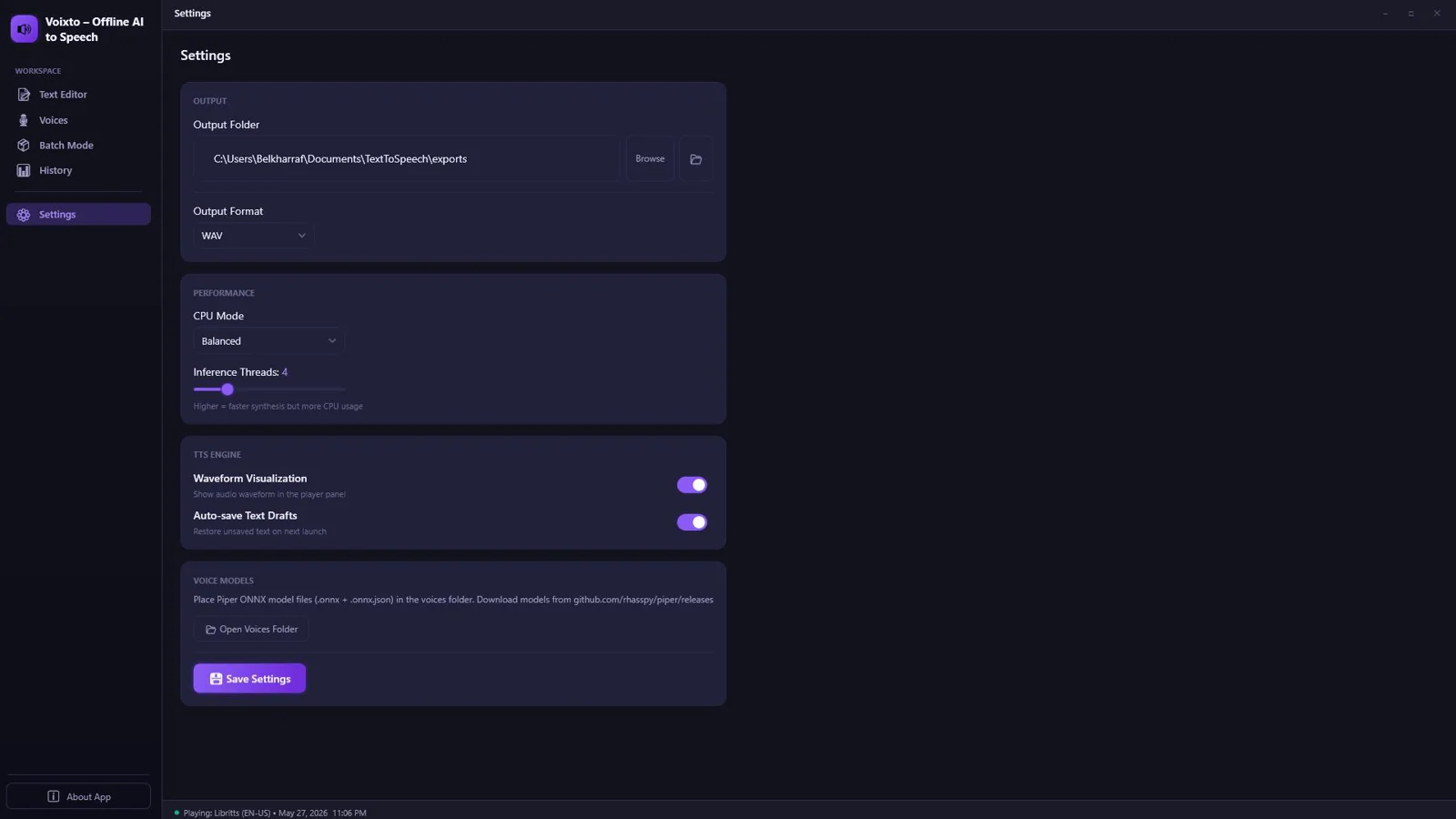
High‑Quality Audio Export
Deliver professional results with crisp, high‑quality output formats ready for publishing.
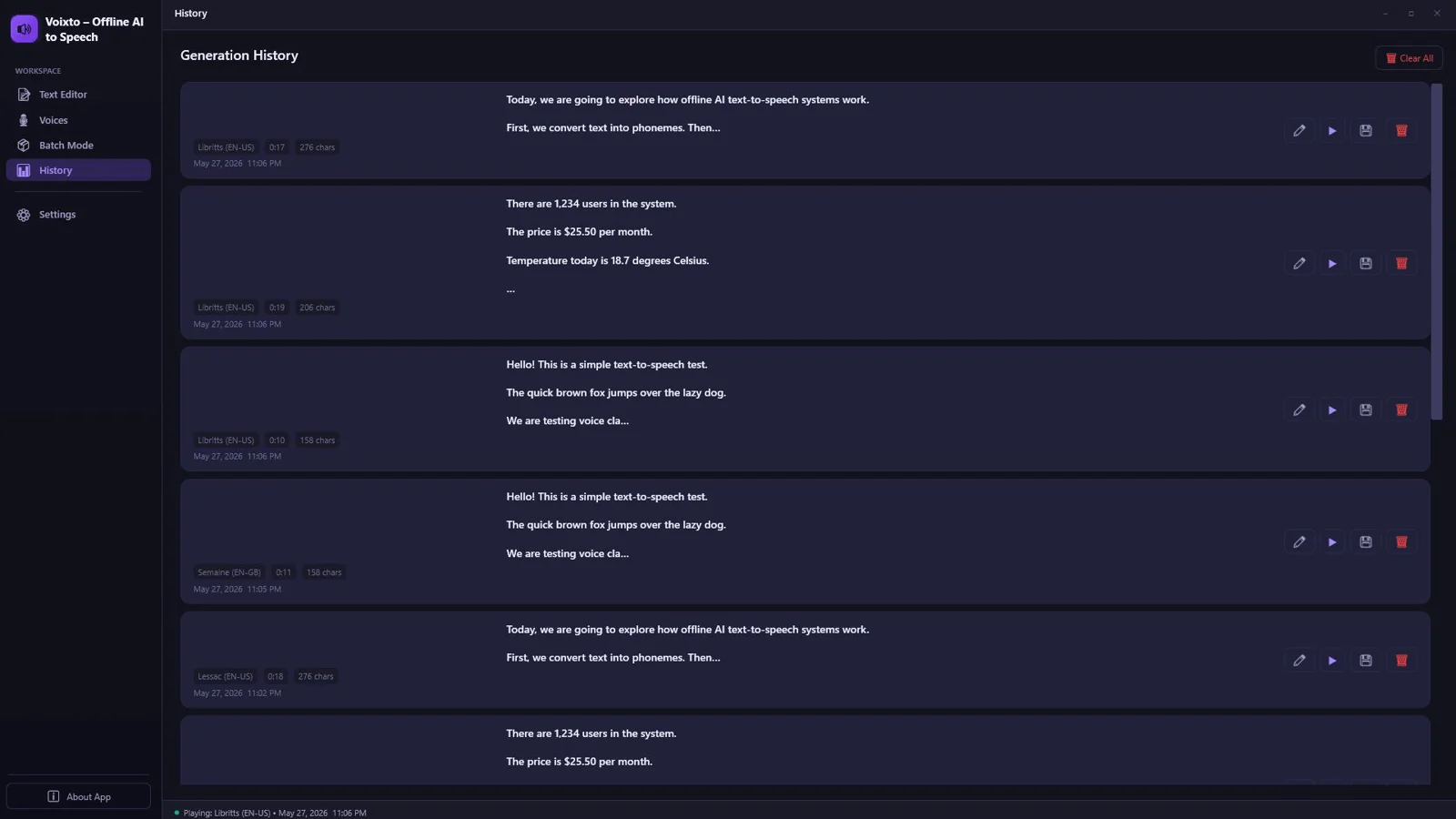
Output History
Access saved renders for quick revisions and consistent versioning.
Modern Dark/Light Interface
A clean, focused desktop UI that keeps you productive in any environment.
No Internet Required After Installation
Work securely and uninterrupted anywhere—travel, studio, or offline environments.
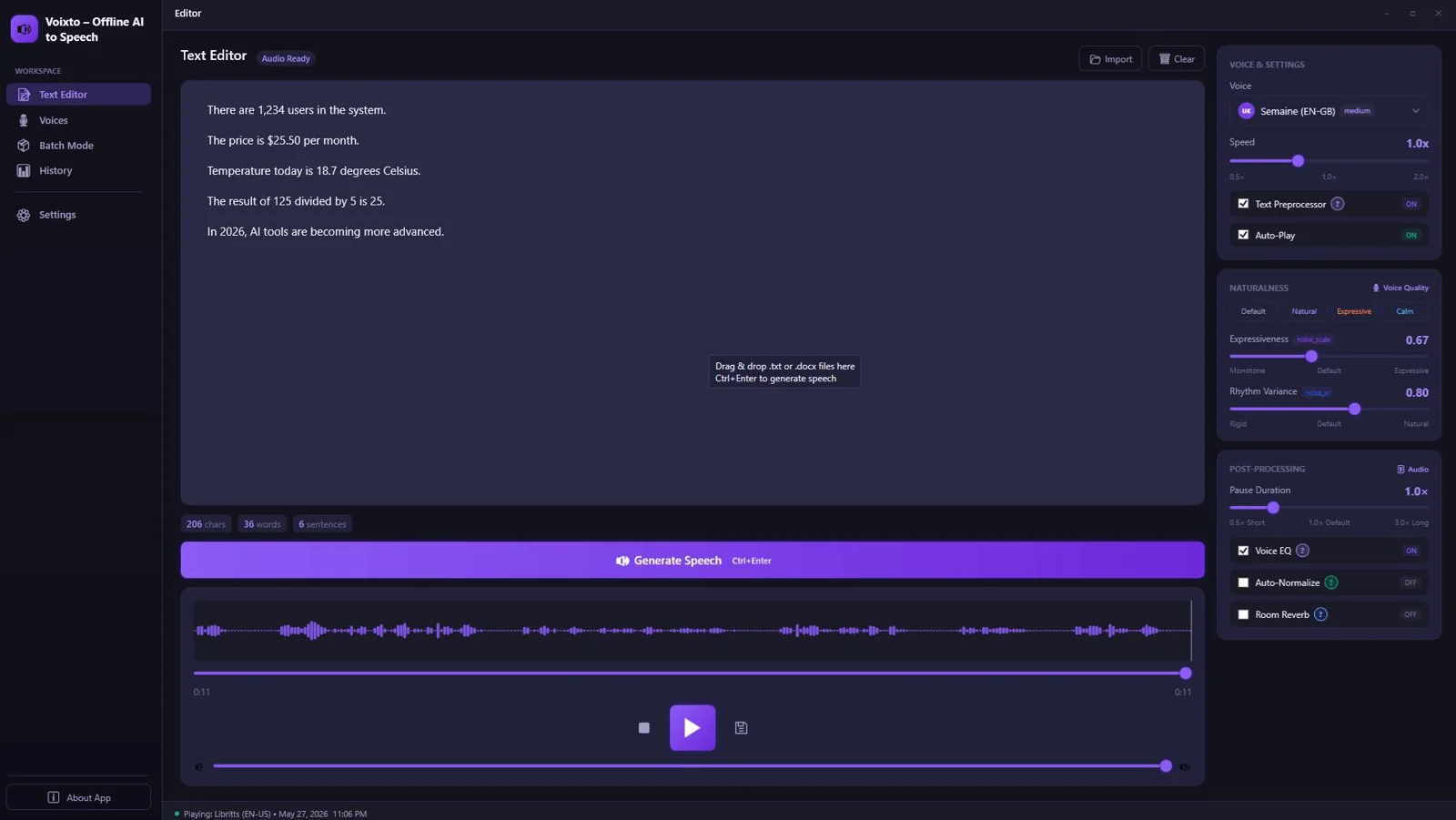
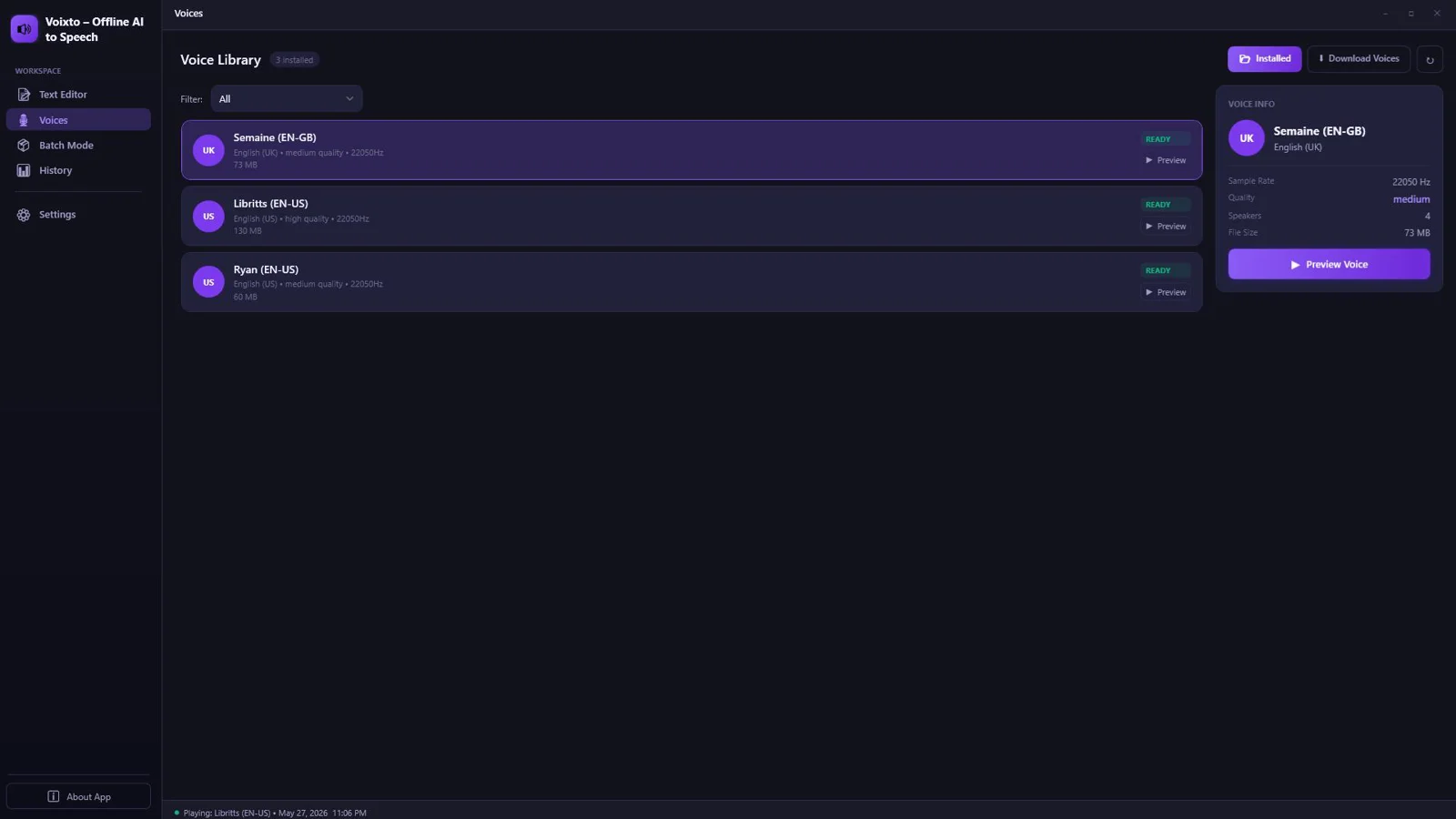
See Voixto - AI Offline Text To Speech in Action
Click on any screenshot to view it in full size
Turn Your Script Into Studio‑Quality Audio—Offline
Start now—no internet required after installation.
Our reputation, built by our users.
Great work and tools
"Great work and tools. Customer service was great!"
I recommand strongly
"Greate tools and support"
Excellent Customer Service
"After signing up and making payment I had a couple of queries... the response was extremely quick."
Stop watching from the sidelines.
Others are banking hundreds of $$$ right now.
When you purchase today, you don't just get a tool—you get a full digital business. With included Full Reseller Rights and your own Private Reseller Panel, you can start selling licenses and keeping 100% of the profit immediately or sell it as a service for your clients.
Simple, One-Time Payment
Get Instant access to Voixto - AI Offline Text To Speech with no recurring fees.
🔥 Limited Offer Ends Soon!
Voixto - AI Offline Text To Speech
- Personel license( 2PCs)
- Free updates and upgrades
- Free customer support (email & chat)
- Commercial use rights
- Instant download access
- Ready-to-sell setup included
- Works on Windows 10/11
- Detailed video tutorials included
- Verified and malware-free software
Frequently Asked Questions
Yes. After installation, the text‑to‑speech engine runs 100% offline, so you can generate voices without an internet connection.
Yes. It’s a Windows desktop application designed for creators, developers, and professionals.
Absolutely. Batch audio generation lets you convert multiple scripts in one run to save serious time.
Yes. You get precise controls for speed, tone, and expression to match any project’s style.
Yes. You can preview and play back in real time to fine‑tune delivery before exporting.
You can import TXT, MD, and DOCX files directly into the app for seamless processing.
You can export in high‑quality audio formats suitable for publishing and editing in standard workflows.
Yes. EQ and reverb controls are included to help you polish your output without external tools.
Recent Purchase
Loading...
Turn Your Script Into Studio‑Quality Audio—Offline
Start now—no internet required after installation.