XtraCSV: Advanced CSV Converter for Instant Bulk Conversion
Batch-convert CSVs to Excel, JSON, SQL, XML, Parquet and more on Windows—without data loss.
See XtraCSV : Advanced CSV Converter in Action
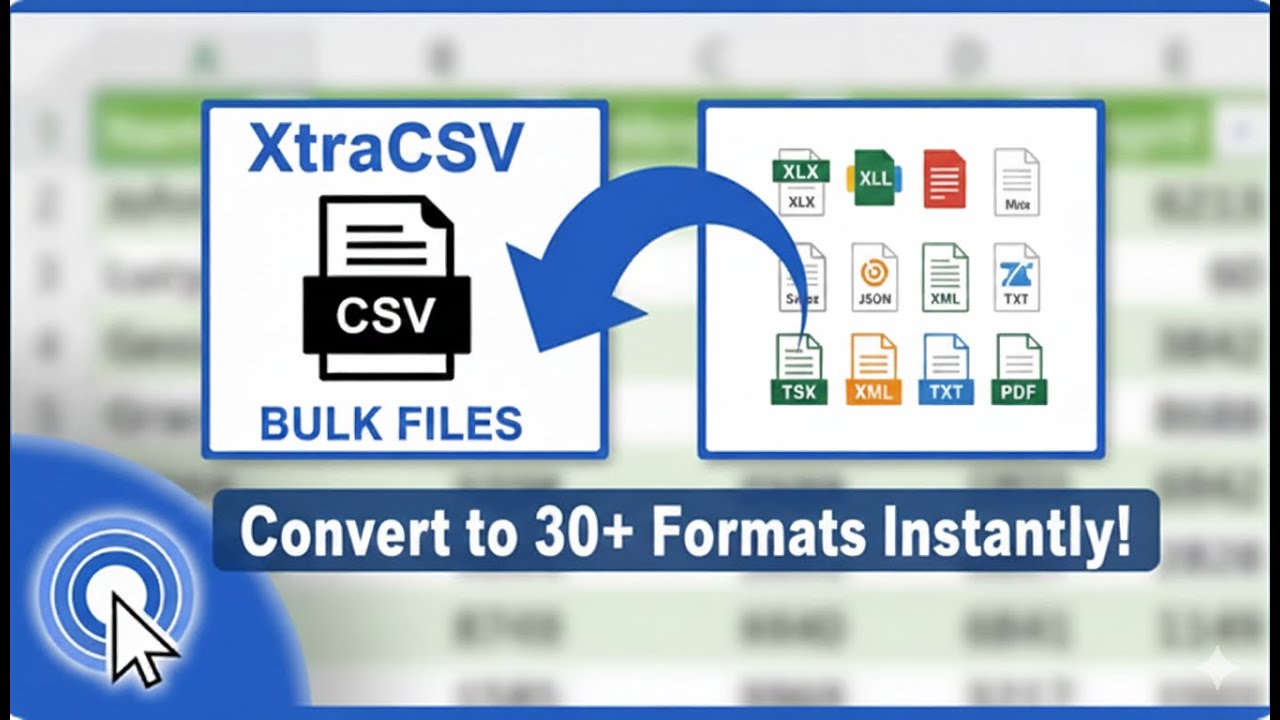
Still wasting hours cleaning and reformatting CSV files?
Broken encodings, mismatched delimiters, and manual copy‑paste are killing your time—and your data quality.
- Manually reformatting CSVs for Excel, JSON, SQL, or XML eats up hours.
- Inconsistent delimiters, quotes, and encodings break imports and exports.
- Large files crash spreadsheets or stall typical converters.
- Repetitive conversion steps make recurring jobs slow and error‑prone.
- Column types don’t map correctly, causing data loss or misreads.
- Different teams need different outputs, forcing multiple versions.
- Merging or splitting CSV files is clunky and unreliable.
- Privacy concerns when tools upload sensitive data to the cloud.
- No easy way to automate conversions from scripts or schedules.
Convert your CSVs now—Get XtraCSV for Windows
Start batch conversion in minutes.

Powerful Features
Everything You Need to Work Smarter, Instantly
One‑Click Batch Conversion
Bulk convert hundreds of CSV files at once—perfect for recurring workflows and bulk processing.
30+ Output Formats
Export to XLS, XLSX, XML, JSON, TXT, TSV, RTF, SQL, PRG, YAML, TOML, BSON, MESSAGE_PACK, PROTOBUF, NUMBERS, GOOGLE_SHEETS, SAS, SPSS, STATA, R_DATA, MATLAB, HTML, MARKDOWN, LATEX, ODT, PROPERTIES, KML, HDF5, NETCDF, FITS, FEATHER, VCF, ICS, XLIFF.
Smart Mapping & Data Types
Define column types, rename headers, and save mapping profiles so every conversion is consistent and accurate.
Auto‑Detect Delimiters & Encodings
Automatically detects commas, tabs, semicolons, quotes, and UTF encodings to prevent broken characters and fields.
Large File Engine
Optimized processing handles millions of rows without choking—built for real‑world, high‑volume datasets.
Private & Offline
XtraCSV runs locally on Windows. Your data never leaves your machine, keeping sensitive files secure.
See XtraCSV : Advanced CSV Converter in Action
Click on any screenshot to view it in full size
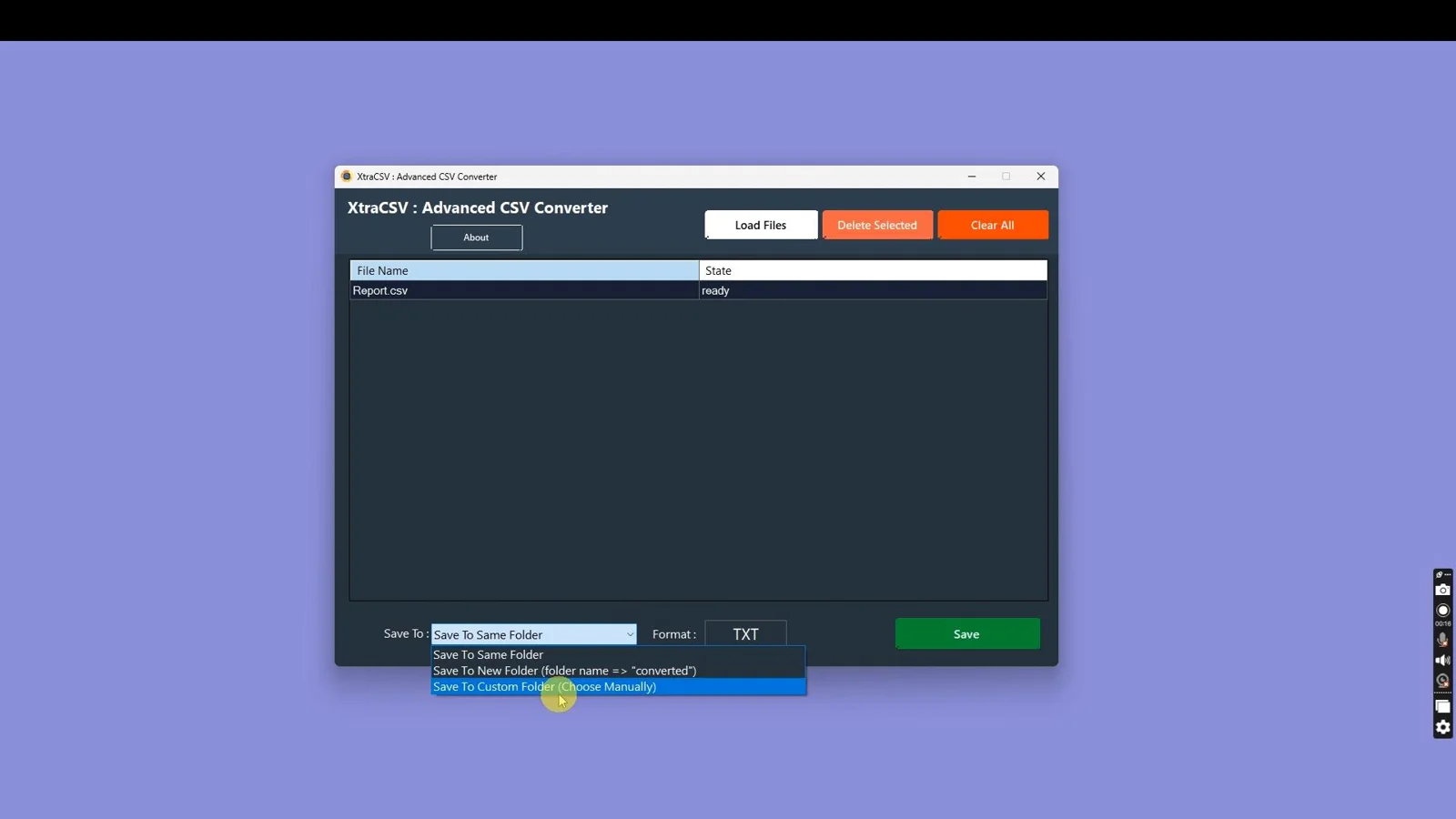
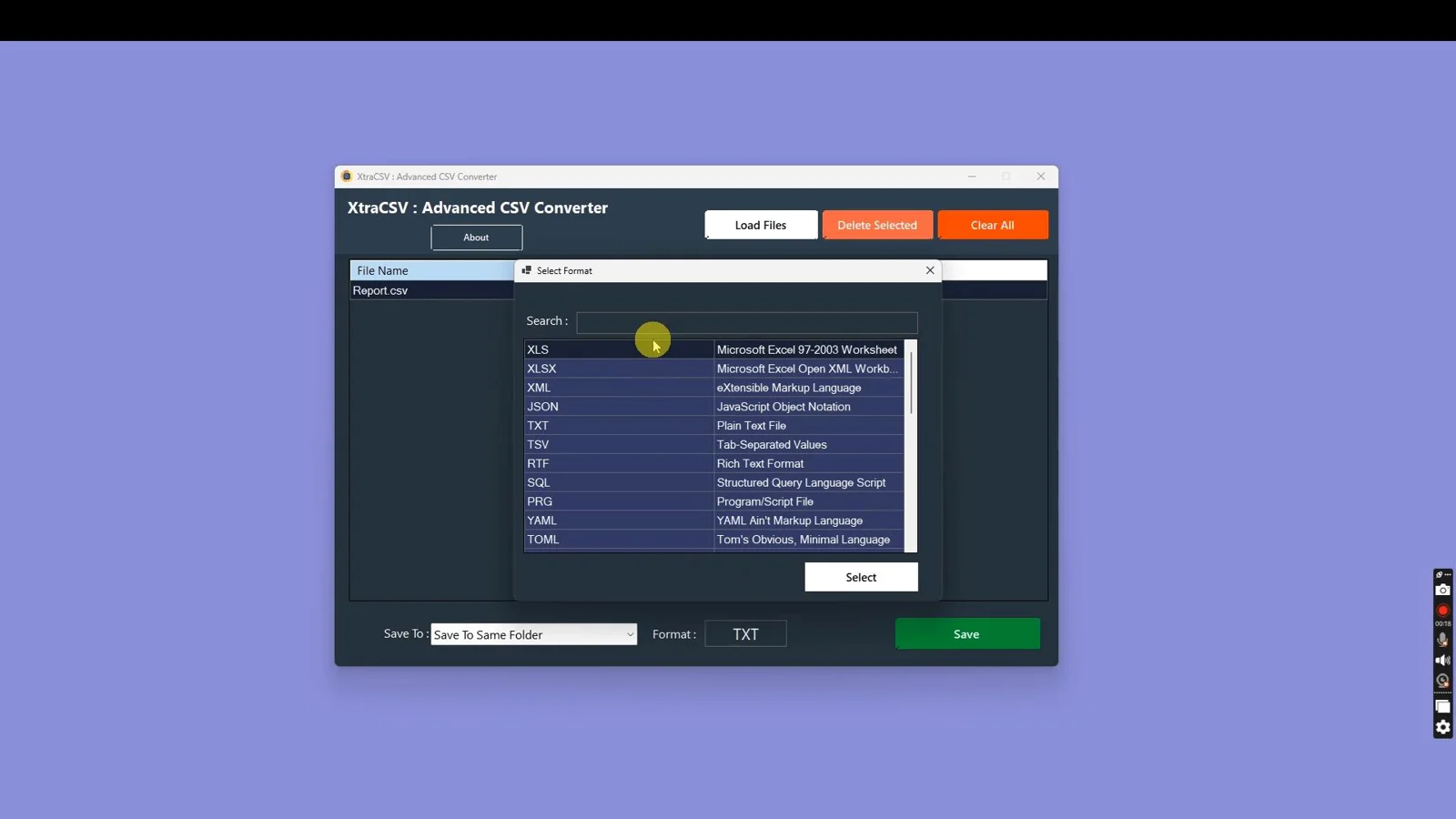
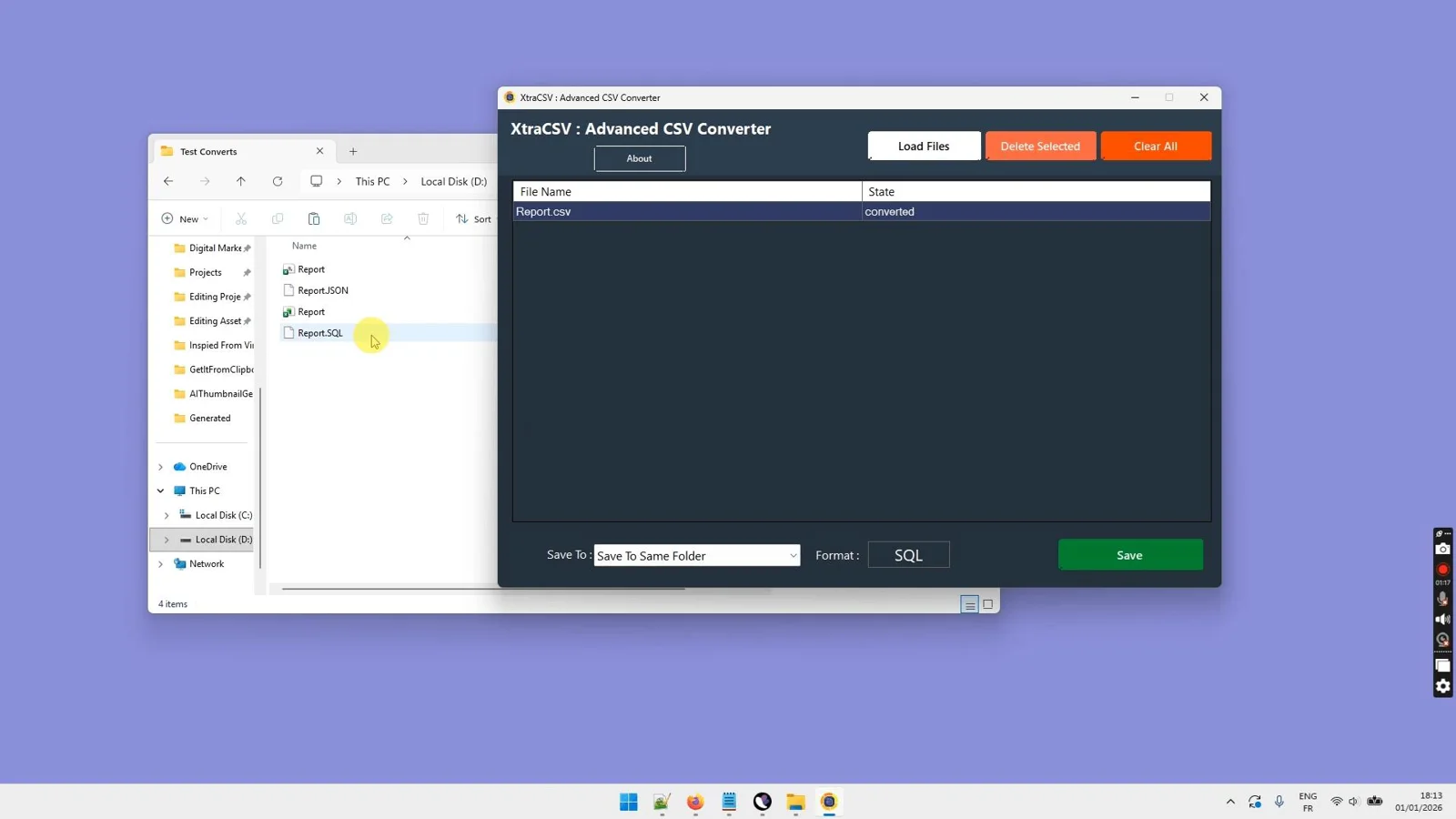
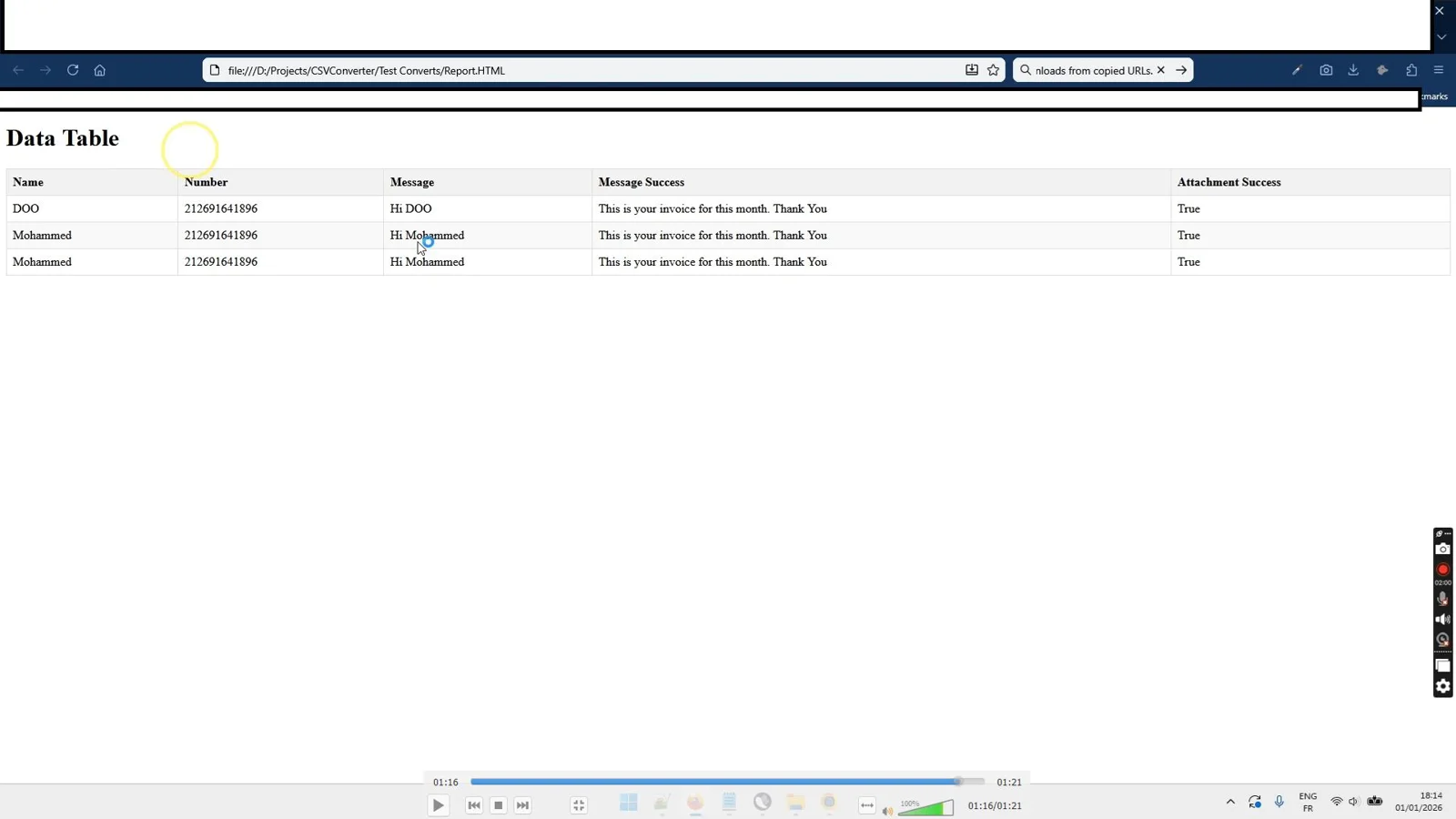
Convert your CSVs now—Get XtraCSV for Windows
Start batch conversion in minutes.
Our reputation, built by our users.

Great work and tools
"Great work and tools. Customer service was great!"
I recommand strongly
"Greate tools and support"
Excellent Customer Service
"After signing up and making payment I had a couple of queries... the response was extremely quick."
Stop watching from the sidelines.
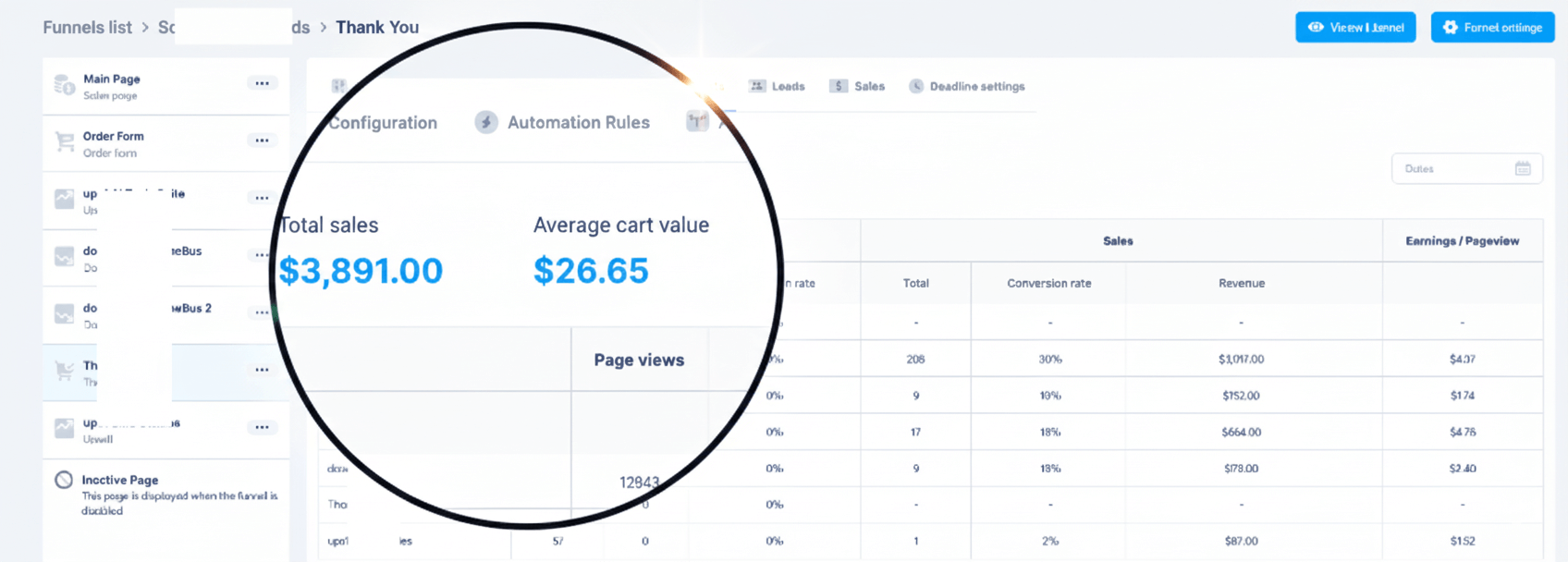
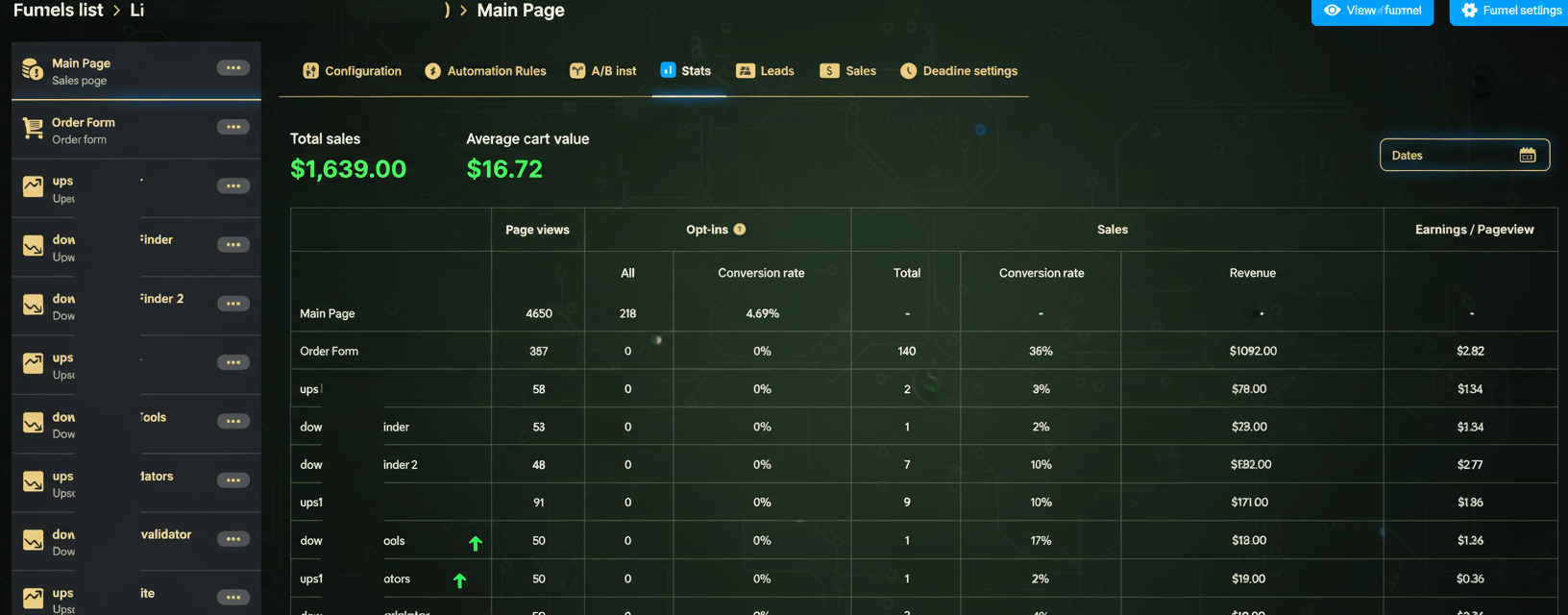
Others are banking hundreds of $$$ right now.
When you purchase today, you don't just get a tool—you get a full digital business. With included Full Reseller Rights and your own Private Reseller Panel, you can start selling licenses and keeping 100% of the profit immediately or sell it as a service for your clients.
Simple, One-Time Payment
Get Instant access to XtraCSV : Advanced CSV Converter with no recurring fees.
🔥 Limited Offer Ends Soon!
XtraCSV : Advanced CSV Converter
- Personel license( 2PCs)
- Free updates and upgrades
- Free customer support (email & chat)
- Commercial use rights
- Instant download access
- Ready-to-sell setup included
- Works on Windows 10/11
- Detailed video tutorials included
- Verified and malware-free software
Frequently Asked Questions
XtraCSV supports 30+ outputs : XLS, XLSX, XML, JSON, TXT, TSV, RTF, SQL, PRG, YAML, TOML, BSON, MESSAGE_PACK, PROTOBUF, NUMBERS, GOOGLE_SHEETS, SAS, SPSS, STATA, R_DATA, MATLAB, HTML, MARKDOWN, LATEX, ODT, PROPERTIES, KML, HDF5, NETCDF, FITS, FEATHER, VCF, ICS, XLIFF.
Yes. XtraCSV is built for Windows and works great on Windows 10 and Windows 11. It runs entirely offline on your PC.
Absolutely. The large file engine is optimized for high‑row counts and bulk processing. Actual limits depend on your system’s RAM and disk space.
Yes. You can drag-and-drop folders for bulk conversion or use the command‑line interface (CLI) to automate recurring jobs.
XtraCSV auto‑detects delimiters and encodings and lets you map column types explicitly. Save profiles to keep outputs consistent across runs.
No. XtraCSV works 100% offline on Windows. Your files are processed locally for speed and privacy.
Recent Purchase
Loading...
Convert your CSVs now—Get XtraCSV for Windows
Start batch conversion in minutes.