Own Your Security with an Offline Password Manager
AES-256 encrypted Windows vault with instant search, fuzzy matching, and global hotkeys.
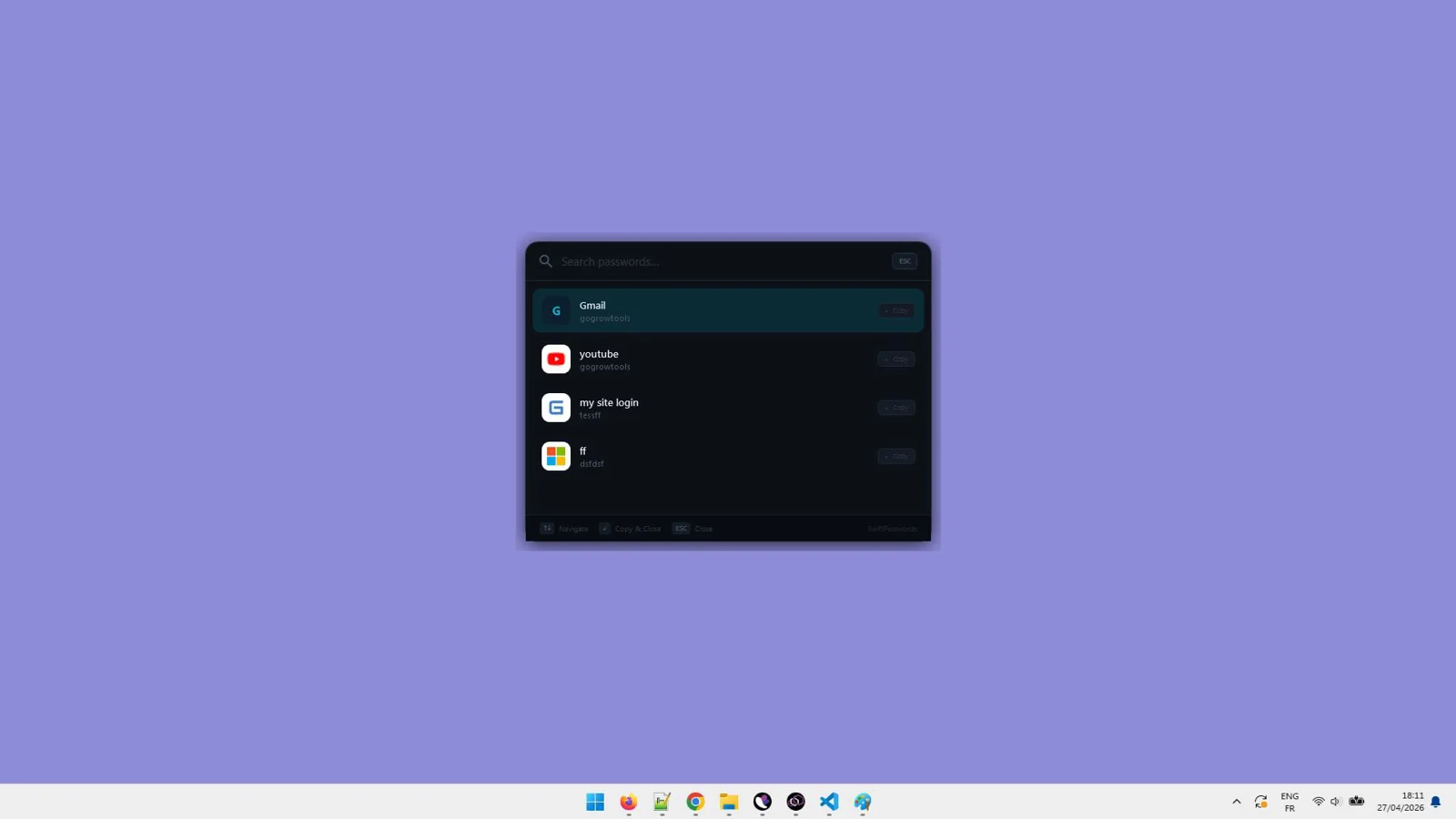
See SwiftPasswords : Offline Password Manager in Action
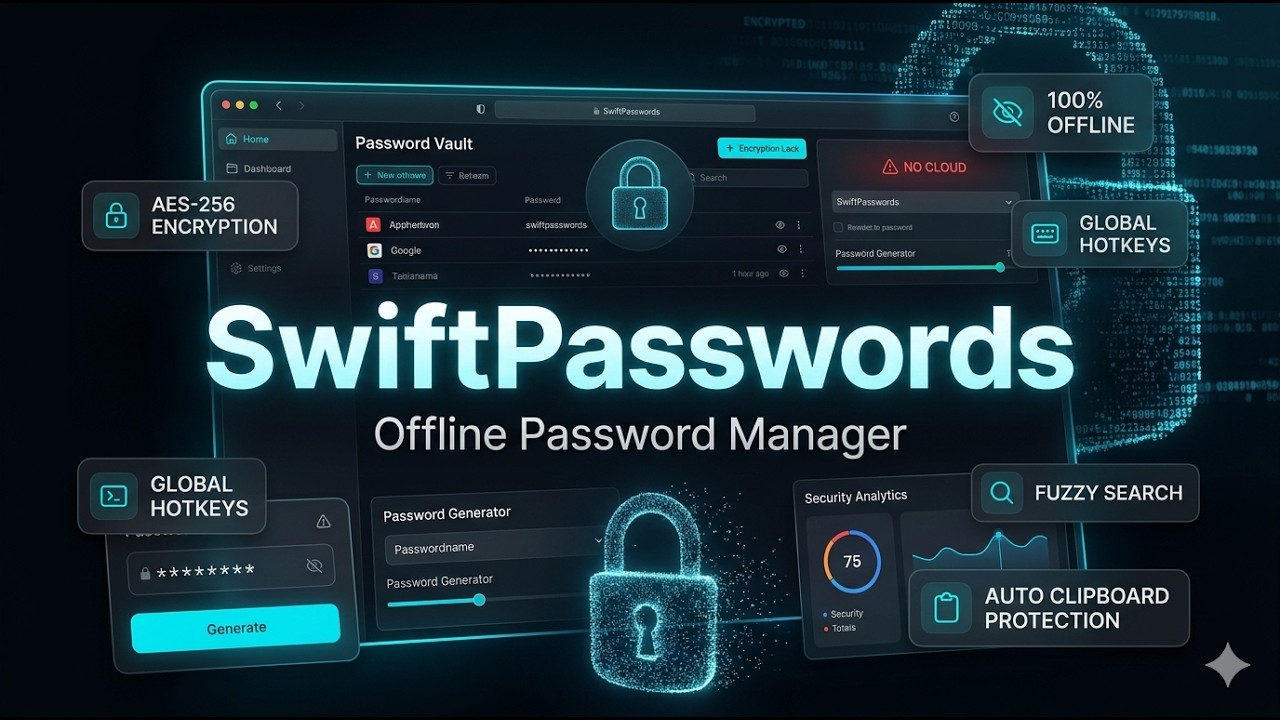
Sick of trusting your passwords to the cloud?
Breaches, subscriptions, and silent tracking shouldn’t stand between you and your logins.
- Cloud breaches and third-party tracking put sensitive credentials at risk.
- Slow, cluttered tools make it hard to find passwords when you need them.
- Forced accounts and monthly fees just to protect your own data.
- Clipboard snooping and screenshots can expose copied passwords.
- Typos and fuzzy memories waste time hunting the right entry.
- No clear view of most-used or recently accessed logins.
- Importing from CSV/JSON can feel error-prone and tedious.
- One wrong click can delete or overwrite changes without a safety net.
Secure your passwords offline—start now
Download for Windows 10/11 — no accounts, no subscriptions.

Powerful Features
Everything You Need to Work Smarter, Instantly
100% Offline Storage
Your entire vault lives on your Windows device—no servers, no syncing, no data leaving your computer.
AES-256 Encrypted Vault
Protect every credential with military-grade encryption for strong, local security.
Lightning-Fast Access
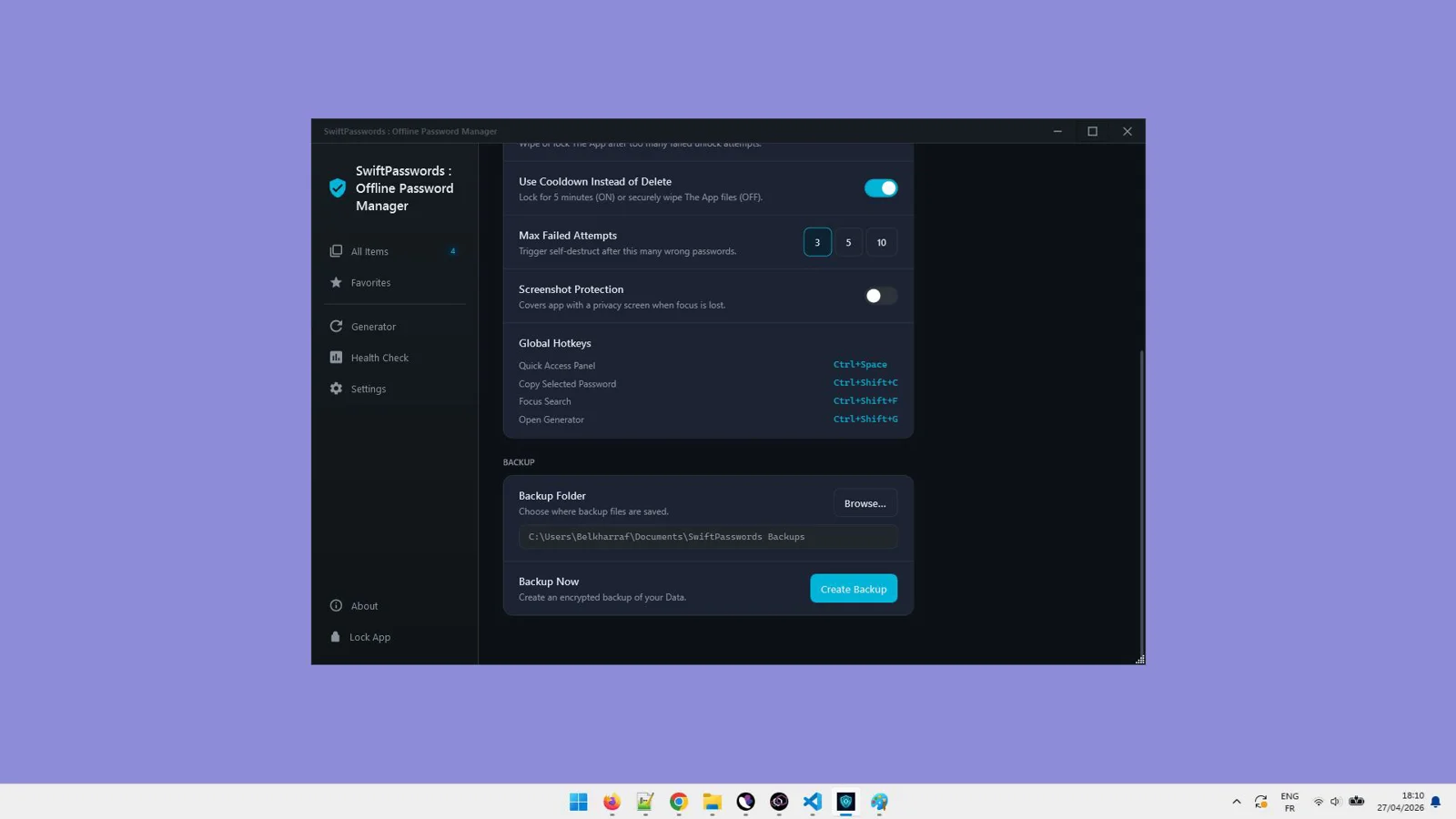
Find logins instantly with blazing search speed and global hotkeys for rapid actions.
Smart Fuzzy Search
Locate entries even with typos or partial matches, so you never stall on a login.
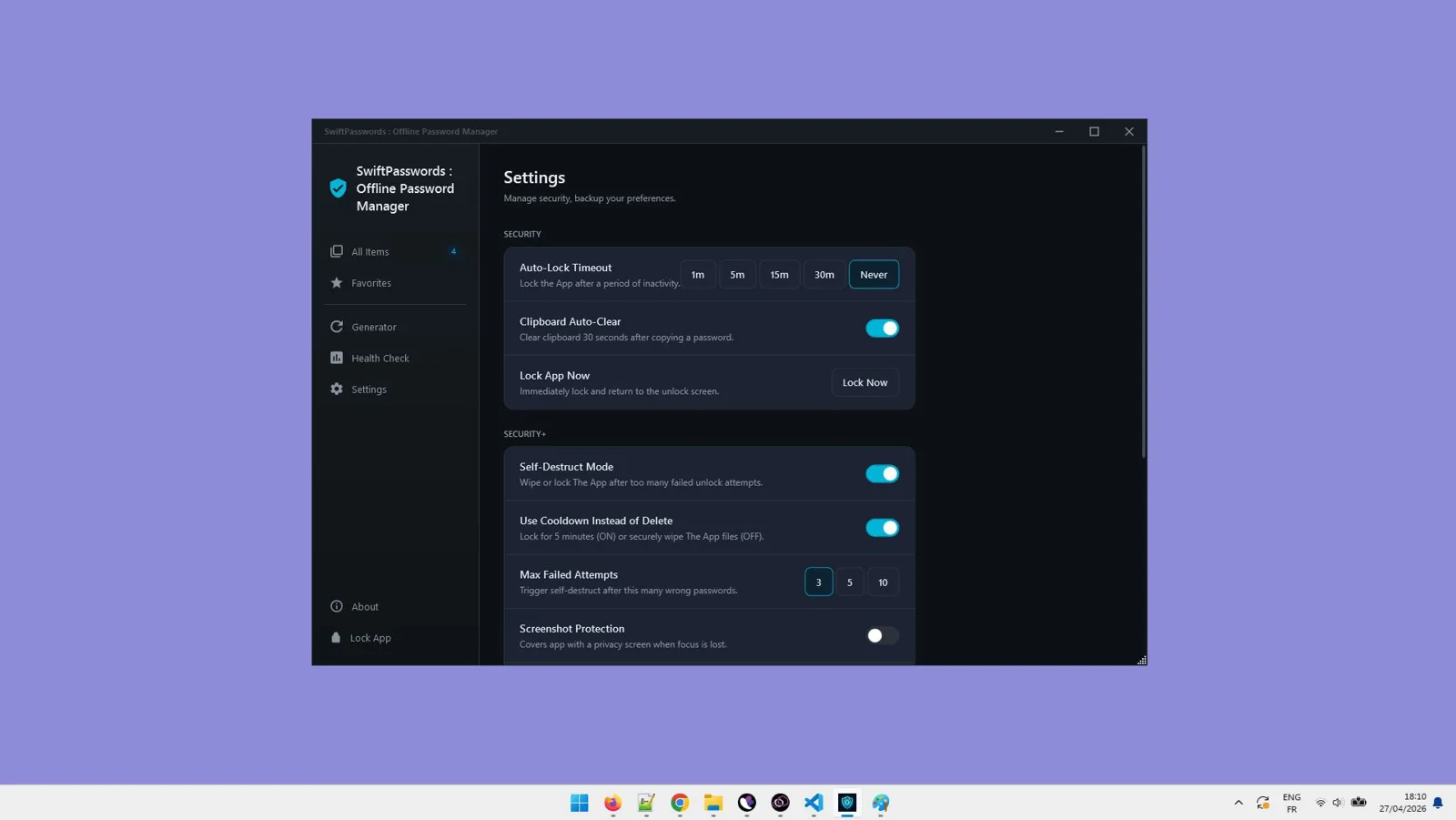
Advanced Privacy Controls
Clipboard auto-obfuscation and screenshot shielding reduce exposure while you work.
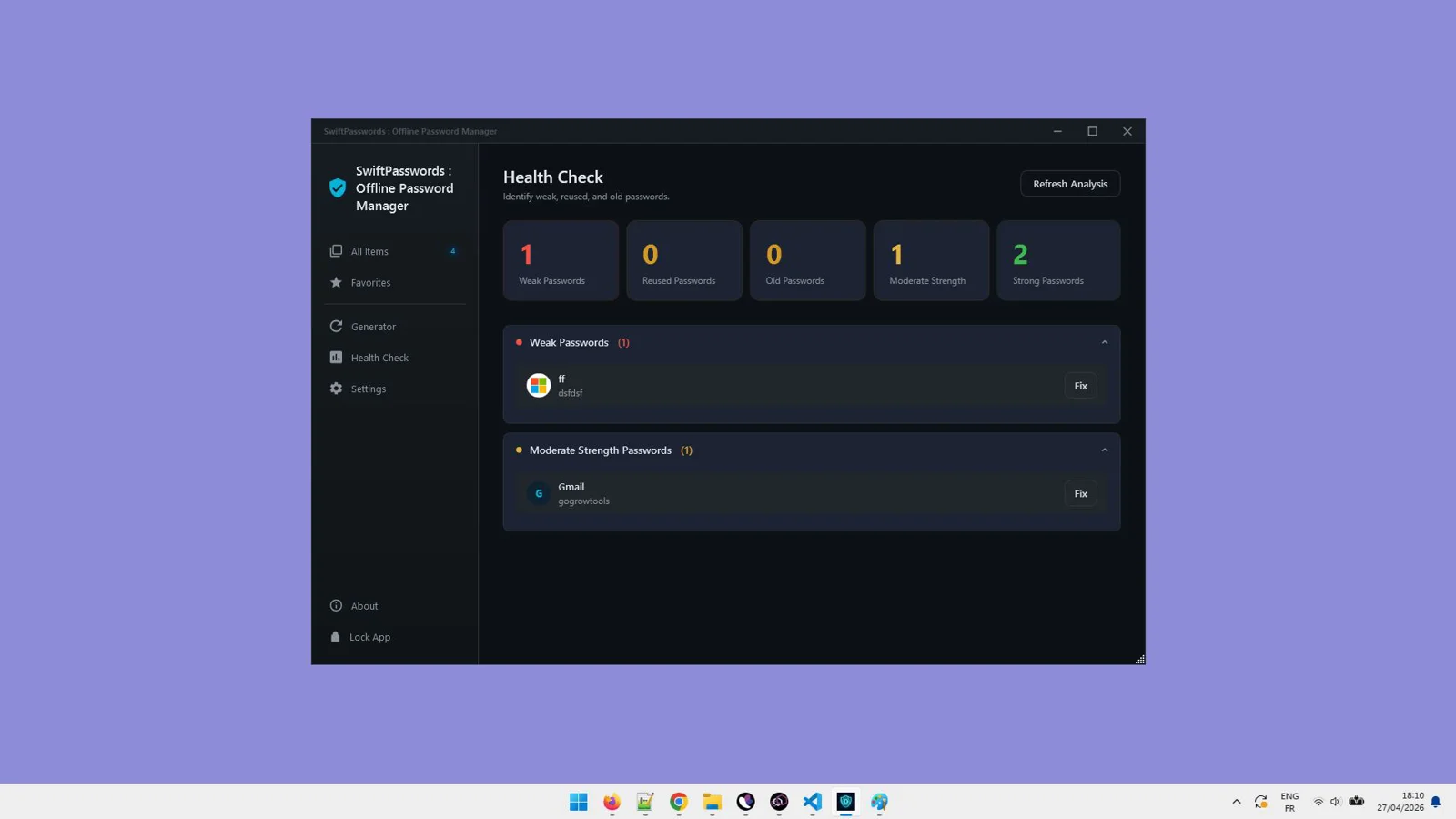
Usage Insights
See your most-used and recently accessed entries to streamline daily workflows.
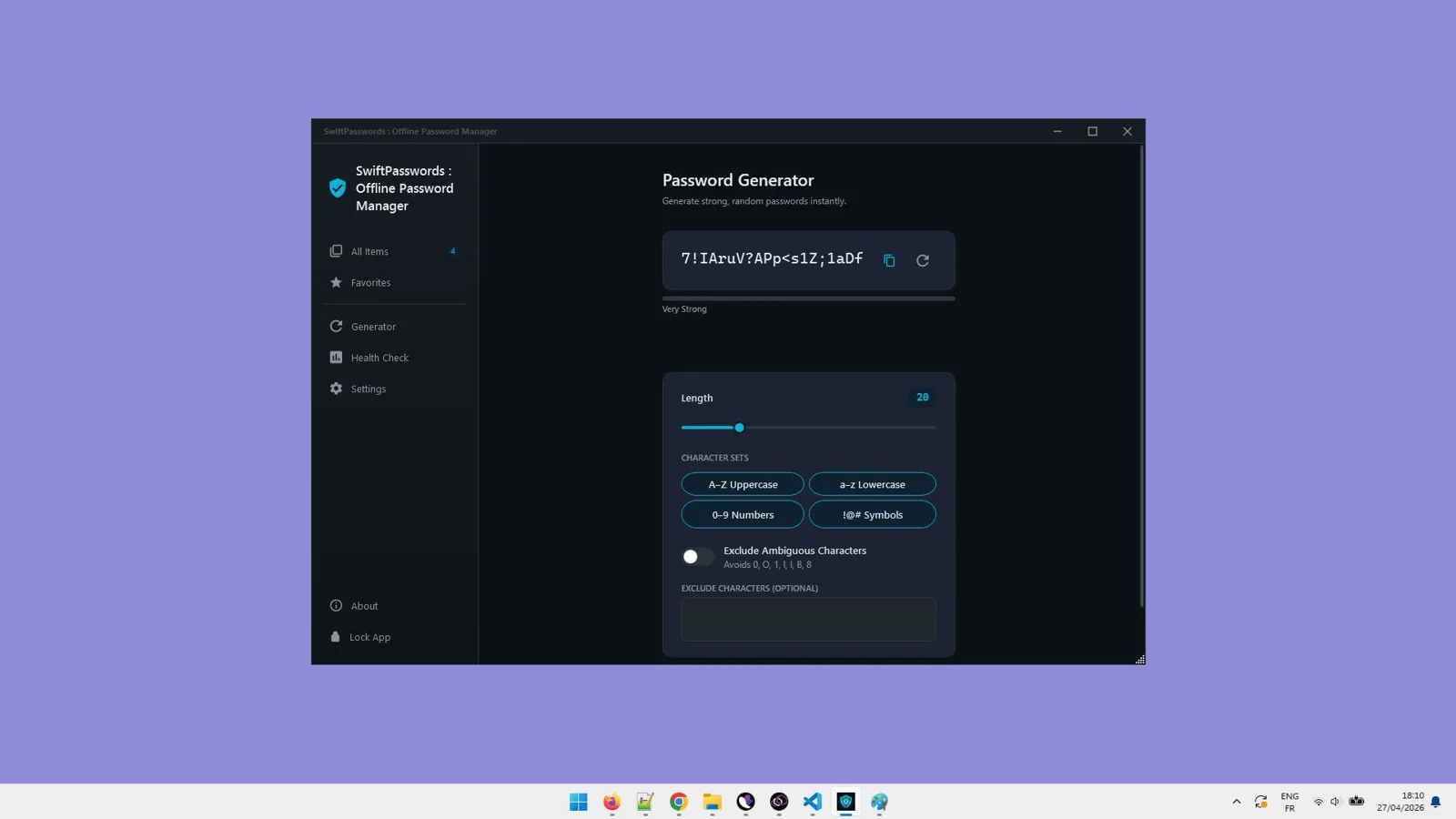
Password Generator & Passphrase Creator
Create strong, unique passwords or memorable passphrases in seconds.
Self-Destruct Mode (Optional)
Add an extra layer of defense with a vault self-destruct option for extreme scenarios.
Vault Activity Timeline
Track created, edited, and viewed entries for clear context and accountability.
Multi-Select Bulk Actions
Move, delete, or tag multiple items at once to organize faster.
Drag & Drop Import (CSV / JSON)
Quickly bring in existing credentials with simple, reliable importing.
Offline Favicon Extraction
Automatically cache site icons locally for a clean, scannable vault.
Undo / Redo Safety Net
Edit with confidence and roll back changes instantly.
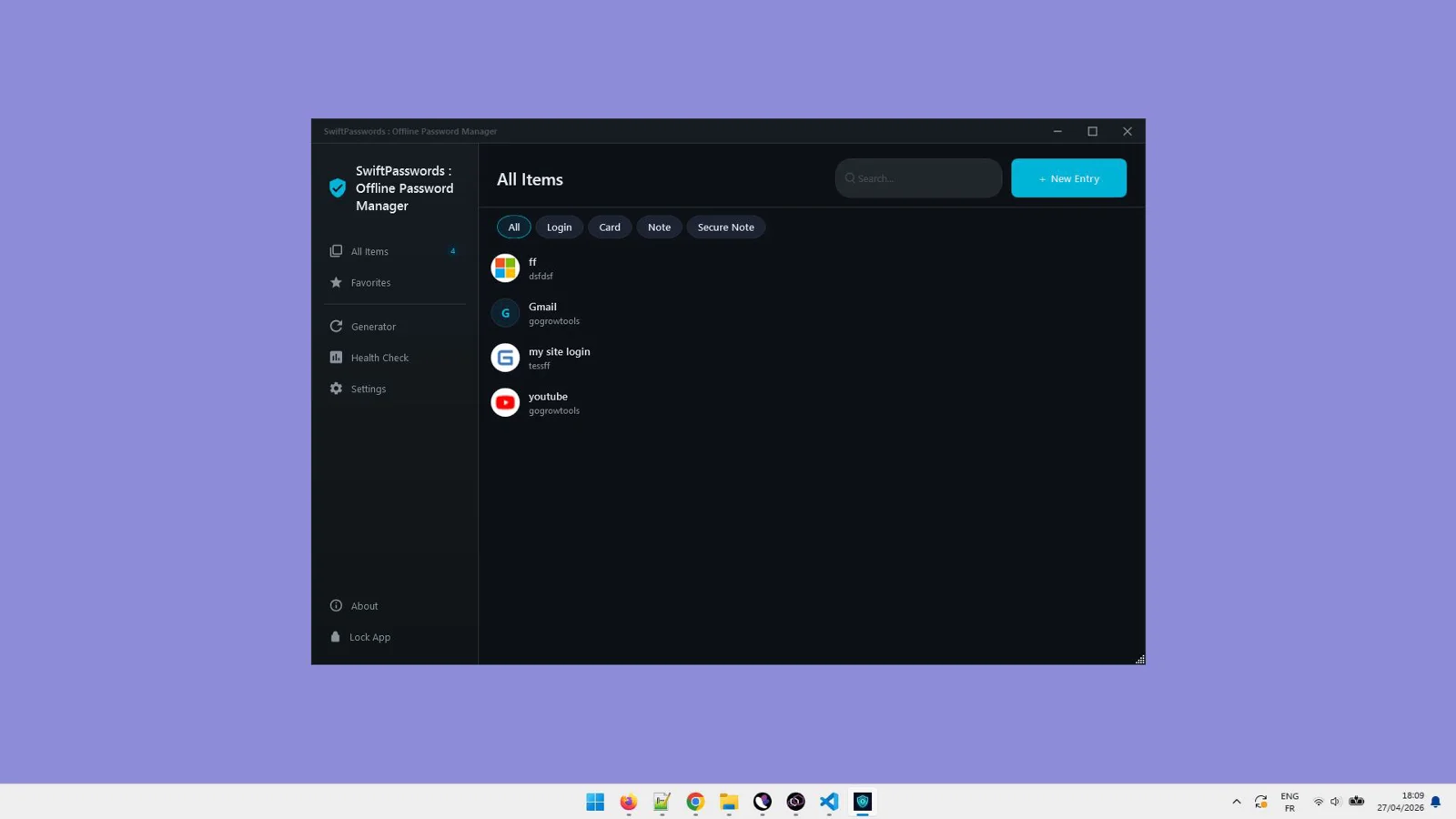
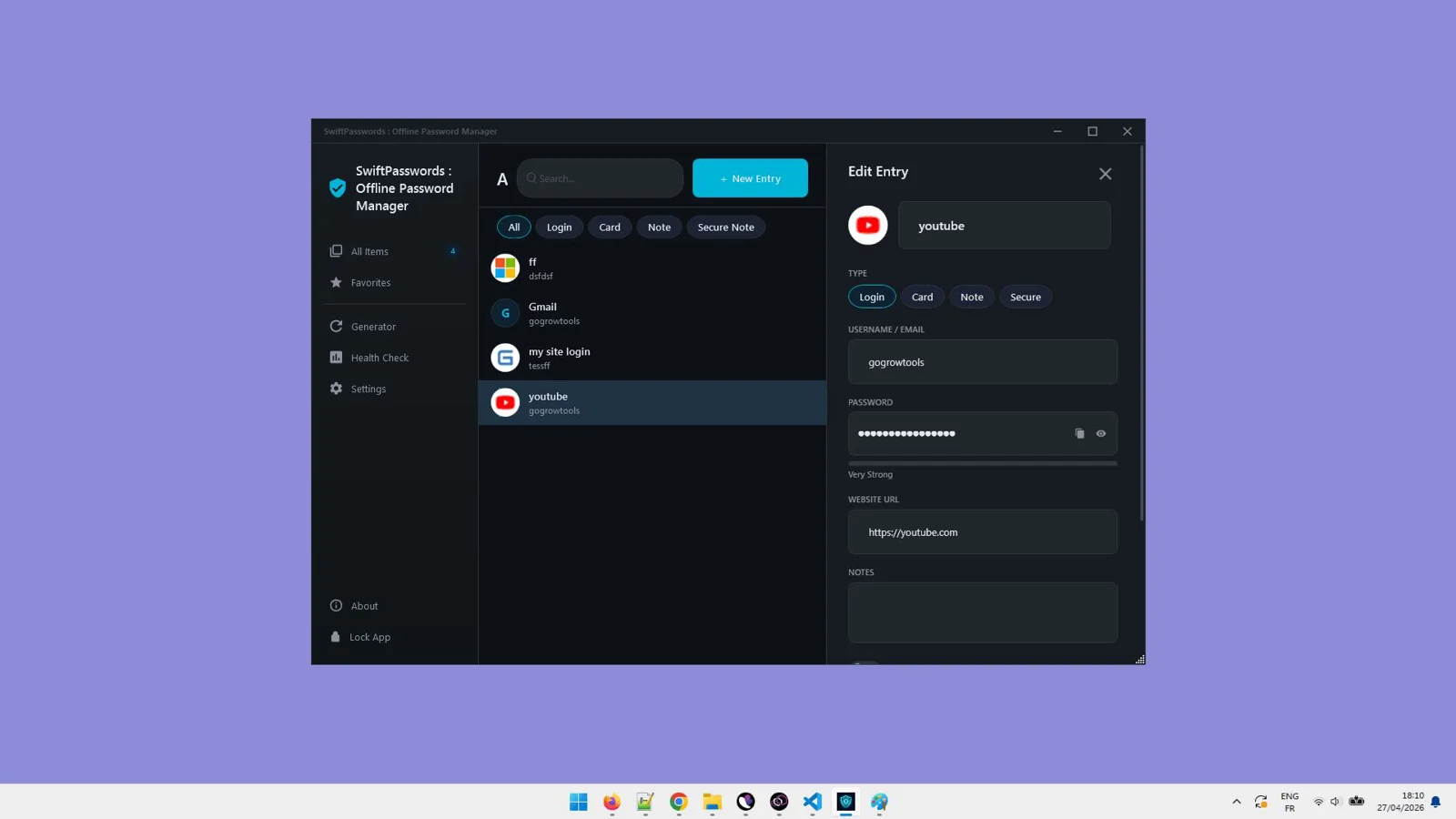
See SwiftPasswords : Offline Password Manager in Action
Click on any screenshot to view it in full size
Secure your passwords offline—start now
Download for Windows 10/11 — no accounts, no subscriptions.
Our reputation, built by our users.

Great work and tools
"Great work and tools. Customer service was great!"
I recommand strongly
"Greate tools and support"
Excellent Customer Service
"After signing up and making payment I had a couple of queries... the response was extremely quick."
Stop watching from the sidelines.
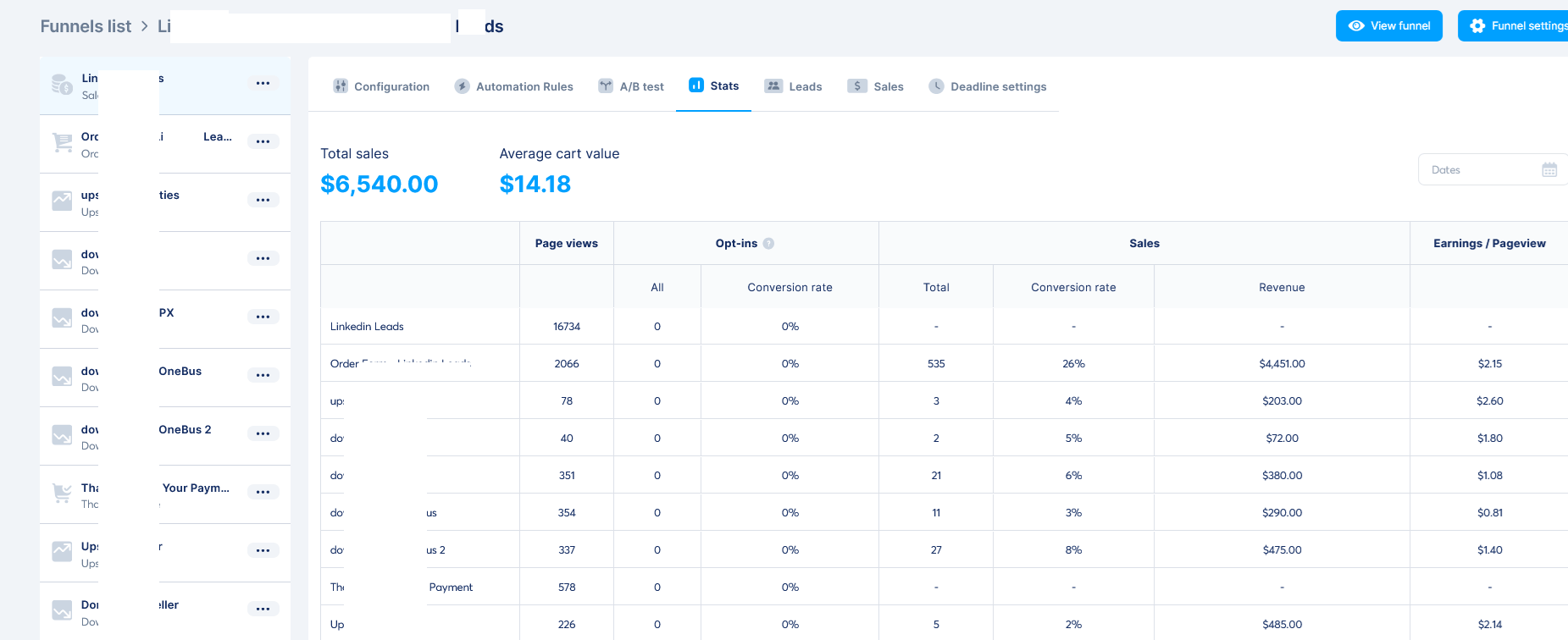
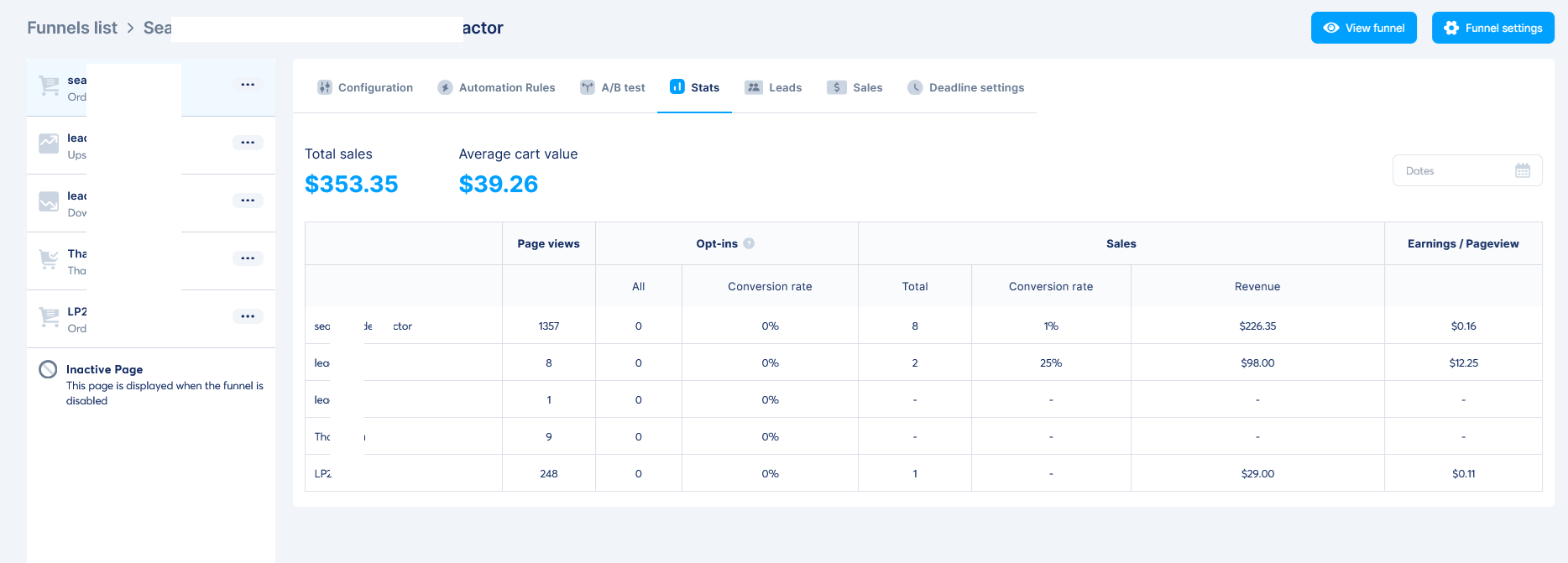
Others are banking hundreds of $$$ right now.
When you purchase today, you don't just get a tool—you get a full digital business. With included Full Reseller Rights and your own Private Reseller Panel, you can start selling licenses and keeping 100% of the profit immediately or sell it as a service for your clients.
Simple, One-Time Payment
Get Instant access to SwiftPasswords : Offline Password Manager with no recurring fees.
🔥 Limited Offer Ends Soon!
SwiftPasswords : Offline Password Manager
- Personel license( 2PCs)
- Free updates and upgrades
- Free customer support (email & chat)
- Commercial use rights
- Instant download access
- Ready-to-sell setup included
- Works on Windows 10/11
- Detailed video tutorials included
- Verified and malware-free software
Frequently Asked Questions
It’s 100% offline. Your encrypted vault is stored locally on your Windows device, so there are no servers, syncing, or third-party access—dramatically reducing exposure to breaches and tracking.
SwiftPasswords is a Windows desktop app built for Windows 10 and Windows 11.
Your vault is secured with AES-256 encryption. Because everything stays local and no external APIs are used, your data never leaves your computer.
Yes. Use drag-and-drop import for CSV or JSON files to bring your credentials into the local vault quickly.
No accounts, no subscriptions, and no external services are required—just download and manage your passwords locally.
Because the vault is fully offline and strongly encrypted, a lost vault password cannot be recovered. Store your vault password securely and make regular local backups.
Recent Purchase
Loading...
Secure your passwords offline—start now
Download for Windows 10/11 — no accounts, no subscriptions.