Bulk file renaming, done in seconds
Rule-based automation for Windows with live preview and safe undo

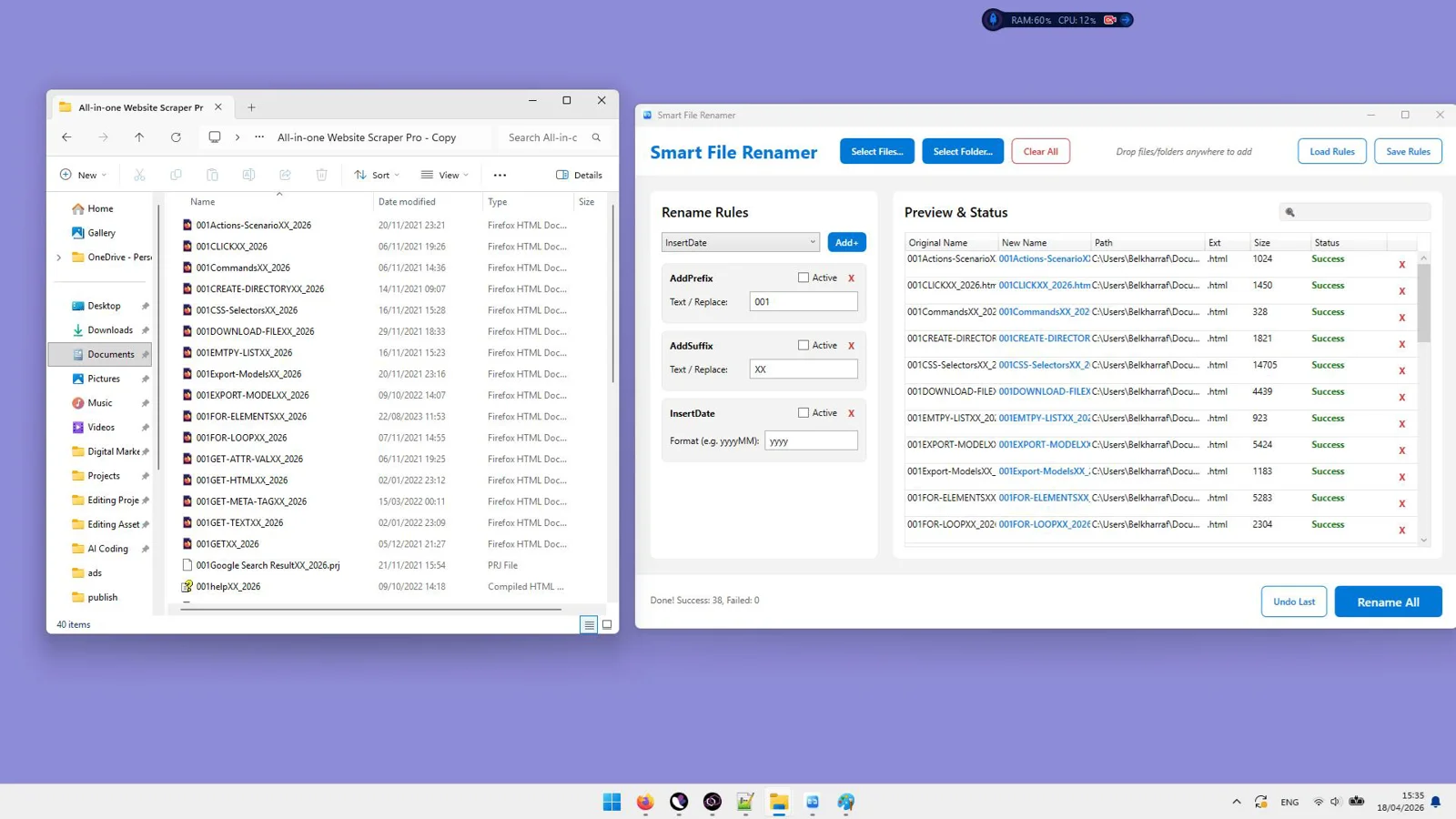
See Smart File Renamer in Action
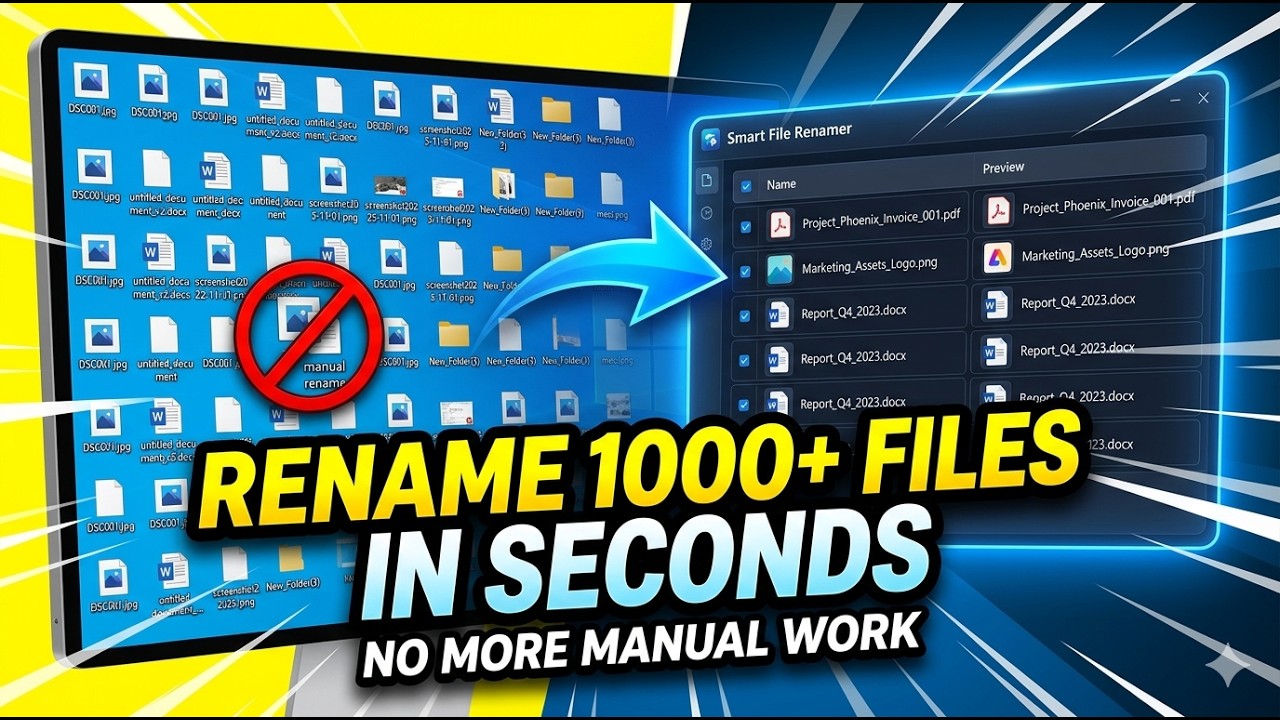
Drowning in messy, inconsistent file names?
Stop wasting hours renaming by hand and risking costly mistakes.
- Manually renaming hundreds of files is slow and error-prone.
- Inconsistent naming makes projects hard to search and organize.
- No easy way to add prefixes, suffixes, or remove unwanted text at scale.
- Struggling with regex or complex patterns without a preview.
- Case mismatches (UPPERCASE, lowercase, Title Case) across folders.
- Duplicate or conflicting file names causing overwrites.
- Renaming across subfolders takes too much time.
- Fear of making irreversible changes without a safe undo.
- Repeating the same steps for new projects with no reusable presets.
Rename thousands of files in minutes—start now
Fast, reversible, and accurate — preview every change before you commit.

Powerful Features
Everything You Need to Work Smarter, Instantly
Bulk File Processing
Rename hundreds or thousands of files at once. Select individual files or import full folders, including subfolders, using a high-speed batch engine.
Advanced Rule-Based System
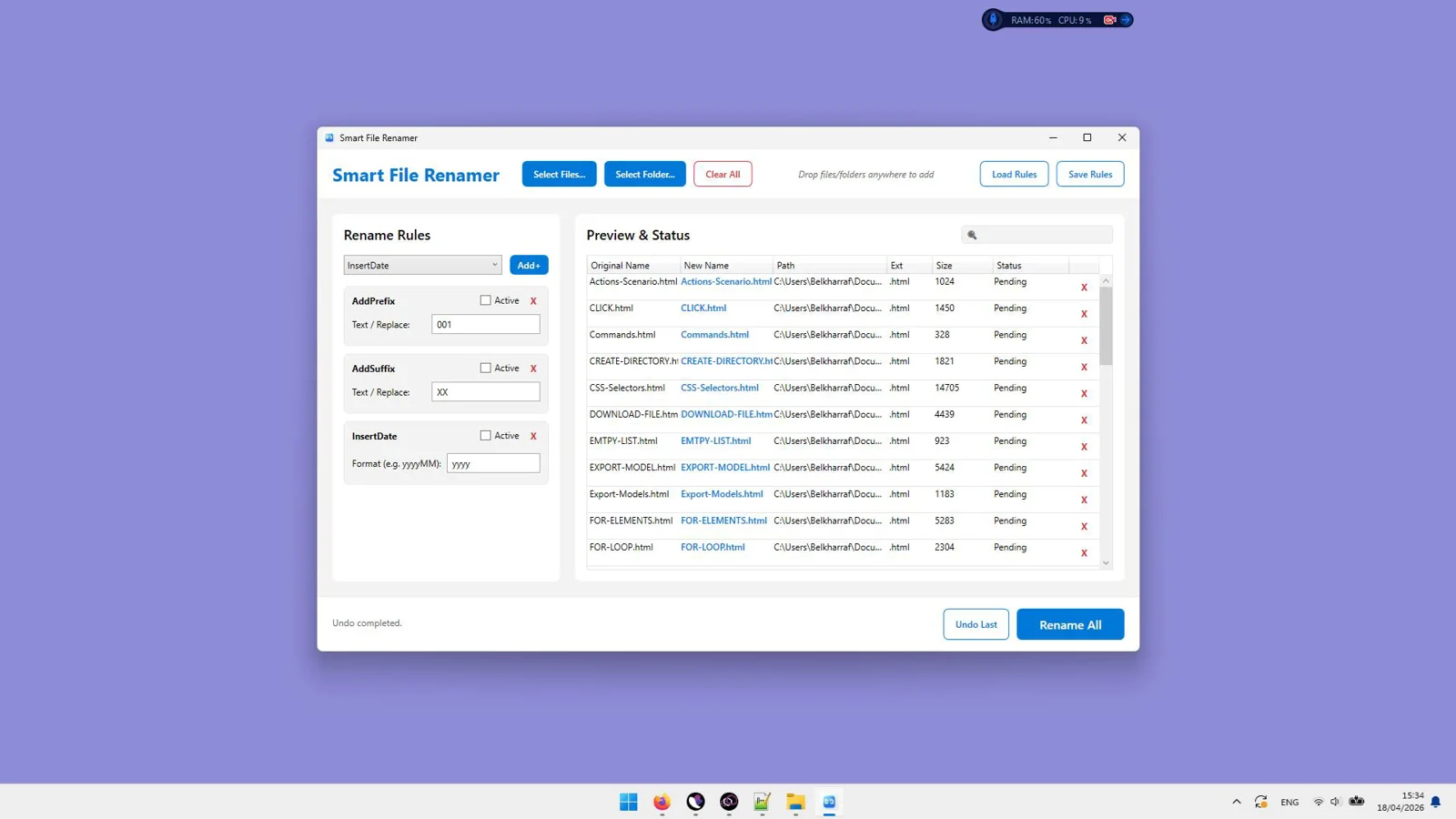
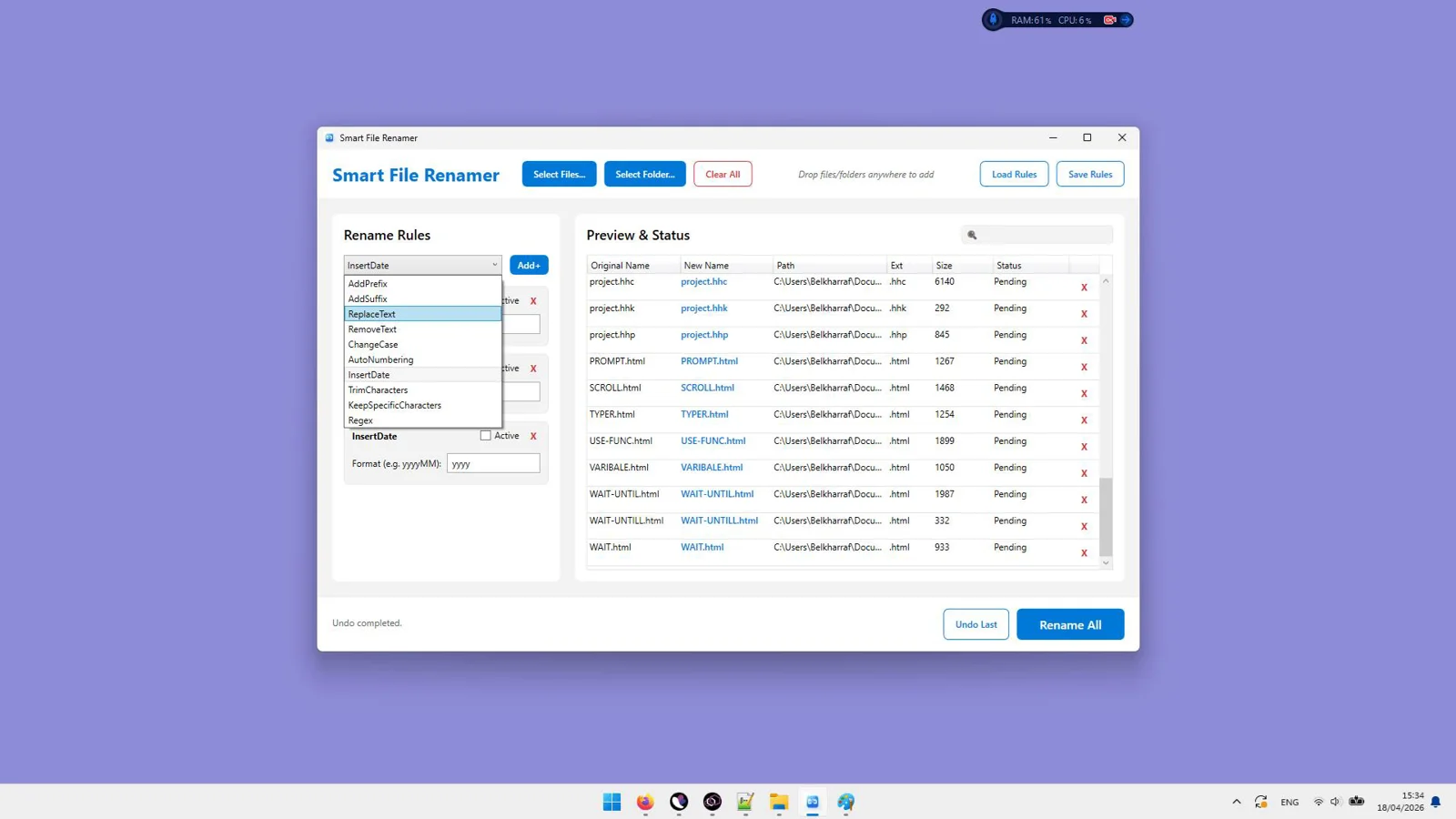
Add prefixes/suffixes, replace or remove text, use regex patterns, trim characters, and keep only specific characters—precisely the way you need.
Case Conversion Tools
Standardize names instantly with UPPERCASE, lowercase, or Title Case.
Date Integration
Integrate dates into filenames to bring clear, chronological structure to your files.
Smart Auto Numbering
Add clean, sequential numbers to large batches for effortless ordering.
Multi-Rule Pipeline
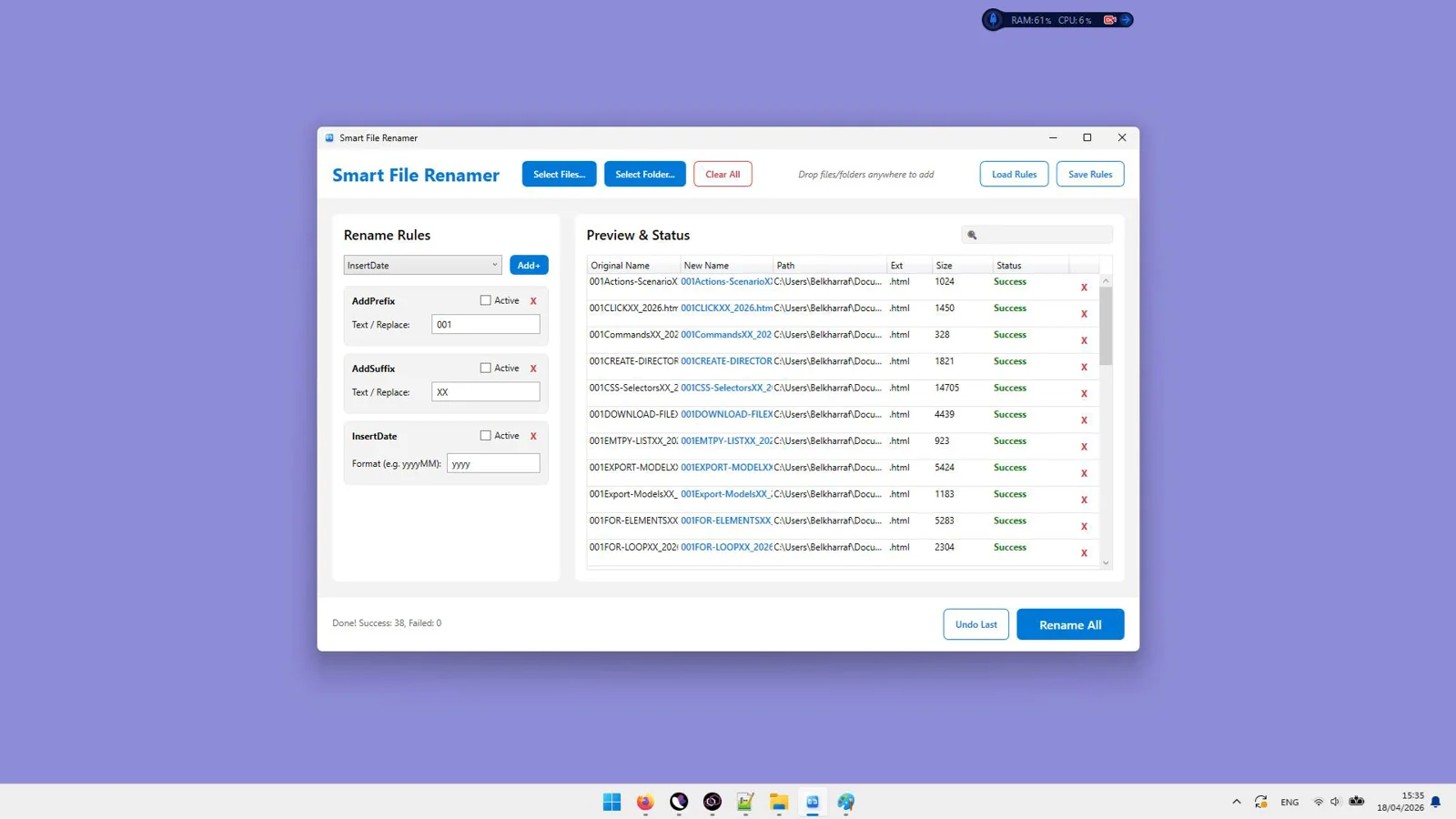
Combine multiple rules in a single workflow that executes in order. Fine-tune every step with a real-time preview.
Save & Load Presets
Save your rule sets as reusable templates. Load and share configurations across projects to stay consistent.
Safe Undo System
Instantly restore original filenames with session-based history. Prevent accidental data loss with one-click undo.
Live Preview System
Compare original vs. renamed results before committing. Detect conflicts instantly and prevent duplicate names automatically.
High Performance Engine
Handles 1000+ files effortlessly with a non-blocking WPF interface and optimized memory for smooth batch execution.
See Smart File Renamer in Action
Click on any screenshot to view it in full size
Rename thousands of files in minutes—start now
Fast, reversible, and accurate — preview every change before you commit.
Our reputation, built by our users.

Great work and tools
"Great work and tools. Customer service was great!"
I recommand strongly
"Greate tools and support"
Excellent Customer Service
"After signing up and making payment I had a couple of queries... the response was extremely quick."
Stop watching from the sidelines.
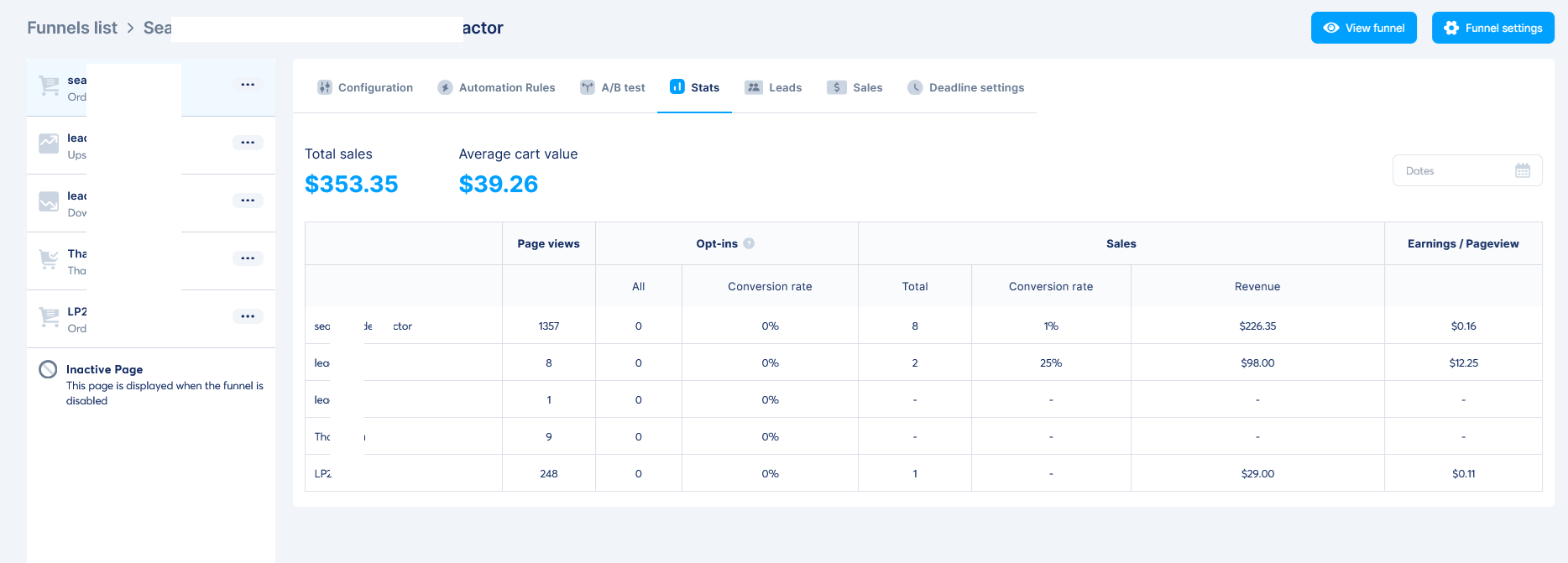
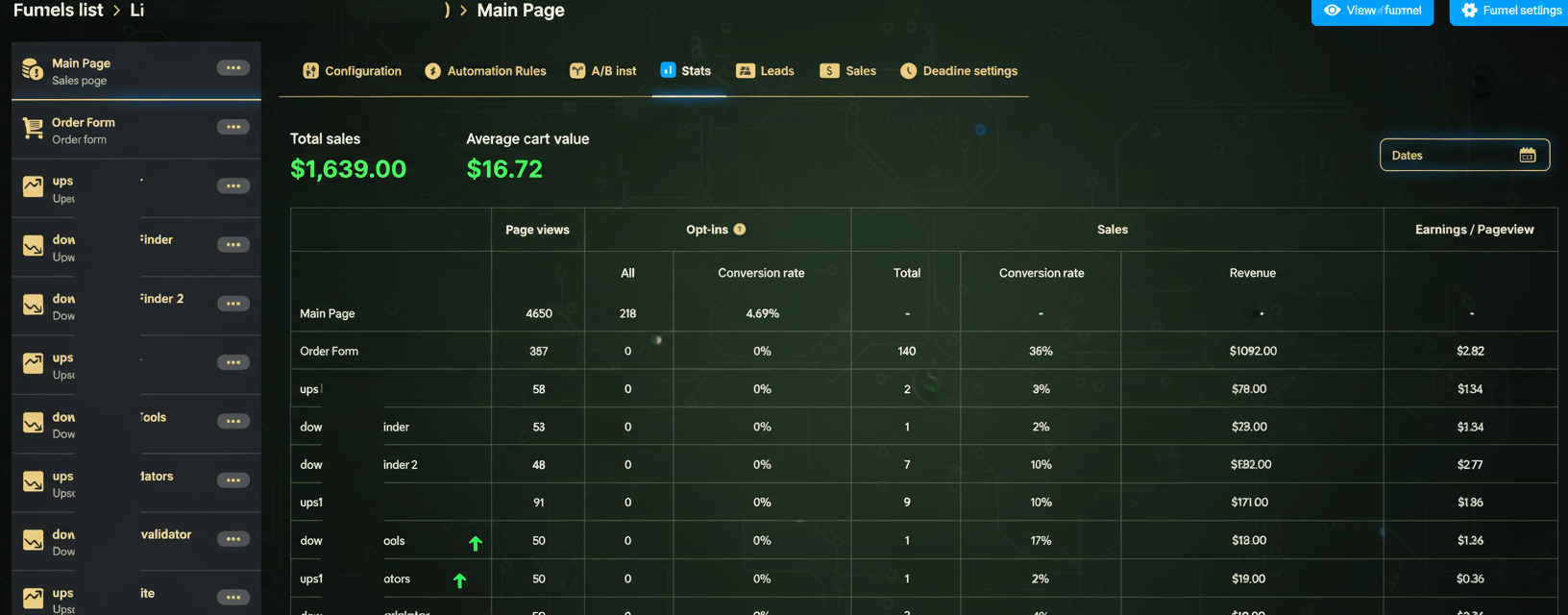
Others are banking hundreds of $$$ right now.
When you purchase today, you don't just get a tool—you get a full digital business. With included Full Reseller Rights and your own Private Reseller Panel, you can start selling licenses and keeping 100% of the profit immediately or sell it as a service for your clients.
Simple, One-Time Payment
Get Instant access to Smart File Renamer with no recurring fees.
🔥 Limited Offer Ends Soon!
Smart File Renamer
- Personel license( 2PCs)
- Free updates and upgrades
- Free customer support (email & chat)
- Commercial use rights
- Instant download access
- Ready-to-sell setup included
- Works on Windows 10/11
- Detailed video tutorials included
- Verified and malware-free software
Frequently Asked Questions
It batch-renames files using a flexible, rule-based system. You can combine multiple rules—like add prefix/suffix, replace text, regex, case conversion, dates, and auto numbering—and preview every change before you apply it.
You stack rules in the order you want them executed. The live preview updates in real time so you can confirm the final result and adjust rules until everything looks perfect.
Yes. A live preview shows original and new filenames side by side, detects conflicts instantly, and prevents duplicate names.
Absolutely. The safe undo system with session-based history lets you restore original filenames instantly.
Yes. You can import entire folders, including subfolders, and the high-performance engine handles 1000+ files with ease.
No. Simple rules cover most needs, and regex is available for advanced patterns when you want extra power.
Yes. Save your rule sets as presets, then load and reuse them anytime to keep naming consistent across projects.
Yes. Conflict detection prevents duplicate filenames, and the undo system lets you revert changes instantly to avoid accidental data loss.
Recent Purchase
Loading...
Rename thousands of files in minutes—start now
Fast, reversible, and accurate — preview every change before you commit.