Qwik Paste: Instantly Paste Images, Audio, and Files Anywhere
The fastest Windows clipboard manager with drag-and-drop and auto downloads from copied URLs.

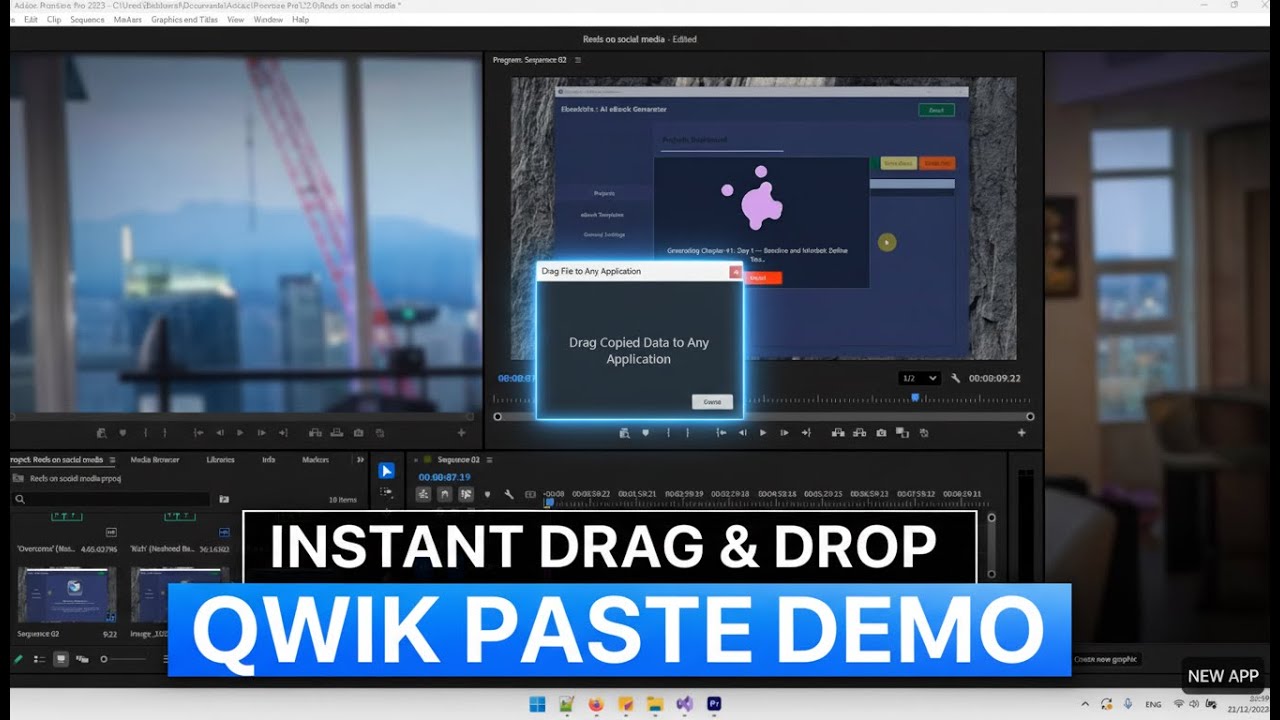
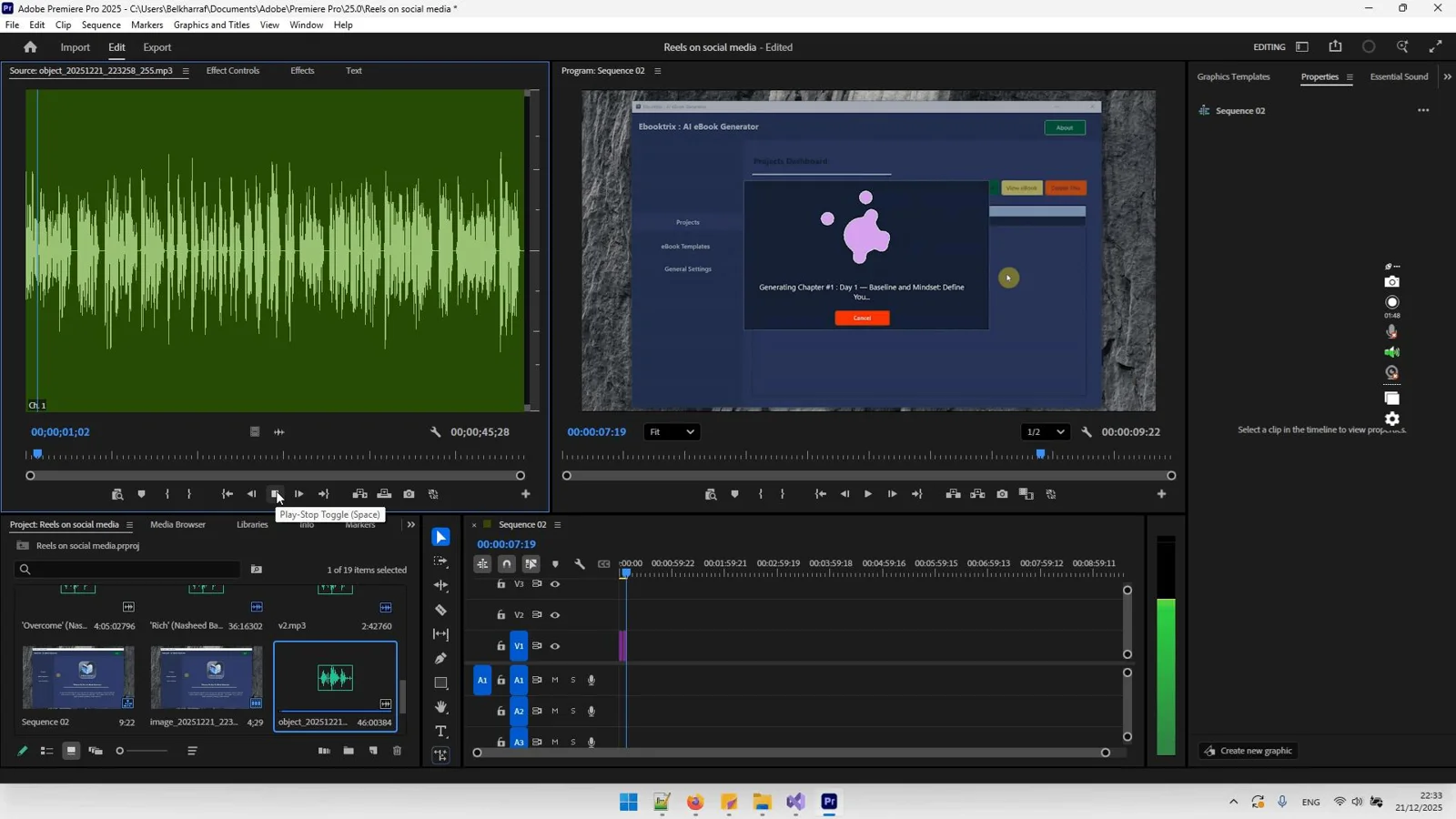
See Qwik Paste in Action
Stopping to save files keeps killing your flow
Every copy turns into a file-naming, folder-browsing detour that breaks focus and slows your work.
- Manually saving throwaway files just to use them once
- Losing momentum while browsing folders and naming files
- Clipboard content disappearing between windows or apps
- Too many steps to paste images and audio into docs, tickets, or chats
- Copied URLs not auto-downloading the asset you need
- Cluttered desktops and download folders full of temporary files
- Slow, mouse-heavy workflows without fast keyboard shortcuts
- Constant context switching that derails deep work
Download Qwik Paste for Windows
Get back to flow—drag and drop from your clipboard in seconds.

Powerful Features
Everything You Need to Work Smarter, Instantly
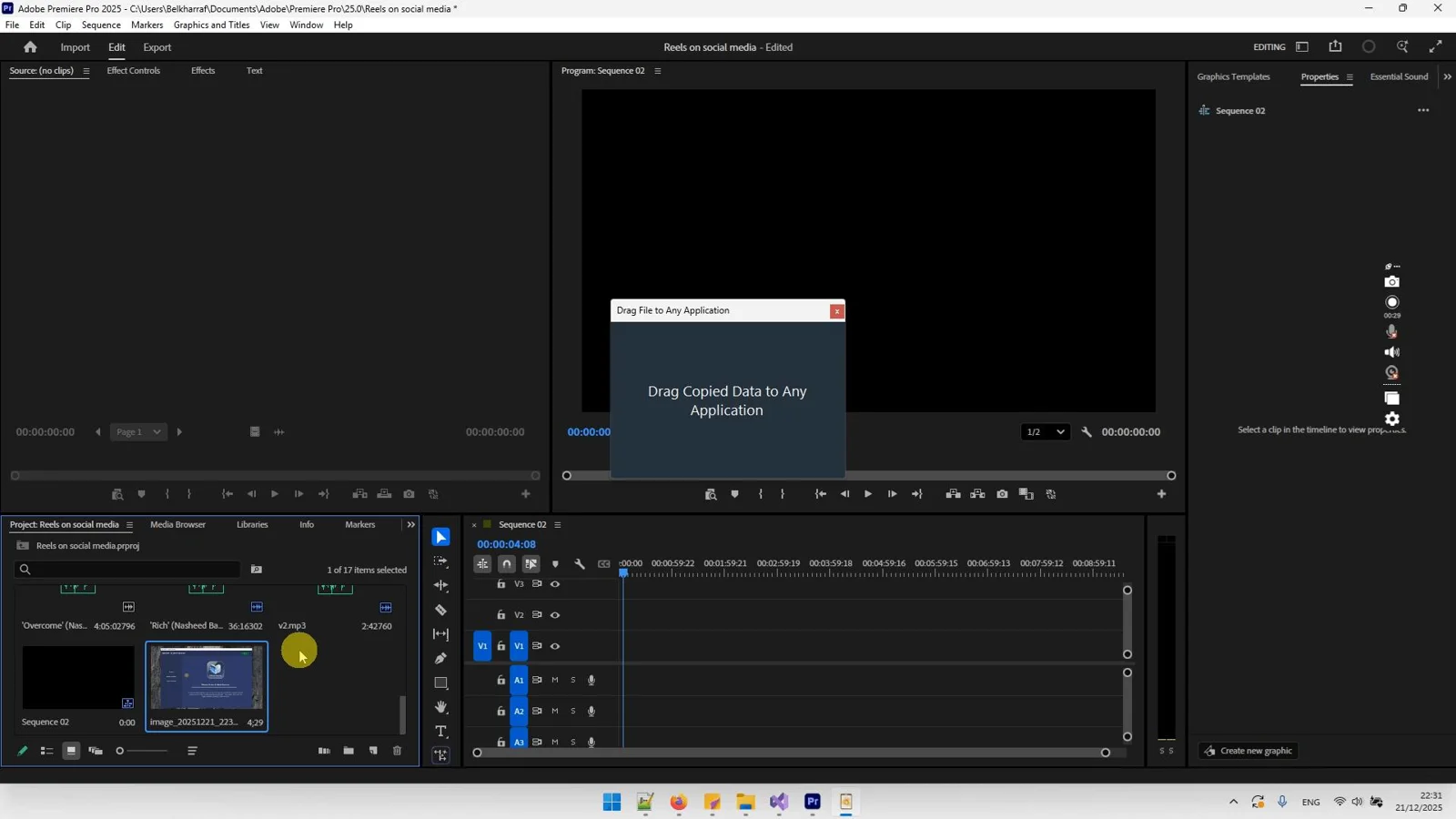
Instant Clipboard-to-App Drag & Drop
Skip saving altogether. Grab what you copied and drop it directly into design tools, editors, or chats in a single motion.
Auto Download from Copied URLs
Copy any file or asset link and Qwik Paste pulls it down for immediate use—perfect for images, audio, and attachments.
One-Click Image & Audio Use
Copy images or audio and paste them instantly in their native formats without conversion or extra steps.
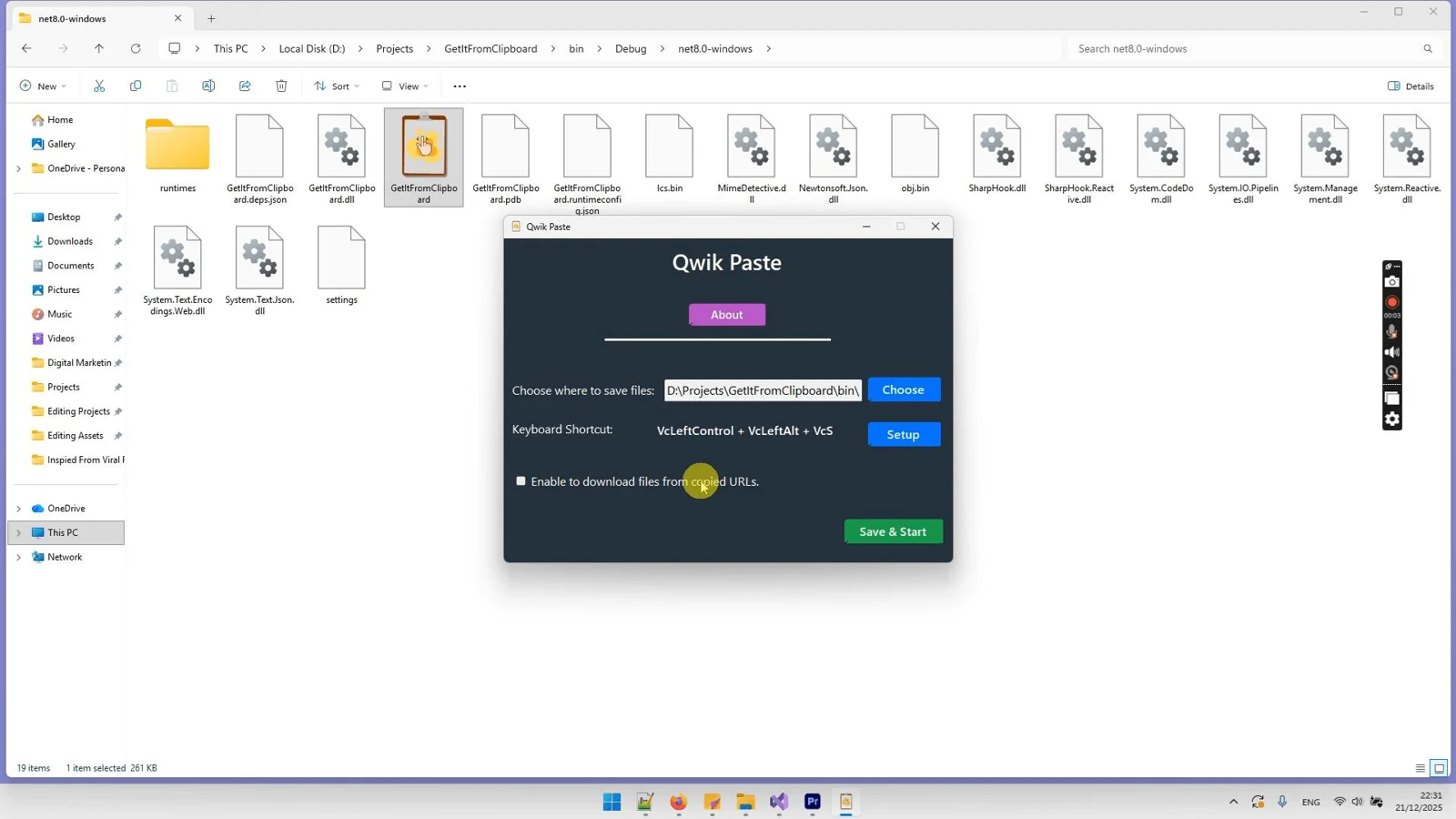
Configurable Save Locations
Choose exactly where downloaded or captured files live so your desktop and downloads stay clean.
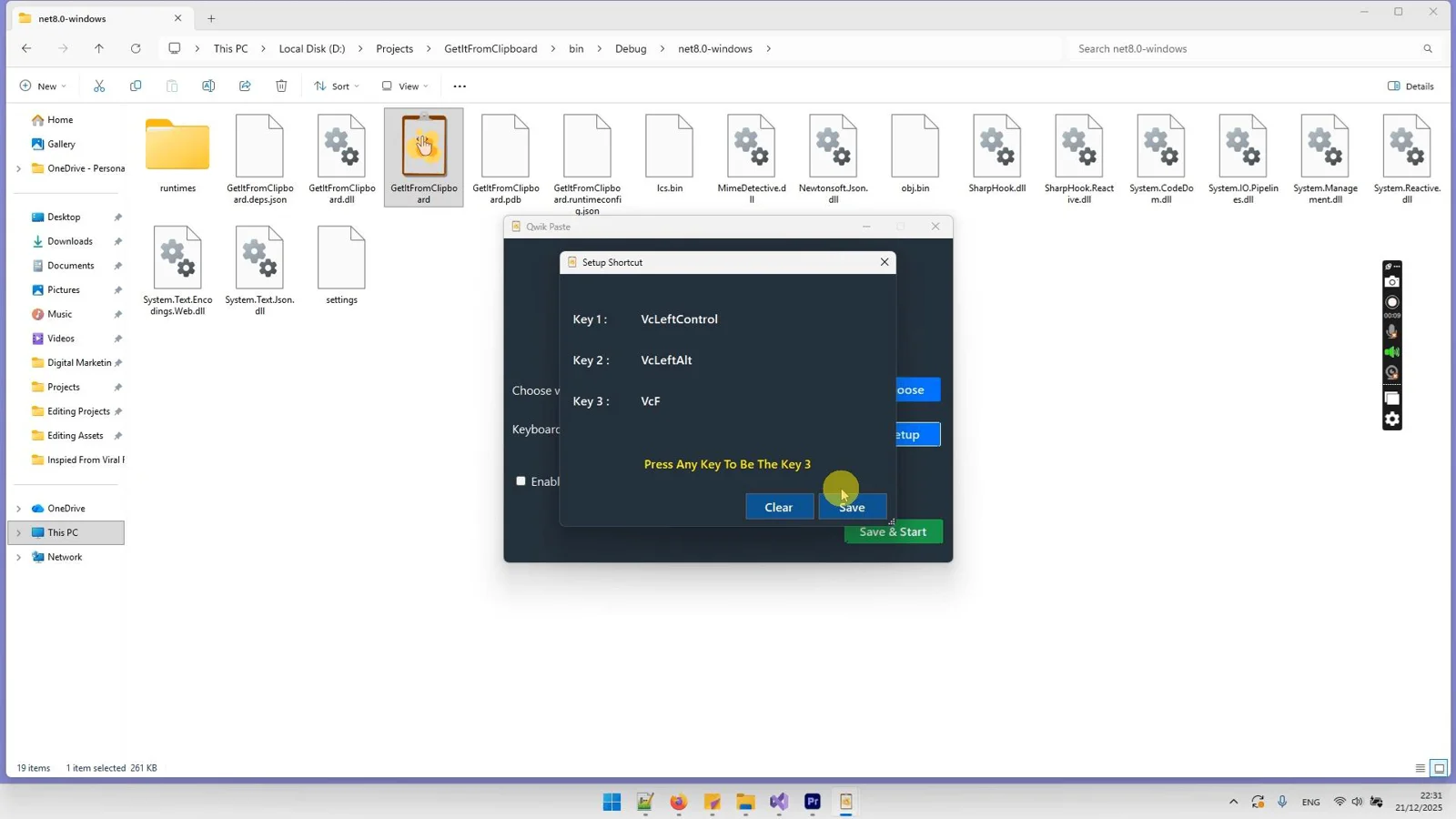
Custom Keyboard Shortcuts
Set hotkeys for instant access and zero friction, keeping your hands on the keyboard and your mind in the work.
Works in Any Windows App
Drag and drop into Photoshop, Figma, VS Code, browsers, email, chat, and PM tools—if it accepts files, Qwik Paste works.
Lightweight and Distraction-Free
Runs quietly in the background, ready when you copy, so your workflow stays fast and focused.
See Qwik Paste in Action
Click on any screenshot to view it in full size
Download Qwik Paste for Windows
Get back to flow—drag and drop from your clipboard in seconds.
Our reputation, built by our users.
Great work and tools
"Great work and tools. Customer service was great!"
I recommand strongly
"Greate tools and support"
Excellent Customer Service
"After signing up and making payment I had a couple of queries... the response was extremely quick."
Stop watching from the sidelines.
Others are banking hundreds of $$$ right now.
When you purchase today, you don't just get a tool—you get a full digital business. With included Full Reseller Rights and your own Private Reseller Panel, you can start selling licenses and keeping 100% of the profit immediately or sell it as a service for your clients.


Simple, One-Time Payment
Get Instant access to Qwik Paste with no recurring fees.
🔥 Limited Offer Ends Soon!
Qwik Paste
- Personel license( 2PCs)
- Free updates and upgrades
- Free customer support (email & chat)
- Commercial use rights
- Instant download access
- Ready-to-sell setup included
- Works on Windows 10/11
- Detailed video tutorials included
- Verified and malware-free software
Frequently Asked Questions
Qwik Paste is a Windows clipboard manager that lets you capture images, audio, and files from your clipboard or copied URLs and drag and drop them directly into any app—no manual saving or folder browsing.
Instead of just storing snippets, Qwik Paste turns copy into instant action with drag-and-drop into any app and automatic downloads from copied links, helping you work faster with fewer steps.
Yes. If your Windows app accepts paste or drag-and-drop files, Qwik Paste fits right in—design tools, code editors, browsers, email, chat, and more.
Absolutely. You can set your preferred storage location so temporary assets never clutter your desktop or downloads folder.
Qwik Paste works great with images, audio, and common file types. Actual behavior depends on the destination app’s support for each format.
Only for downloading assets from copied URLs. Drag-and-drop from your clipboard works locally in Windows.
Yes. Create hotkeys for instant access so you can keep your hands on the keyboard and stay in flow.
Recent Purchase
Loading...
Download Qwik Paste for Windows
Get back to flow—drag and drop from your clipboard in seconds.