AI image upscaler that delivers stunning detail — 100% offline
Fast Windows batch upscaling with GPU acceleration — no APIs, no monthly fees, unlimited use
See Cerebrum Scale : AI Offline Bulk Images Upscaler in Action
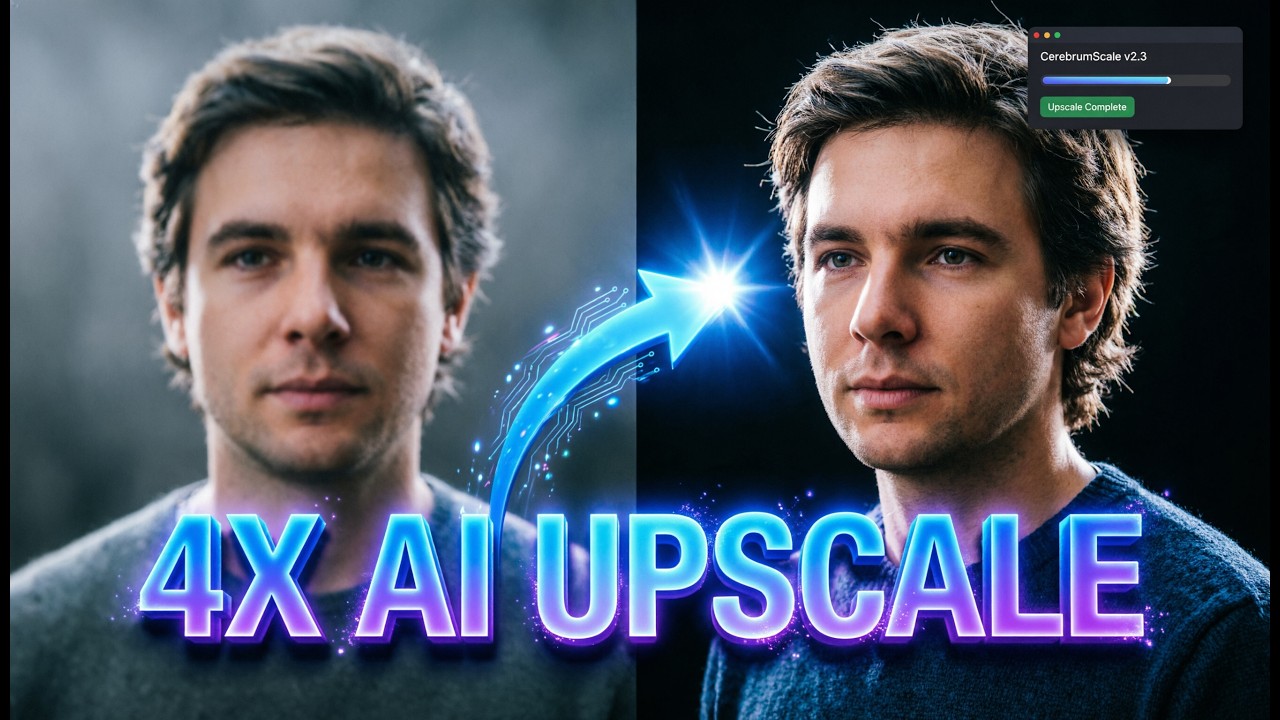
Sick of blurry images, slow web tools, and subscription paywalls?
Stop uploading sensitive work and paying every month just to upscale a few files.
- Low‑resolution images ruin print quality and social media visuals.
- Online upscalers are slow, require uploads, and risk your privacy.
- Monthly fees, API tokens, and usage caps block your workflow.
- Upscaling one image at a time wastes hours you don’t have.
- Generic tools fail on anime/artwork or over‑sharpen real photos.
- Large images crash lesser tools or take forever to finish.
- No preview means saving disappointing results you can’t undo.
- Lack of queue control stalls projects when deadlines hit.
- Inconsistent file format support derails handoffs and exports.
Download and upscale offline now — unlimited use
Start processing images in minutes — no APIs, no monthly fees, keep everything on your device.

Powerful Features
Everything You Need to Work Smarter, Instantly
AI Upscaling — No APIs, No Monthly Fees
Process images 100% offline for privacy and reliability. Enjoy unlimited use with zero subscriptions or usage caps.
ONNX Runtime Offline Processing
Run advanced AI models locally for stable, consistent quality without any internet connection.
2x and 4x Upscaling
Choose the scale that fits your project — from social media to print‑ready assets.
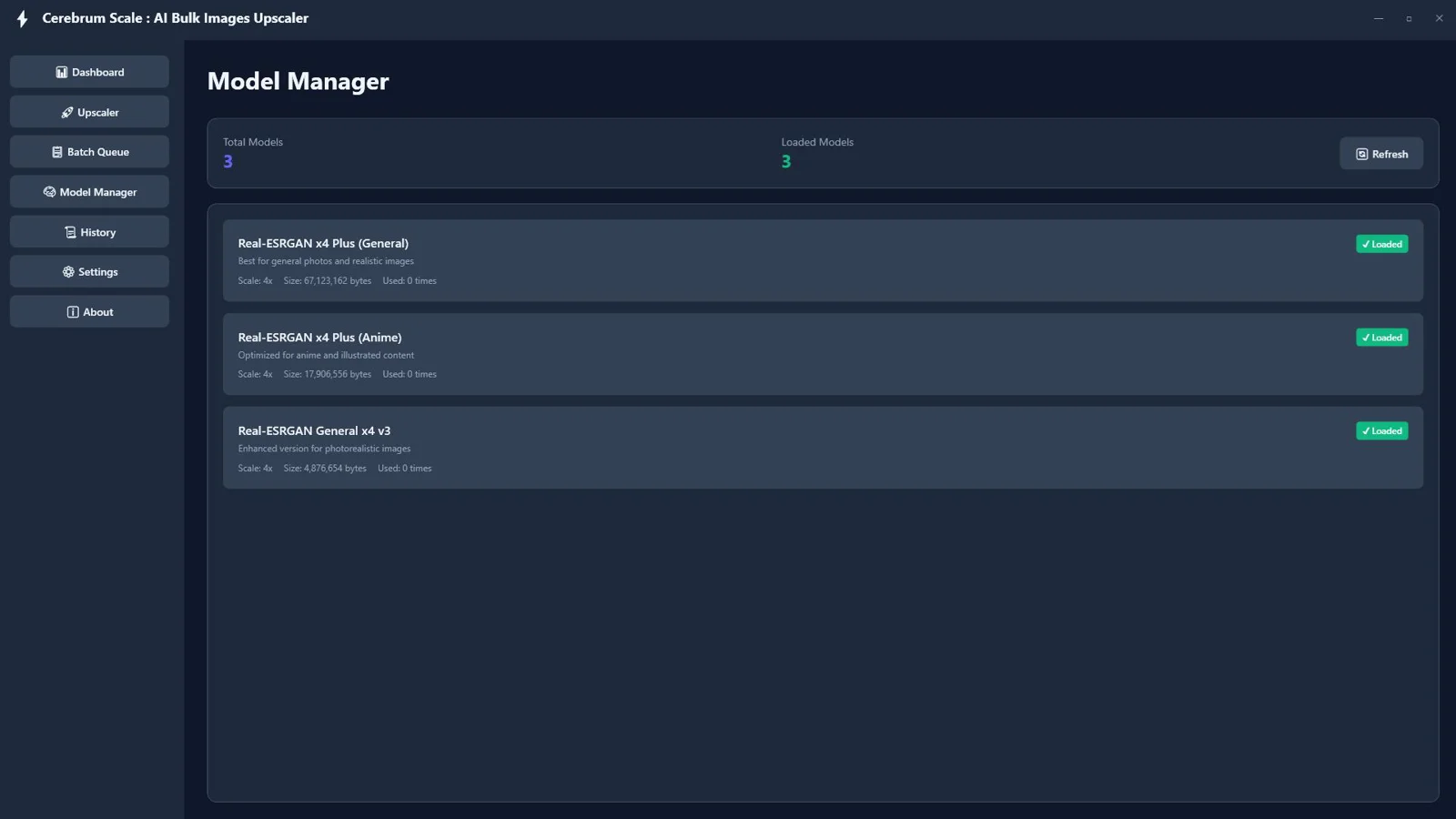
Multiple AI Models (General, Anime, Photo)
Match the right model to your image type for natural, artifact‑free results across styles.
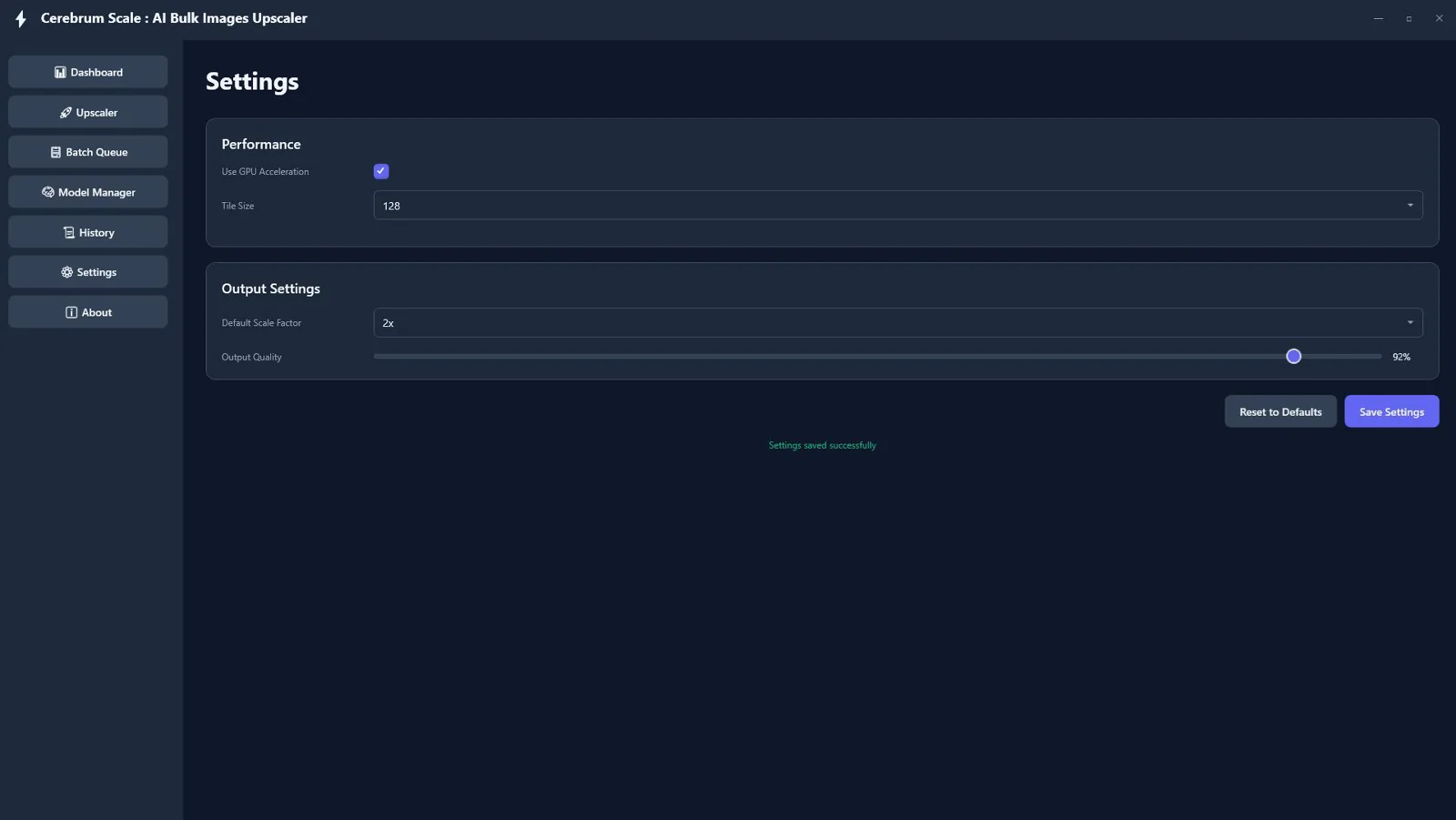
GPU Acceleration with DirectML
Leverage your Windows GPU to dramatically speed up processing times on large batches.
Tile‑Based Rendering for Large Images
Handle big files more reliably by processing in tiles to maintain stability and quality.
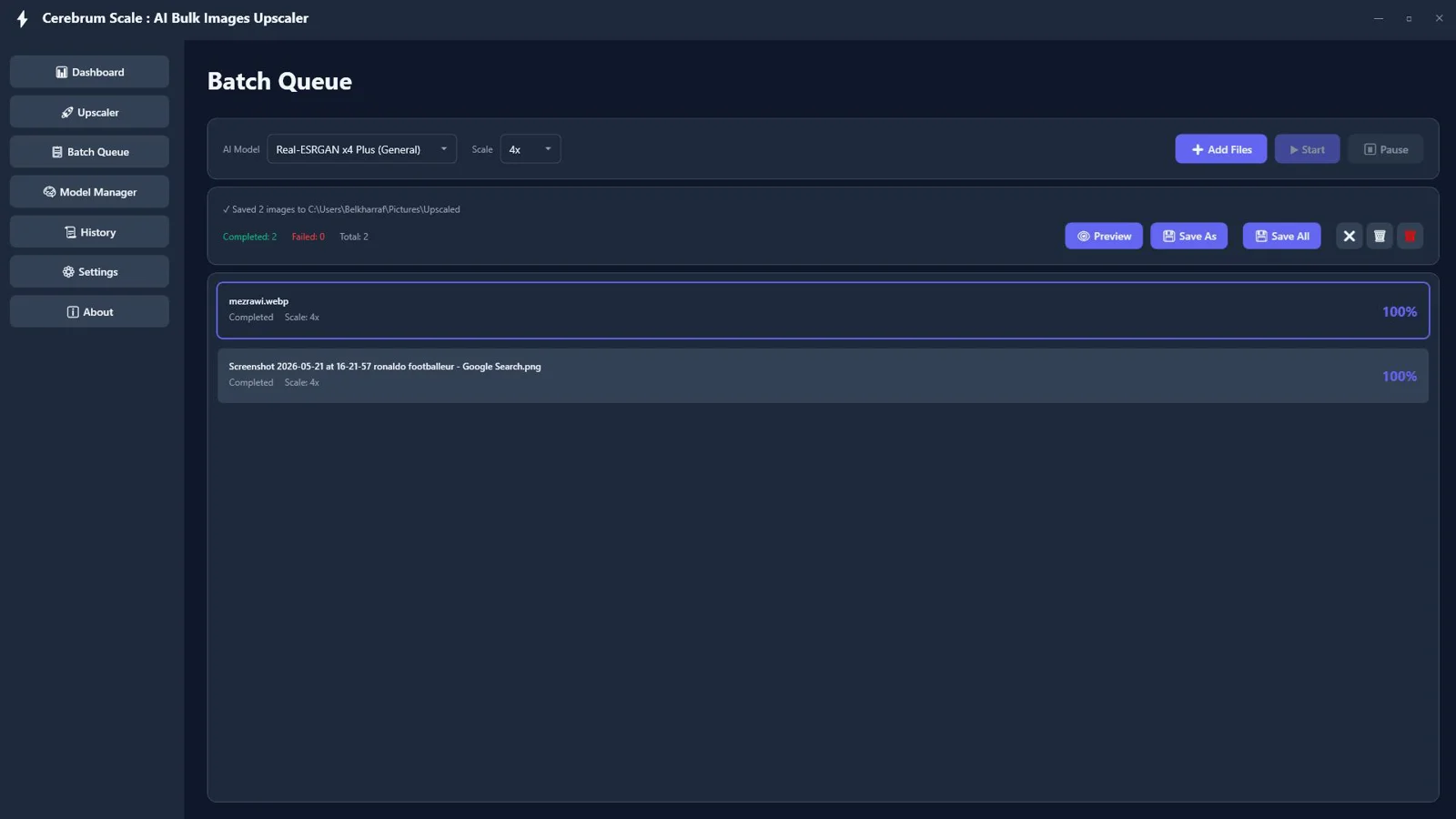
Batch Queue Processing
Upscale entire folders at once and let the queue run — unlimited, offline, and efficient.
Start / Pause / Resume Tasks
Stay in control of long jobs and keep your workflow moving when priorities shift.
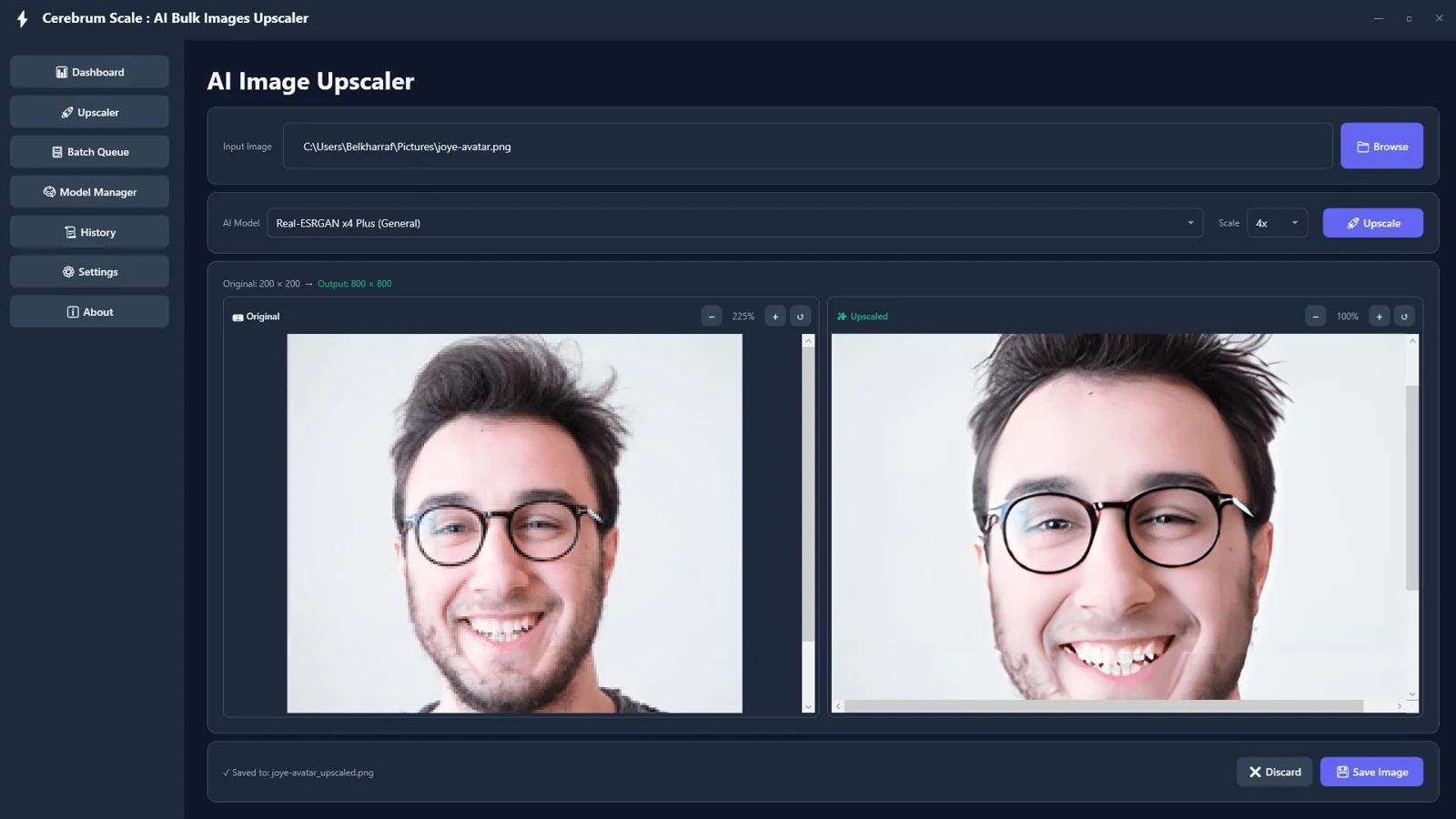
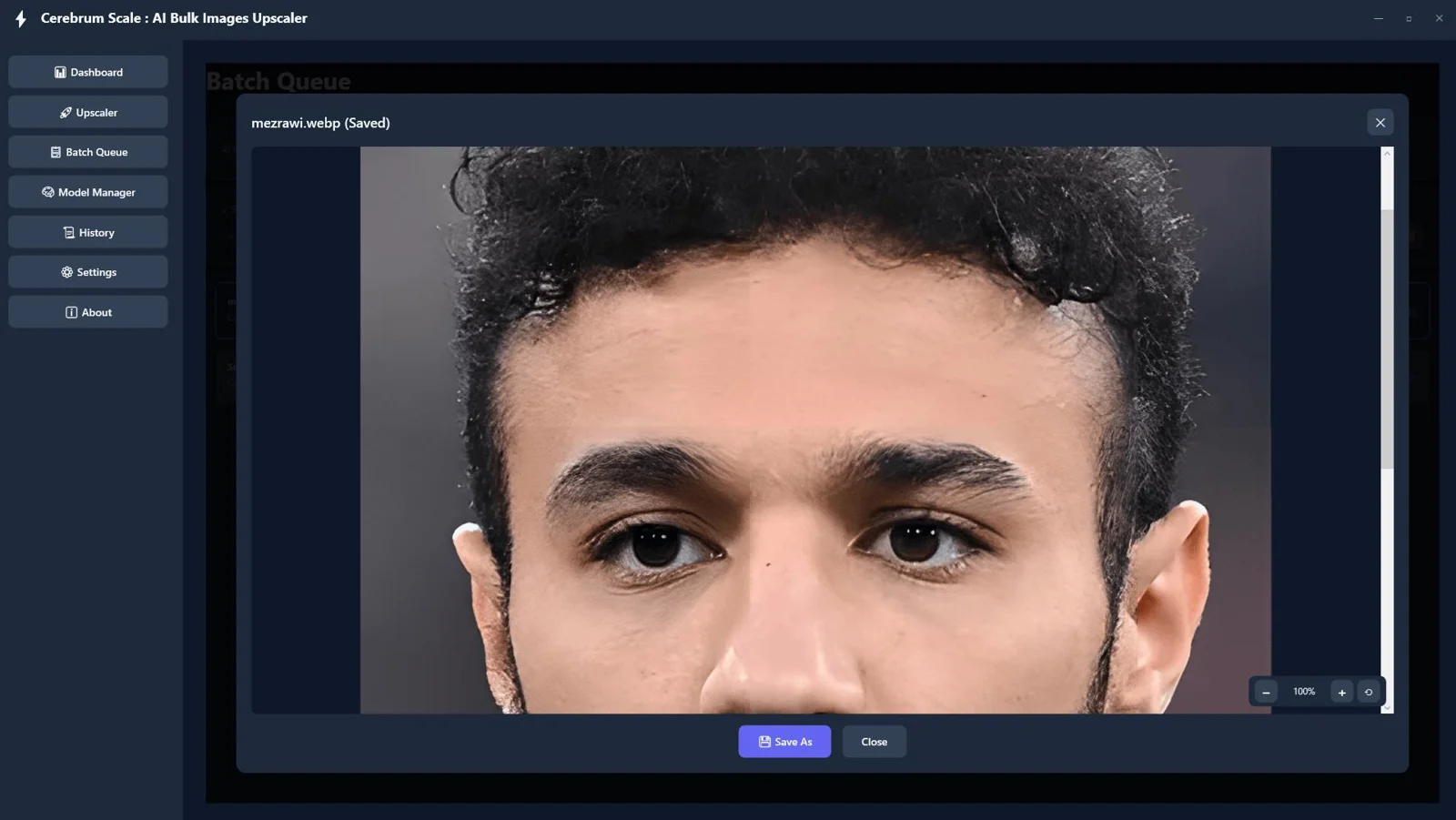
Image Preview with Zoom Controls
Inspect fine details before saving so you always deliver on quality.
Save Individual or Bulk Images
Export one hero image or an entire set in a single pass to hit deadlines faster.
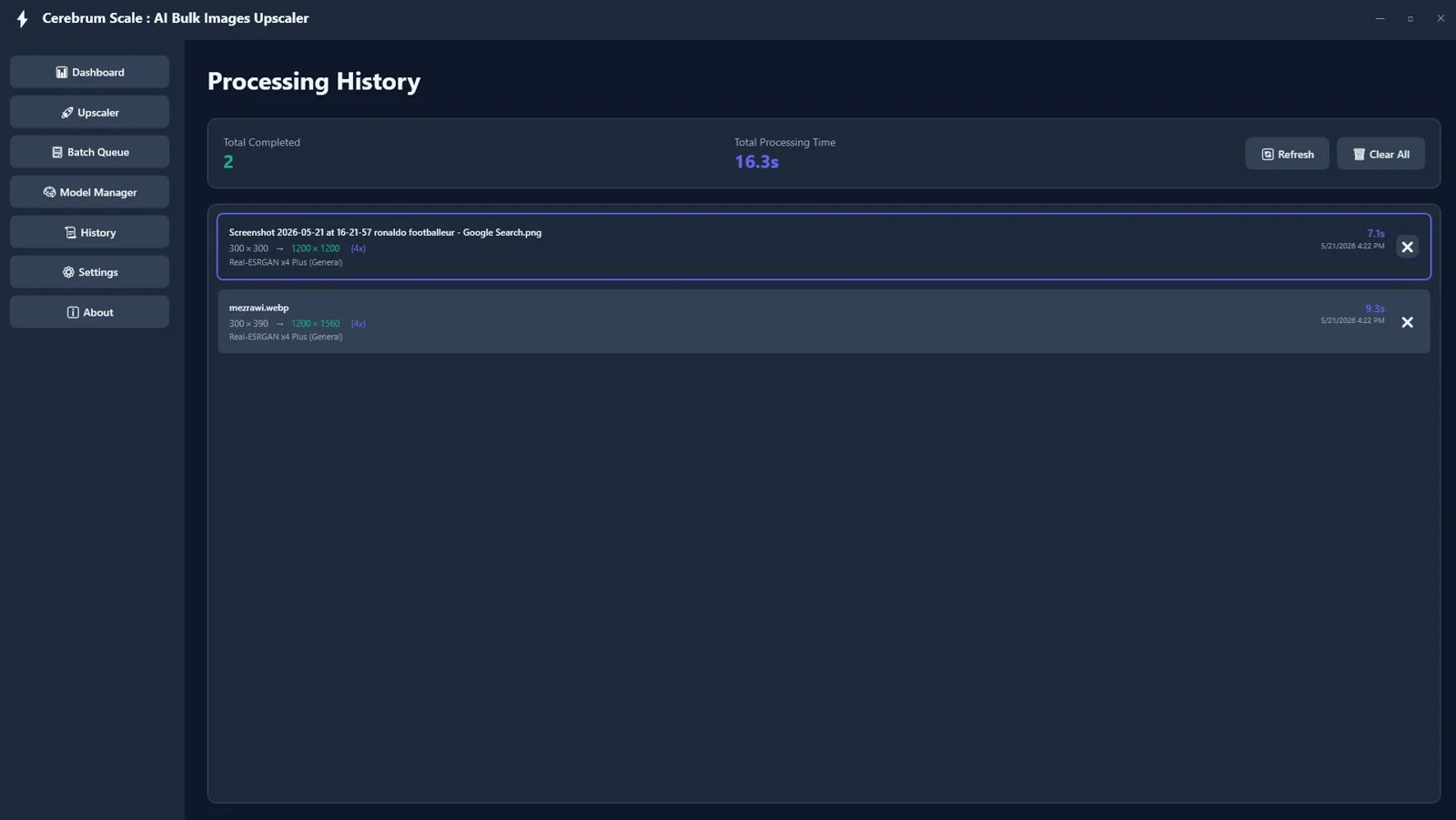
Processing History & Statistics
Track runs, scales, and outputs to keep projects organized and repeatable.
Modern Dark UI
Work comfortably in a sleek, distraction‑free interface built for long sessions.
Borderless WPF Interface
Enjoy a clean, native Windows experience with smooth interactions.
PNG, JPG, JPEG, BMP, WebP Support
Import PNG, JPG/JPEG, BMP, and WebP; export to PNG, JPG, or WebP for seamless delivery.
See Cerebrum Scale : AI Offline Bulk Images Upscaler in Action
Click on any screenshot to view it in full size
Download and upscale offline now — unlimited use
Start processing images in minutes — no APIs, no monthly fees, keep everything on your device.
Our reputation, built by our users.
Great work and tools
"Great work and tools. Customer service was great!"
I recommand strongly
"Greate tools and support"
Excellent Customer Service
"After signing up and making payment I had a couple of queries... the response was extremely quick."
Stop watching from the sidelines.
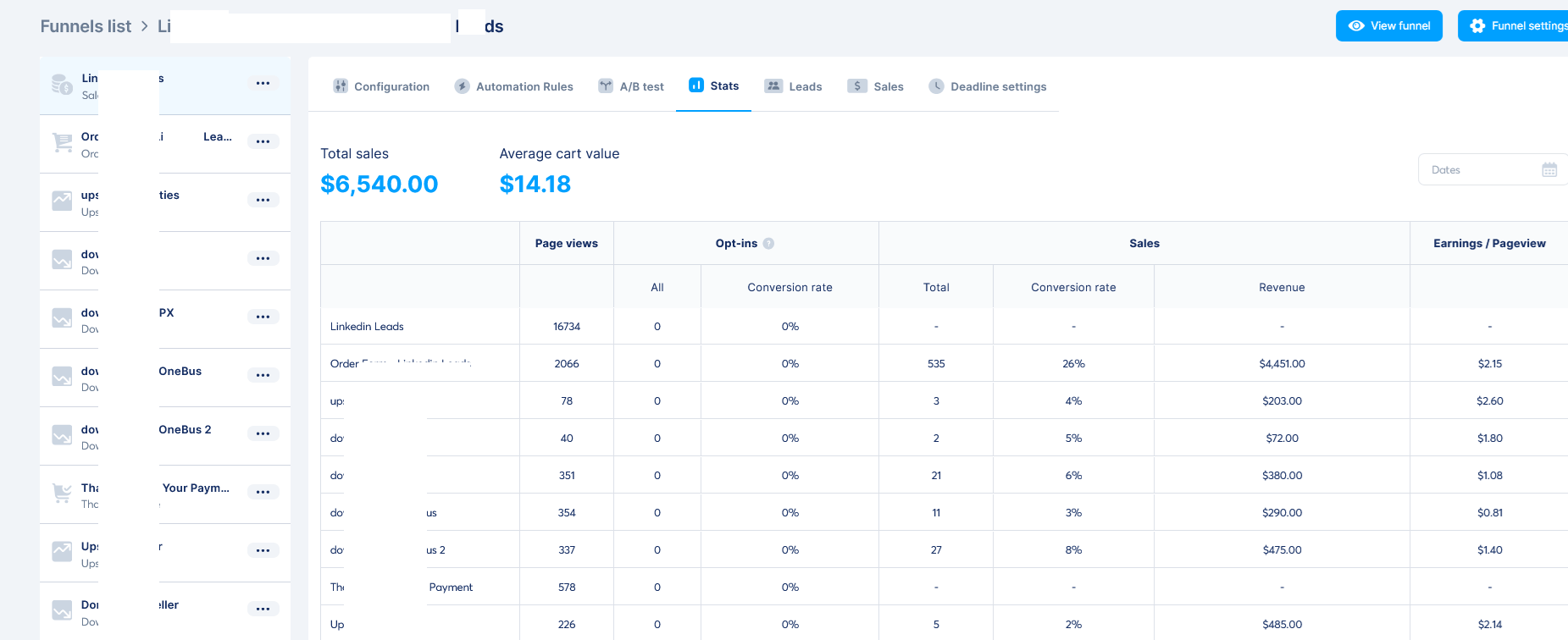
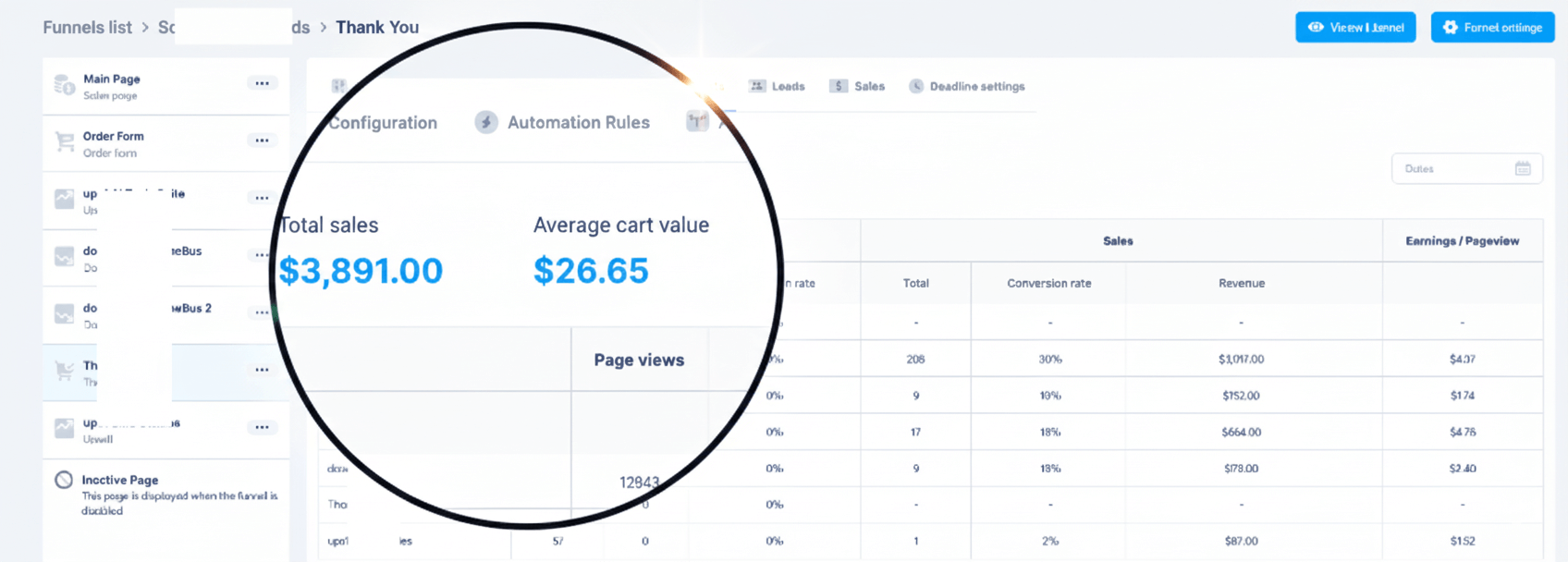
Others are banking hundreds of $$$ right now.
When you purchase today, you don't just get a tool—you get a full digital business. With included Full Reseller Rights and your own Private Reseller Panel, you can start selling licenses and keeping 100% of the profit immediately or sell it as a service for your clients.
Simple, One-Time Payment
Get Instant access to Cerebrum Scale : AI Offline Bulk Images Upscaler with no recurring fees.
🔥 Limited Offer Ends Soon!
Cerebrum Scale : AI Offline Bulk Images Upscaler
- Personel license( 2PCs)
- Free updates and upgrades
- Free customer support (email & chat)
- Commercial use rights
- Instant download access
- Ready-to-sell setup included
- Works on Windows 10/11
- Detailed video tutorials included
- Verified and malware-free software
Frequently Asked Questions
Yes. All processing runs locally via ONNX Runtime and Real‑ESRGAN models — no internet, no APIs, and no cloud uploads.
No. There are no monthly fees, no API keys, and no usage caps — enjoy unlimited offline upscaling.
Absolutely. Queue entire folders, then Start, Pause, or Resume tasks as needed for hands‑off bulk upscaling.
Import PNG, JPG/JPEG, BMP, and WebP. Export your upscaled results to PNG, JPG, or WebP.
Performance benefits from DirectML GPU acceleration on Windows. Speed varies by image size, selected model, and your hardware.
Models optimized for General, Anime, and Photo content are included, letting you choose the best fit for each image.
Yes. Tile‑based rendering helps process large images reliably while preserving quality.
Yes. Use the built‑in preview with zoom controls to inspect details and confirm quality before export.
Recent Purchase
Loading...
Download and upscale offline now — unlimited use
Start processing images in minutes — no APIs, no monthly fees, keep everything on your device.