Offline AI Tools
Best AI Offline Tools, No Monthly Fees
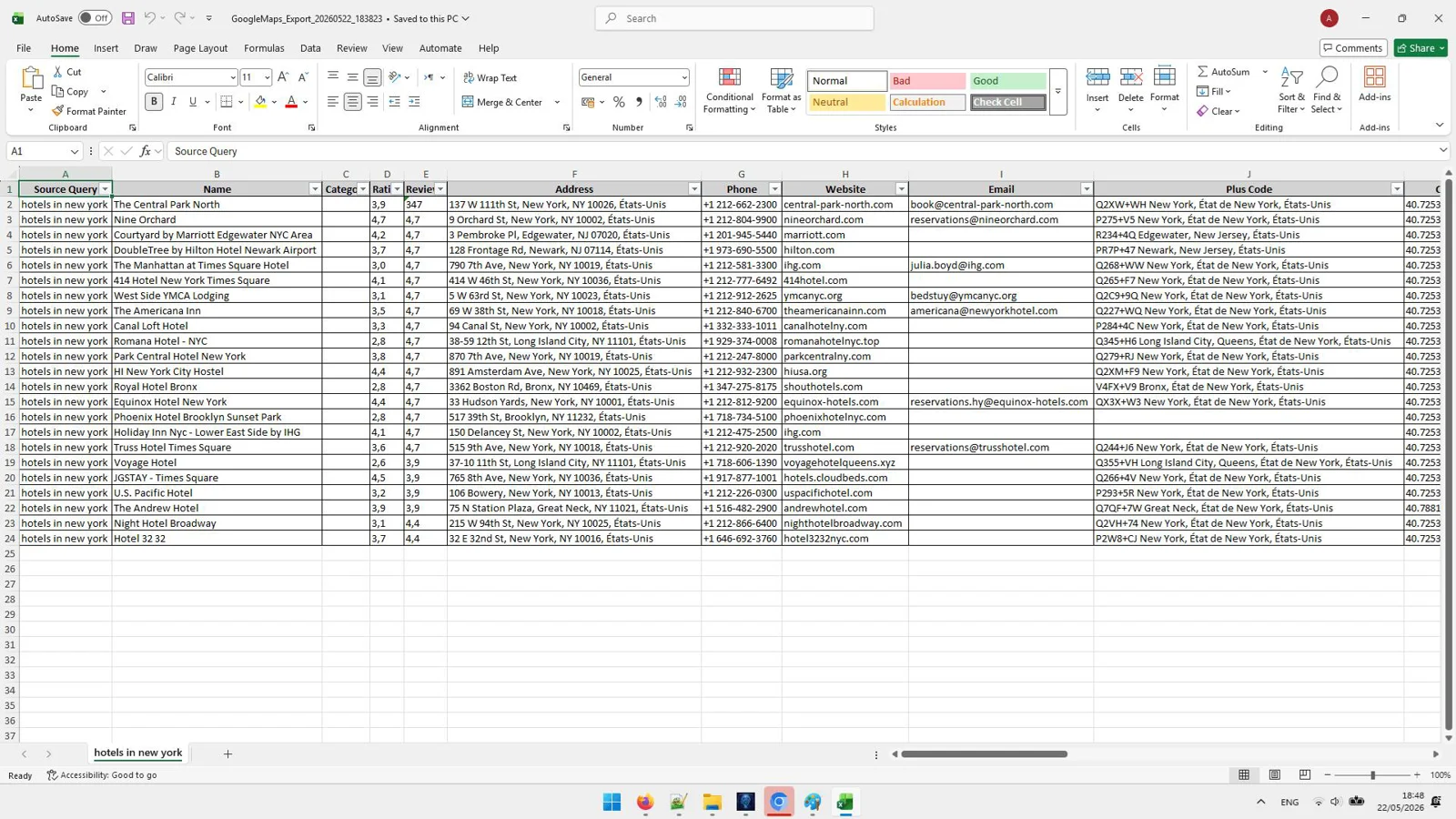
MappyLeads - AI Google Maps Scraper
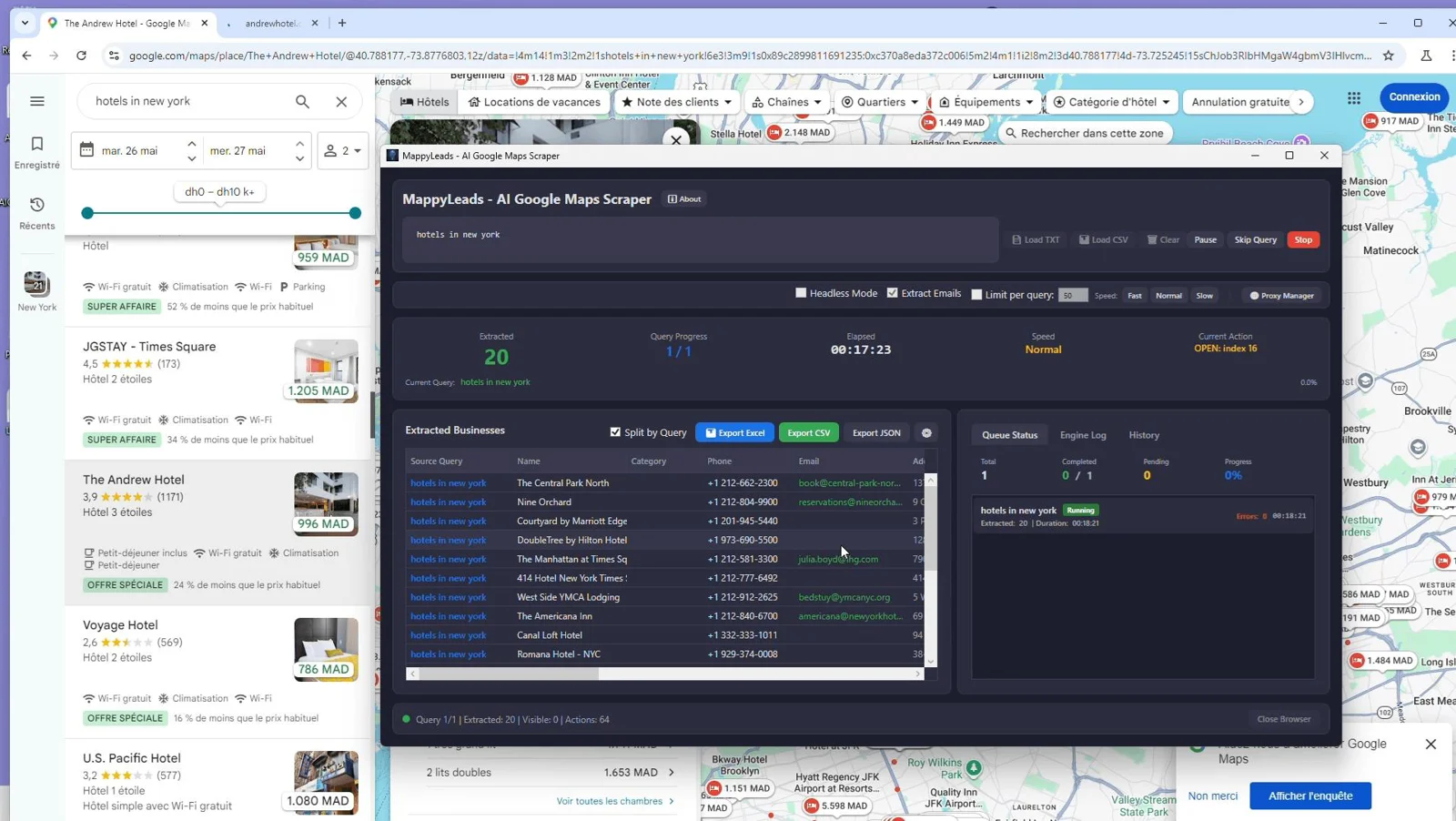
AI-Powered Google Maps Scraping
Automatically extract business names, ratings, addresses, coordinates, and more with smart, AI-driven navigation for higher accuracy.
Email Extraction from Business Websites
Go beyond Maps listings to capture emails directly from business sites—fueling faster outreach and better response rates.
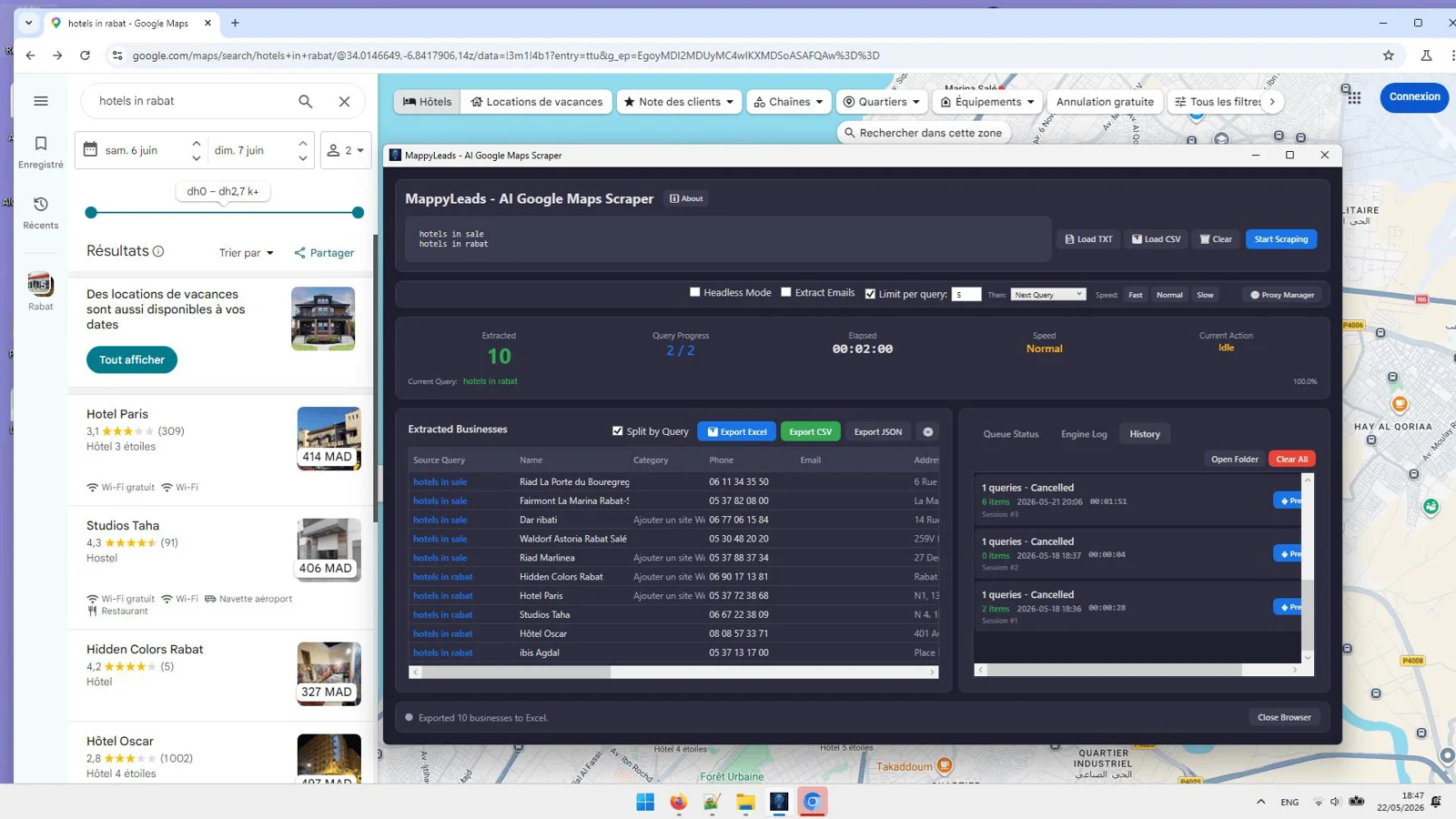
Batch Scraping with TXT & CSV Queries
Queue multiple keywords, cities, or niches at once. Load queries from TXT or CSV and let the app handle the heavy lifting.
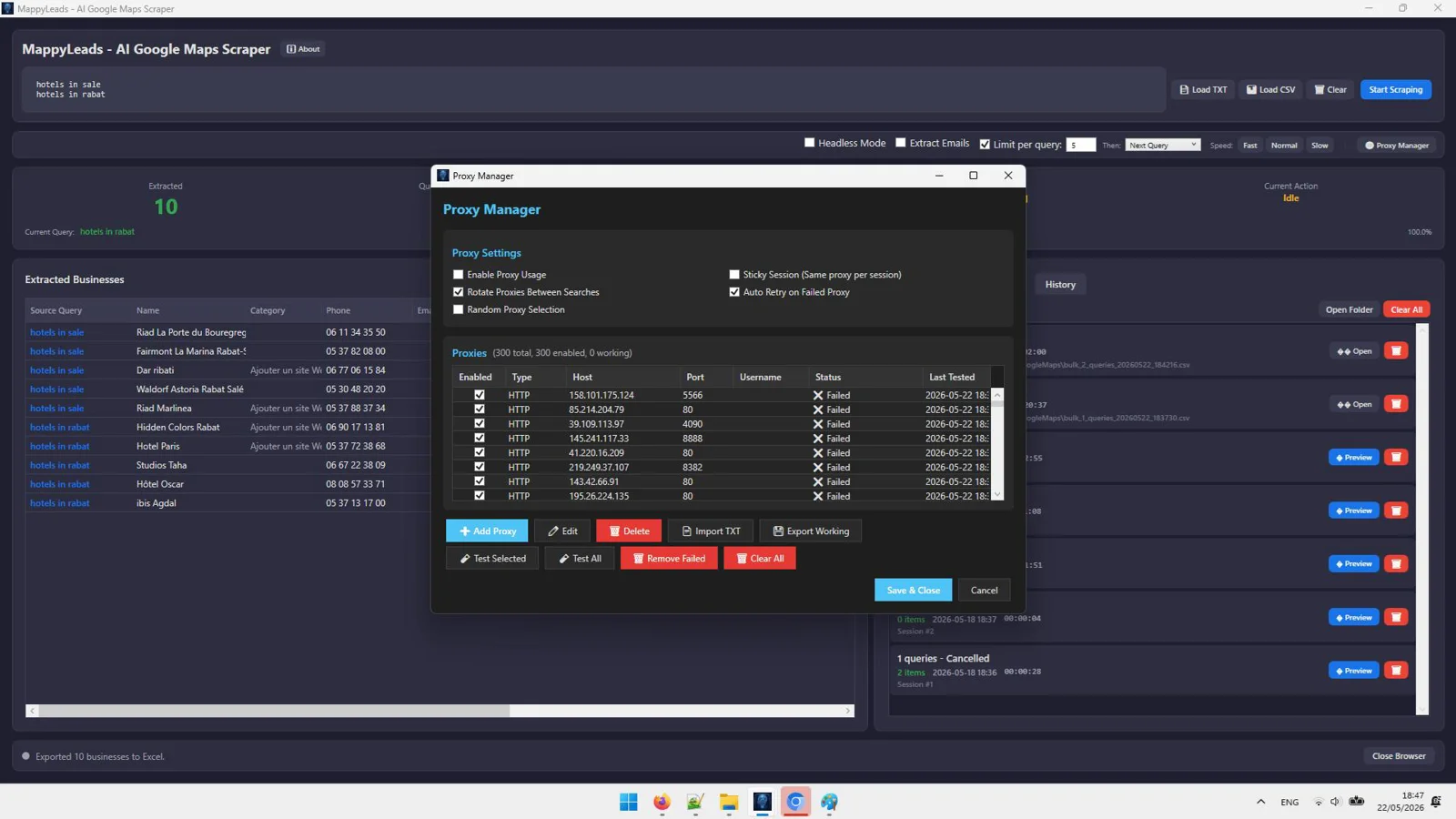
Proxy Rotation (HTTP / HTTPS / SOCKS5)
Rotate proxies to reduce blocks and keep runs stable at scale, with support for common proxy types.
Real-Time Queue & Progress Monitoring
Track every job as it runs with live statuses and metrics so you always know what is completed and what is next.
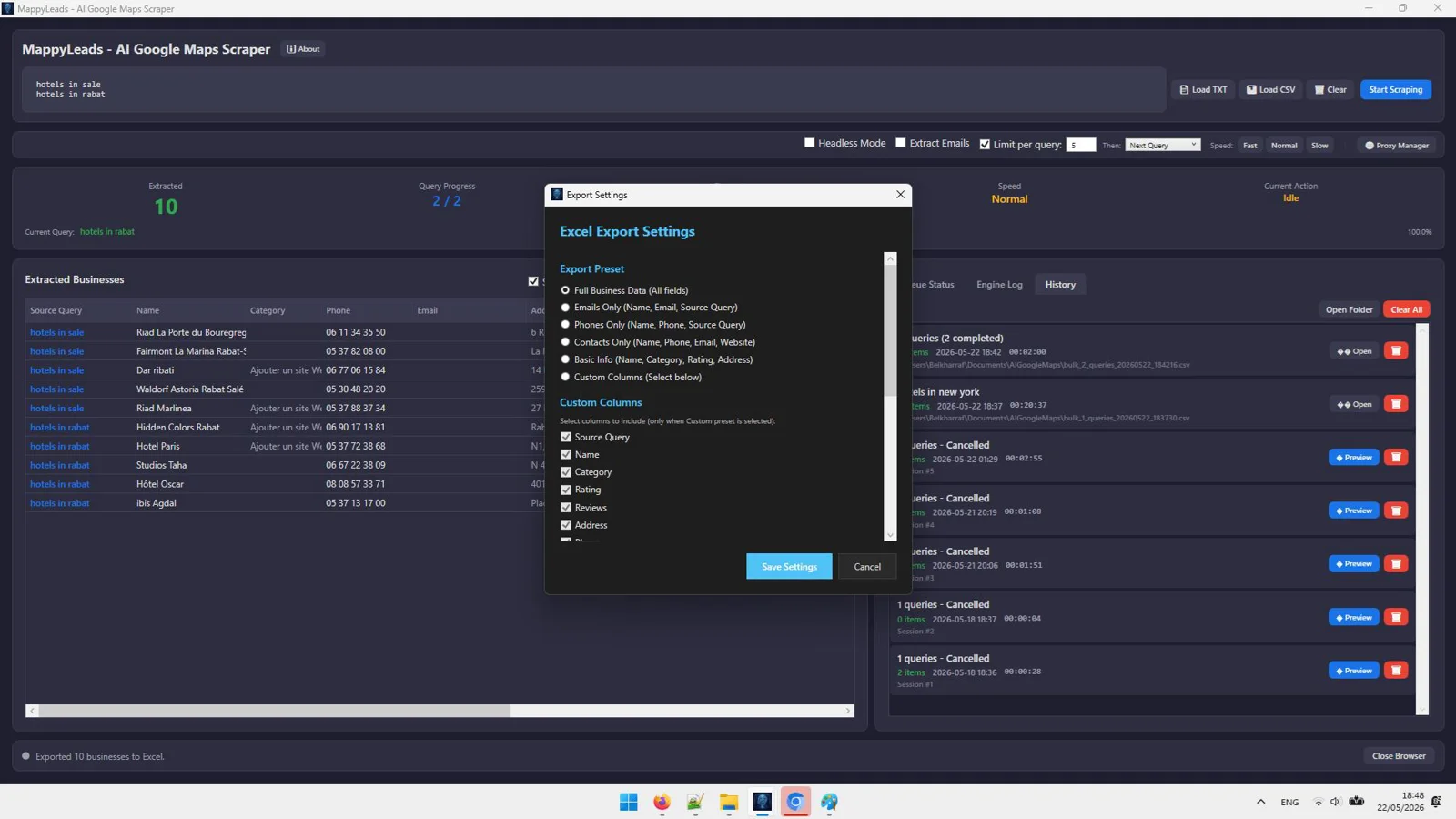
CSV, JSON & Excel Export
Instantly export clean, structured data into the formats your CRM and outreach tools expect.
SQLite Database & Session History
Your results and progress are saved reliably, helping you resume work without losing valuable data.
Anti-Detection Browser Automation
Mimic human behavior to reduce detection and improve consistency across longer scraping sessions.
Headless Mode Support
Run scrapes without a visible browser window to stay focused while the app works behind the scenes.
Pause / Resume / Stop Controls
Stay in control of your runs with on-demand start, stop, and resume for flexible workflows.
Auto Retry & Smart Navigation Engine
Overcome transient errors and dead ends automatically, improving success rates with fewer interruptions.
Modern Dark Interface
Work comfortably for longer with a sleek, distraction-free UI designed for power users.
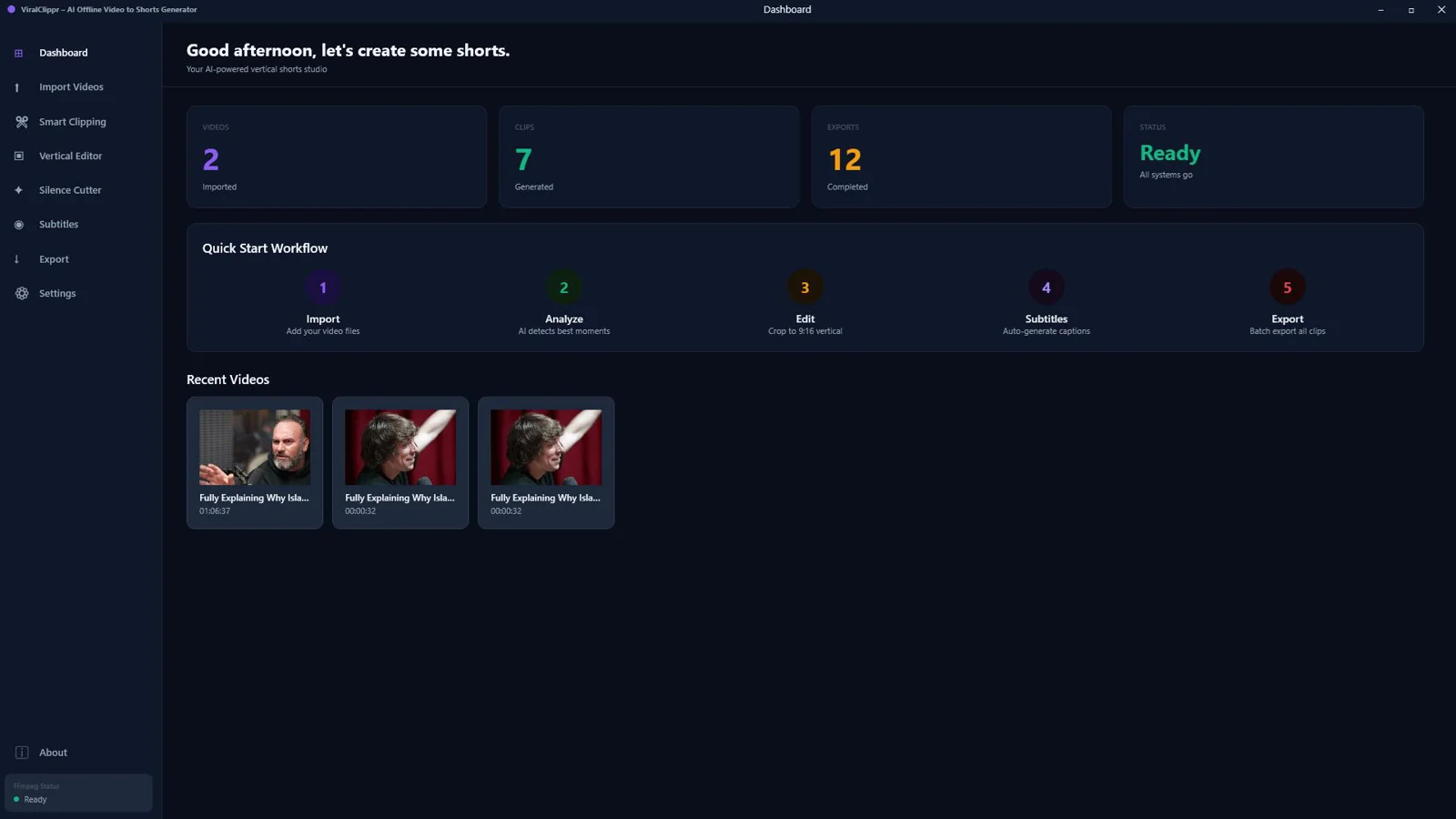
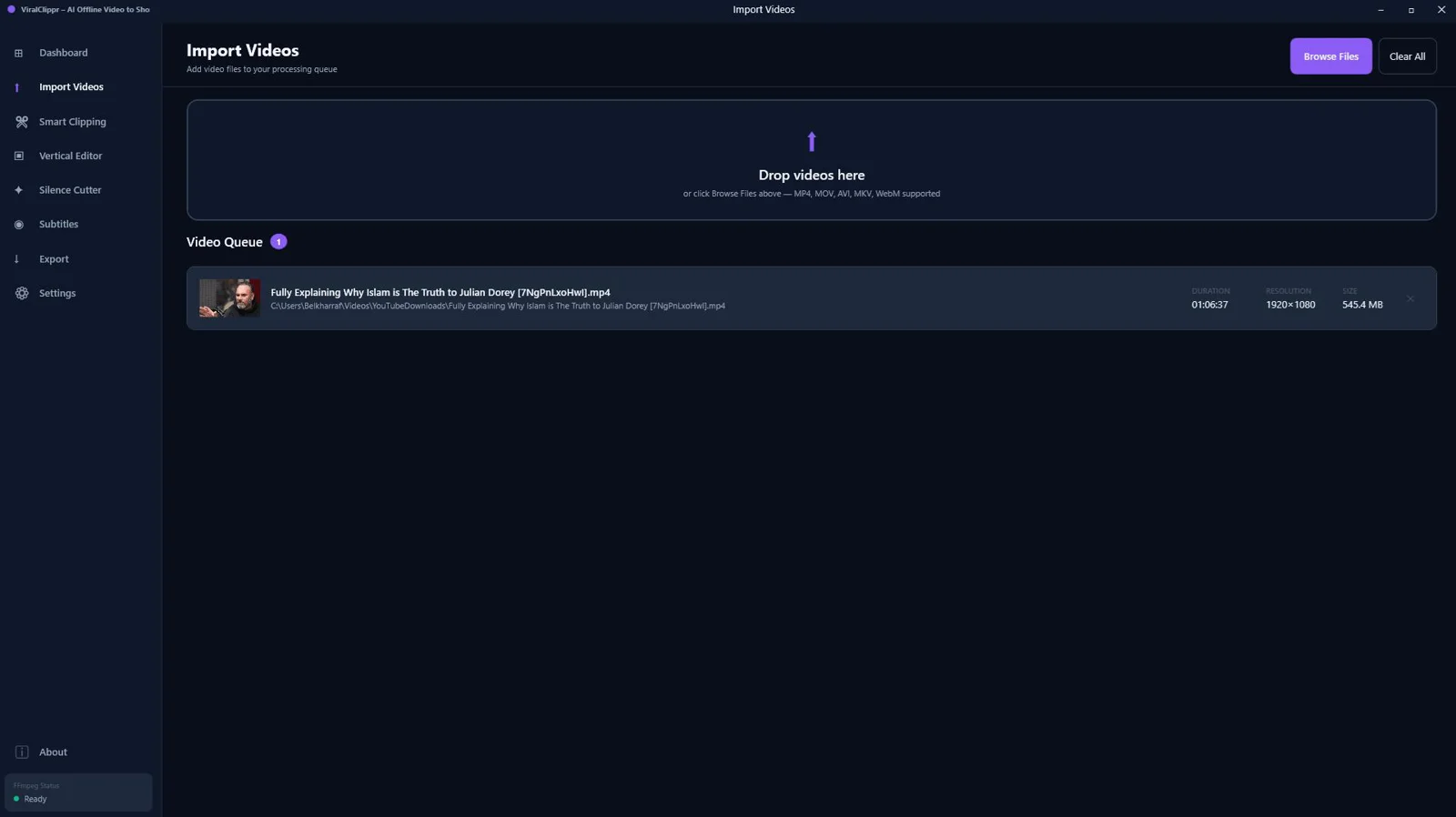
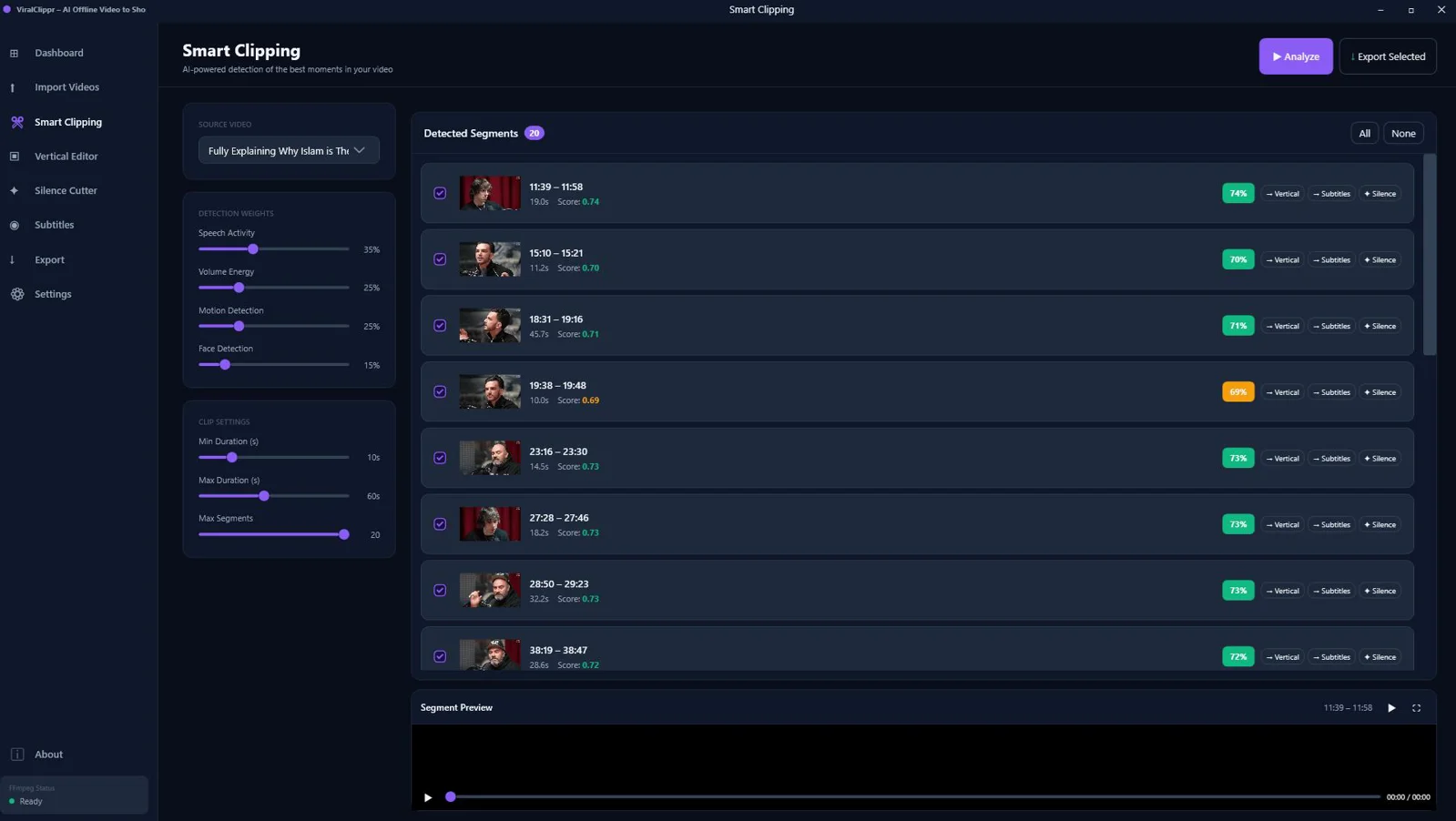
ViralClippr – AI Offline Video to Viral Shorts Generator
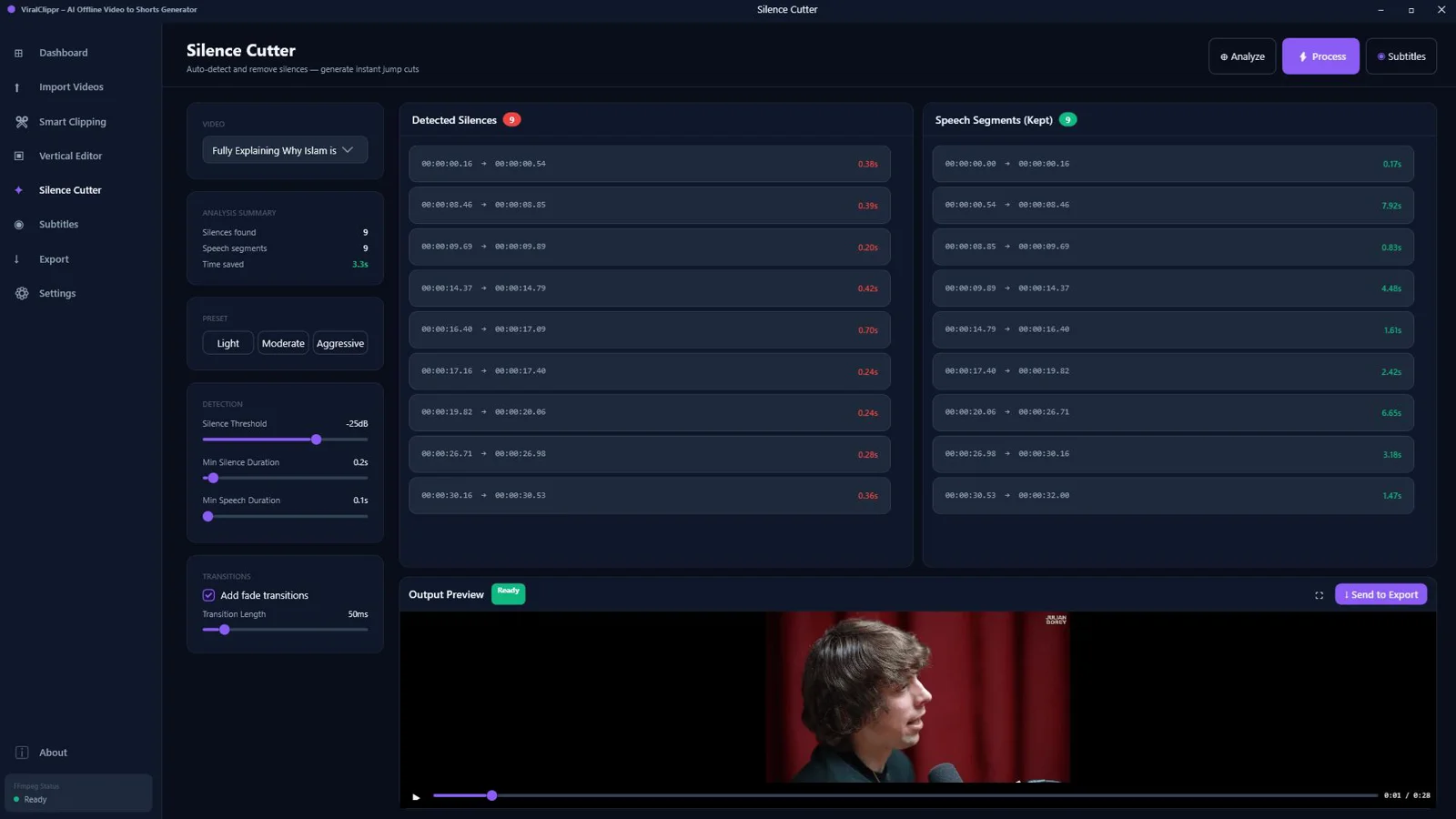
AI Smart Clip Detection (Offline)
Automatically spots high-energy segments and compelling moments locally on your PC, so you create more standout clips with less effort.
Automatic Silence Removal & Jump Cuts
Auto-trims dead air and tightens pacing with clean jump cuts to keep viewers engaged from the first second.
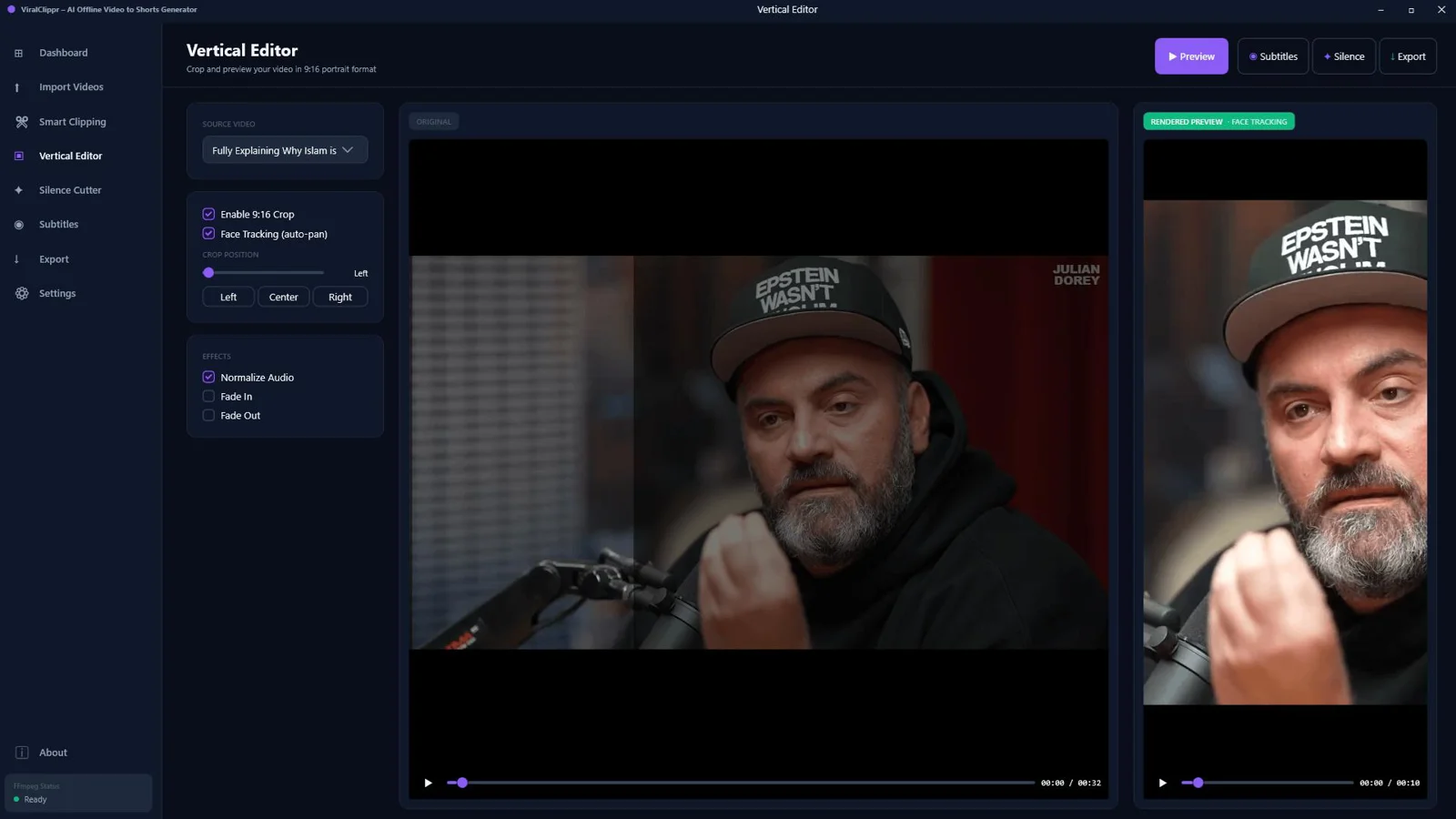
Face-Aware Vertical Cropping (9:16)
Intelligently centers speakers in vertical 9:16 for a polished, platform-ready look without manual keyframing.
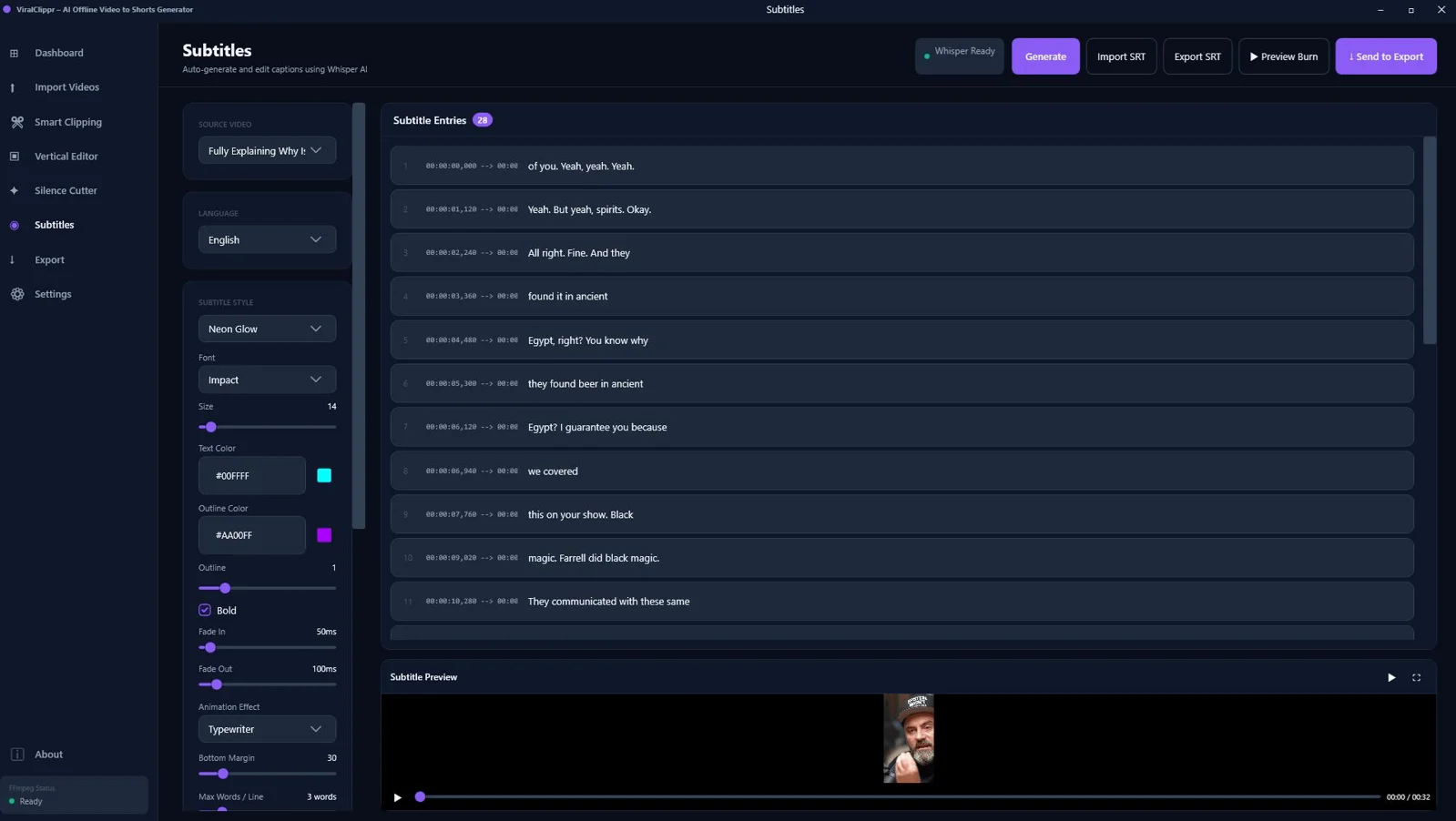
Whisper AI Local Transcription
Transcribes speech securely on your machine to generate accurate captions without internet or external APIs.
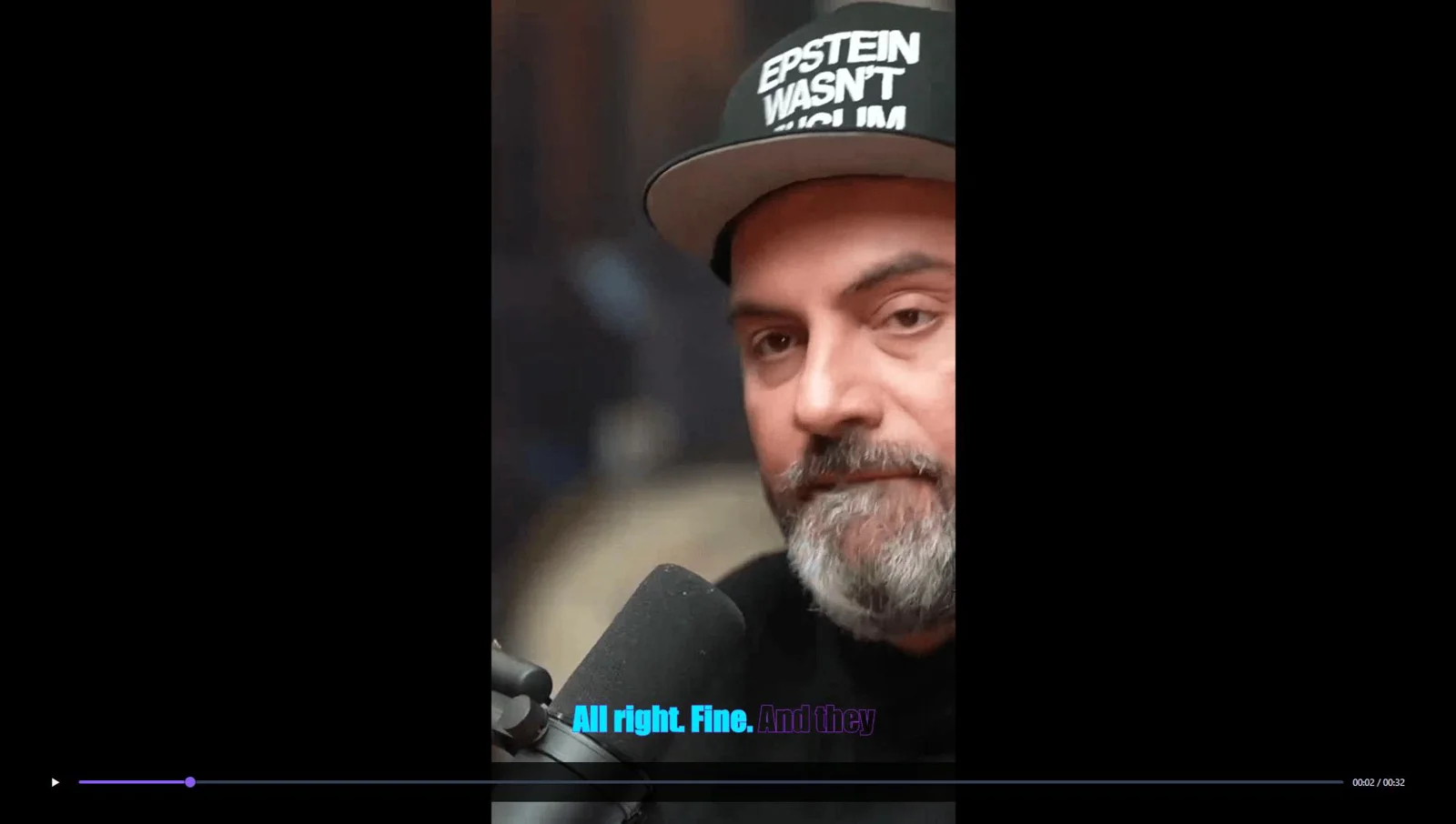
Word-by-Word Animated Subtitles
Auto-generates dynamic, in-sync subtitles that highlight each word to boost clarity and retention.
Viral Hook Detection System
Surfaces attention-grabbing openings so your shorts start strong and stop the scroll.
Platform Export Presets
Optimized presets for TikTok, Instagram Reels, and YouTube Shorts ensure specs are right the first time.
GPU Accelerated Export (FFmpeg)
Leverages your GPU for faster renders, cutting turnaround times for rapid publishing.
Fully Offline Processing
No cloud uploads or API dependencies—keep content private and production predictable.
Batch Video Processing
Queue multiple files and turn entire libraries into short clips in one streamlined workflow.
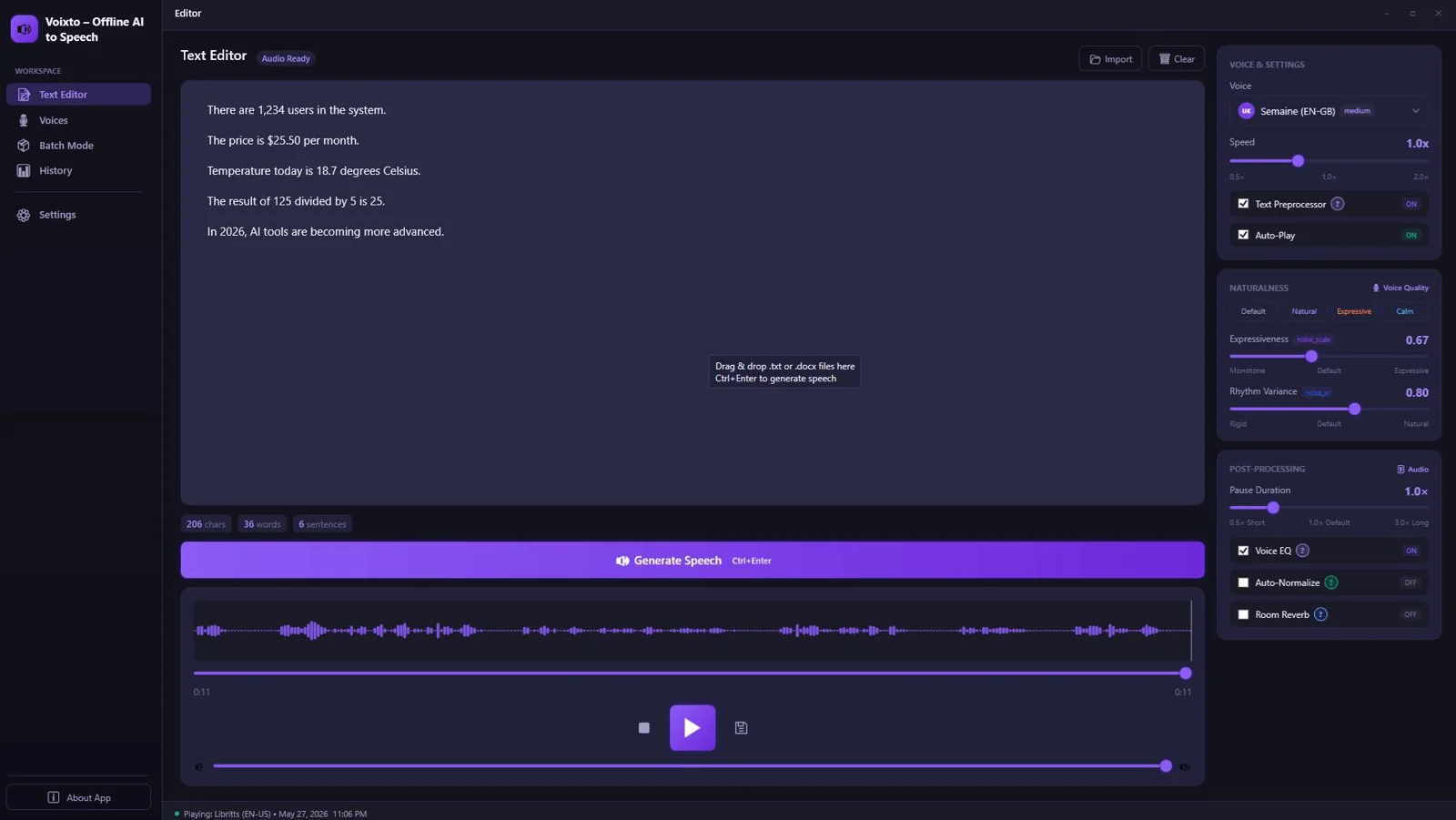
Voixto - AI Offline Text To Speech
True Offline Text‑to‑Speech
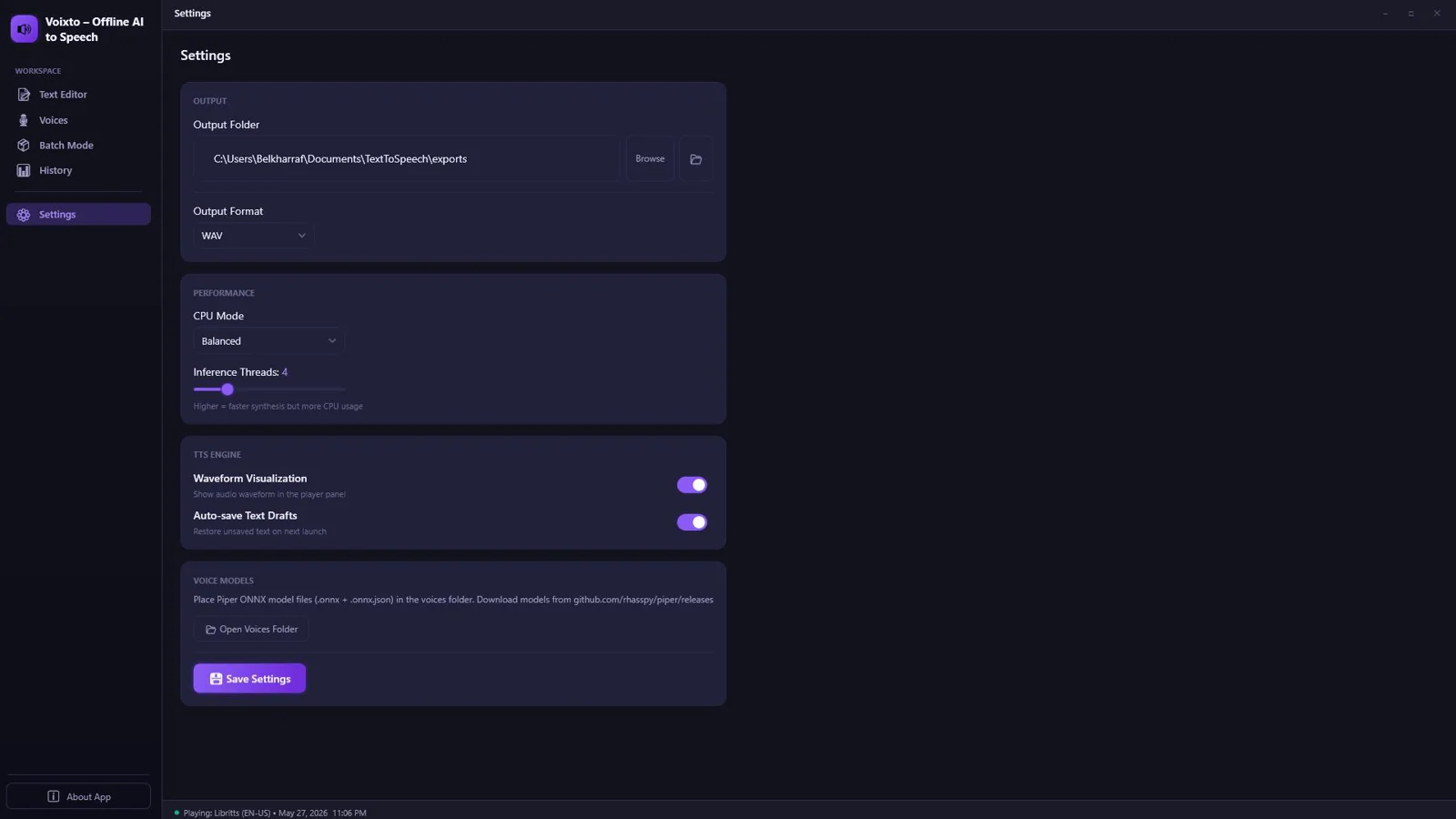
Generate high‑quality speech entirely on your Windows machine—no internet needed after installation for privacy and reliability.
Natural, Human‑Like Voices
Transform written text into lifelike audio that keeps listeners engaged across voiceovers, audiobooks, and learning content.
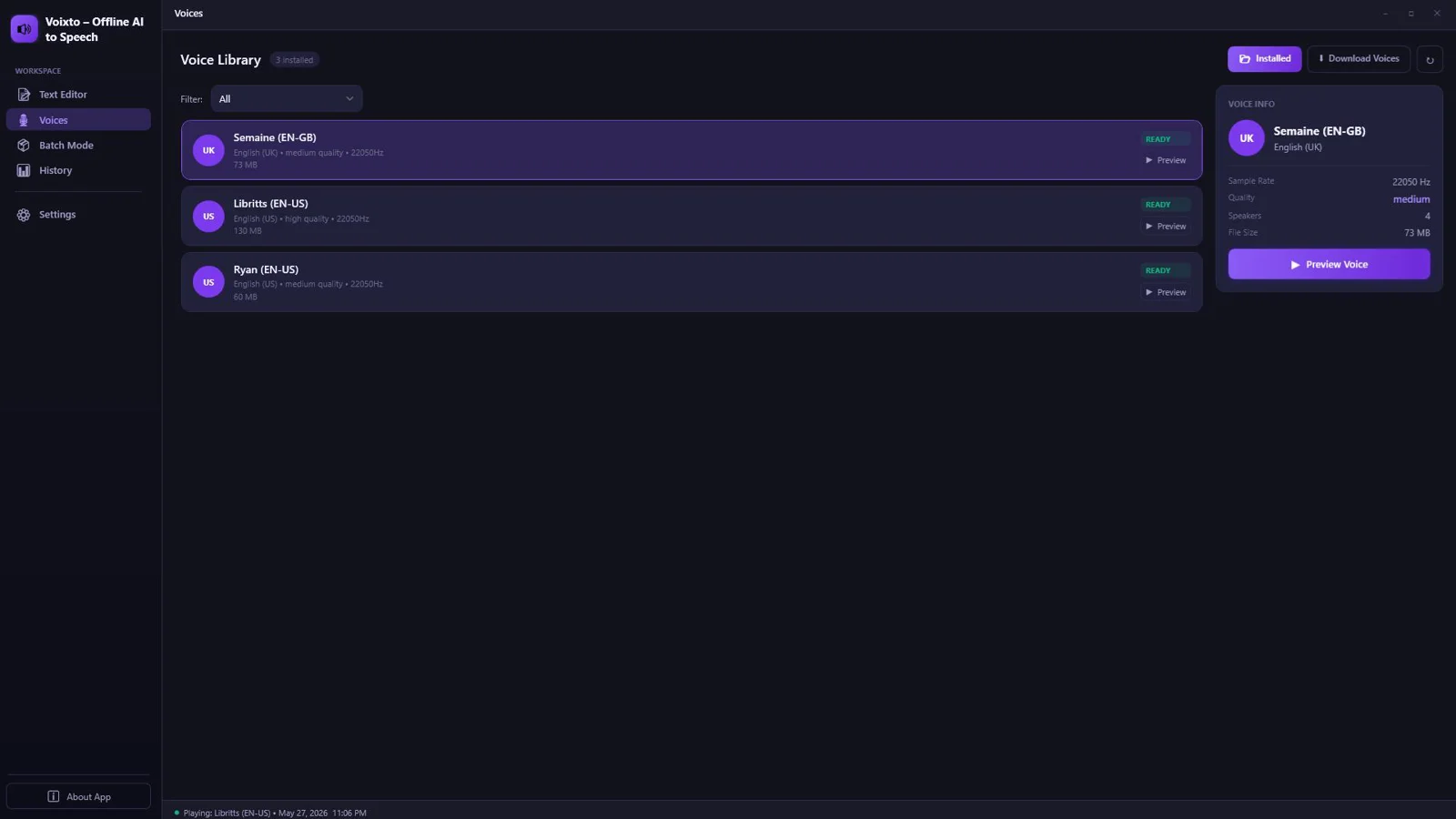
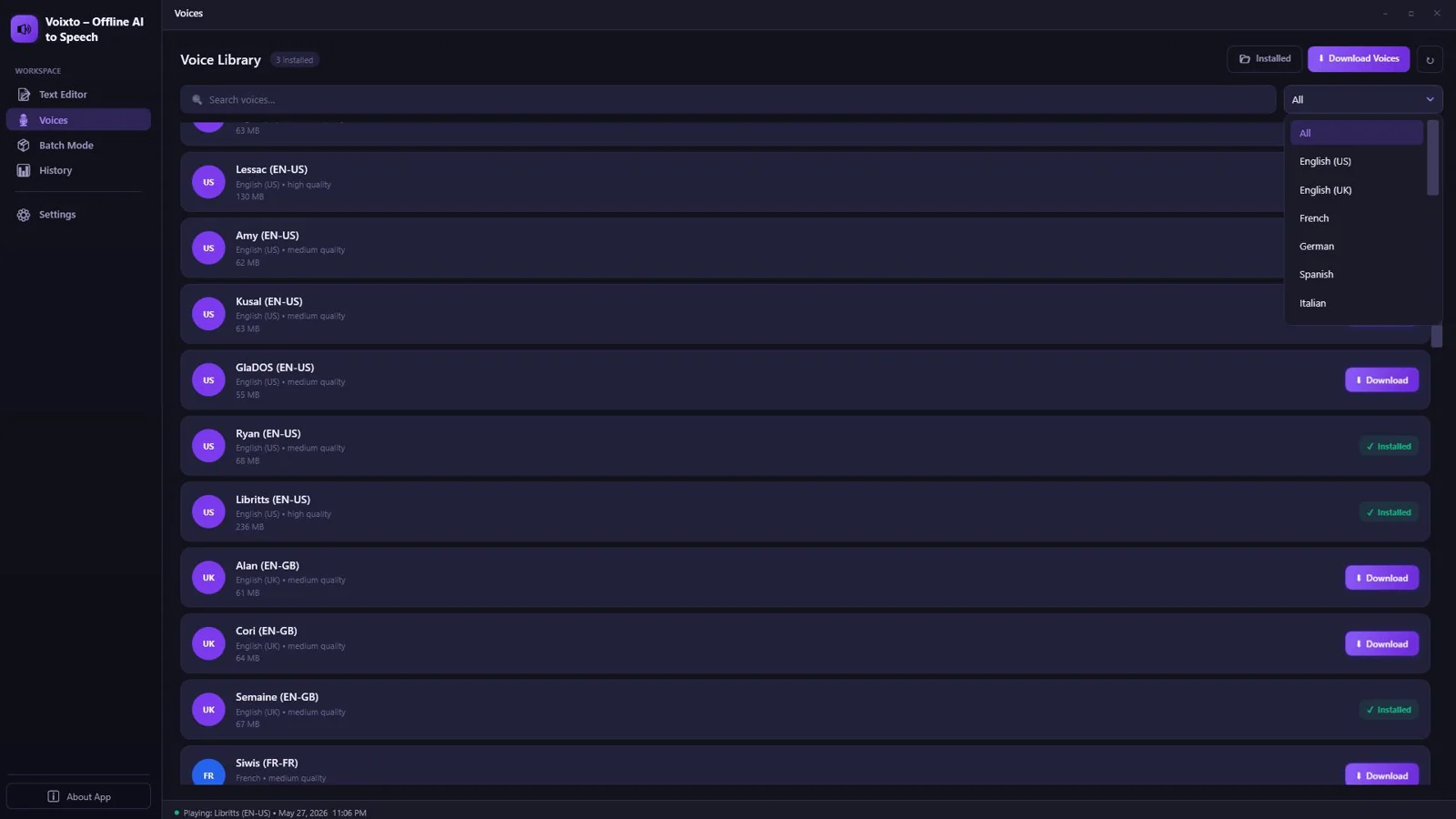
Multiple Voice Options
Switch voices instantly to match your style or project needs without leaving your flow.
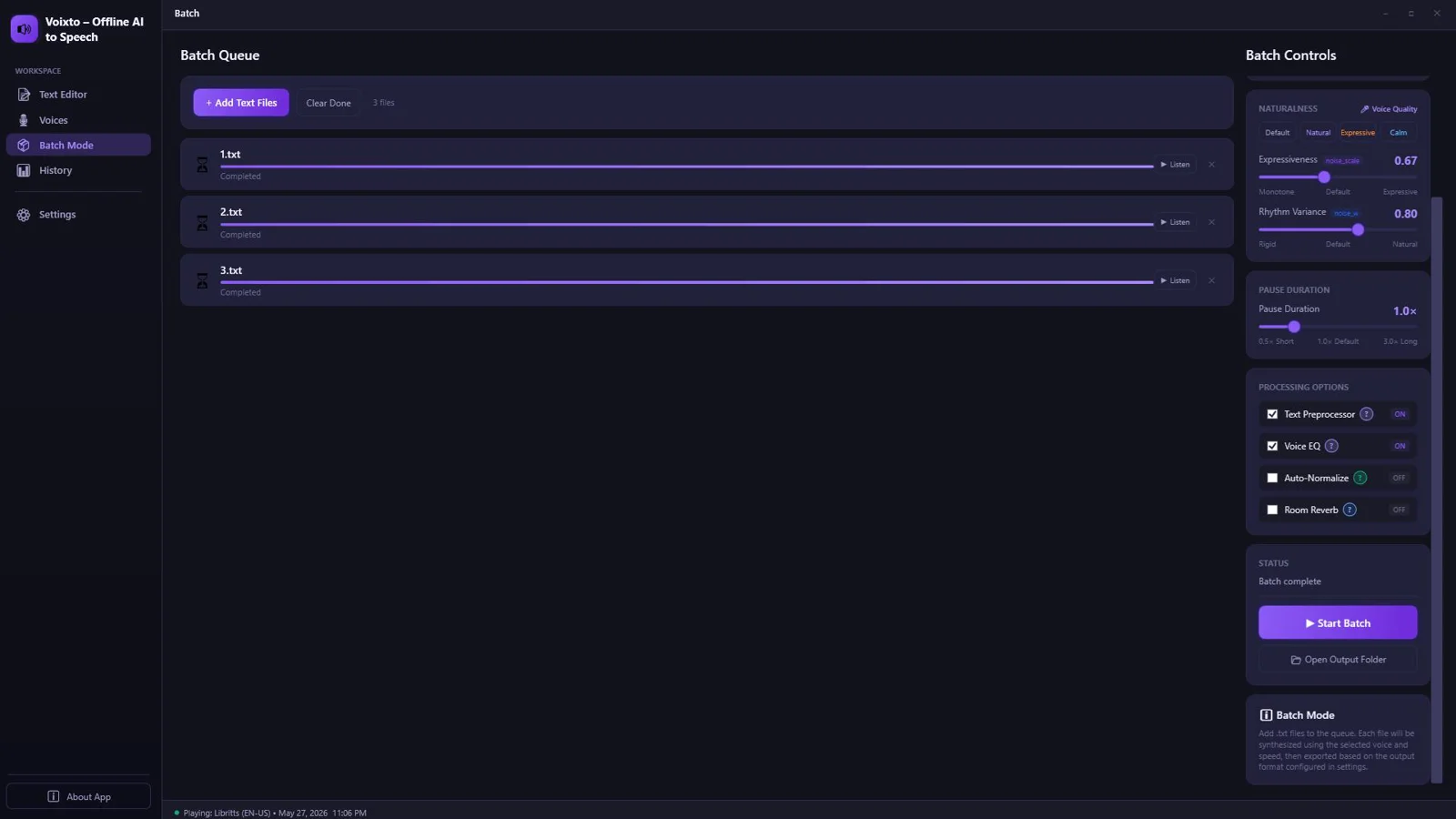
Batch Audio Generation
Process multiple files in one go—perfect for large content libraries and scalable production.
Real‑Time Preview & Playback
Hear edits as you make them to eliminate guesswork and speed up approvals.
Speed, Tone & Expression Controls
Dial in pacing and delivery for the exact mood you want—clear, confident, or conversational.
Advanced Text Processing
Structured parsing ensures clean, consistent speech from varied sources and formats.
Built‑in EQ & Reverb
Polish your audio inside the app—no extra plugins required.
Import TXT, MD, DOCX
Bring in scripts from your favorite editors with seamless file import.
High‑Quality Audio Export
Deliver professional results with crisp, high‑quality output formats ready for publishing.
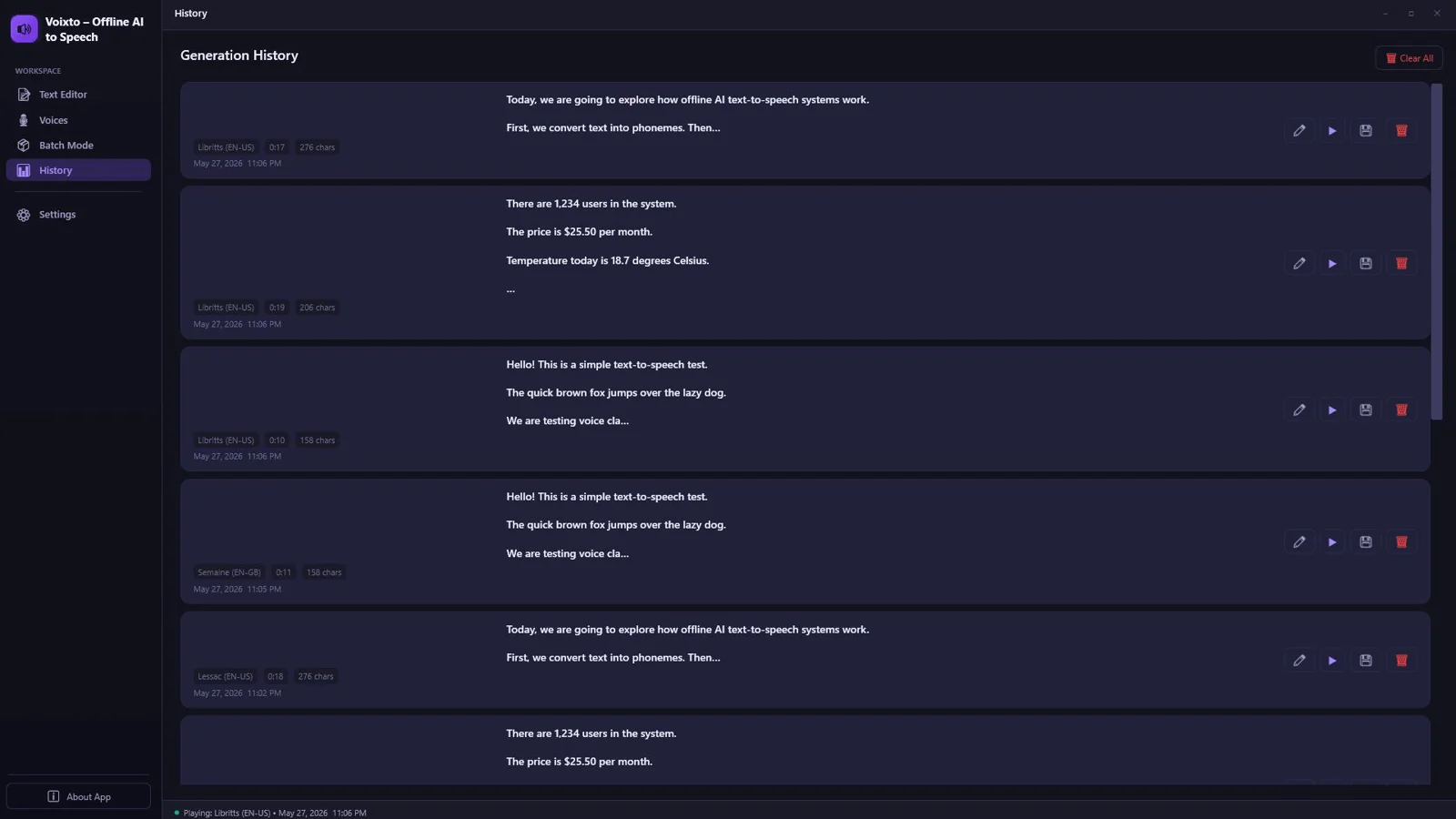
Output History
Access saved renders for quick revisions and consistent versioning.
Modern Dark/Light Interface
A clean, focused desktop UI that keeps you productive in any environment.
No Internet Required After Installation
Work securely and uninterrupted anywhere—travel, studio, or offline environments.
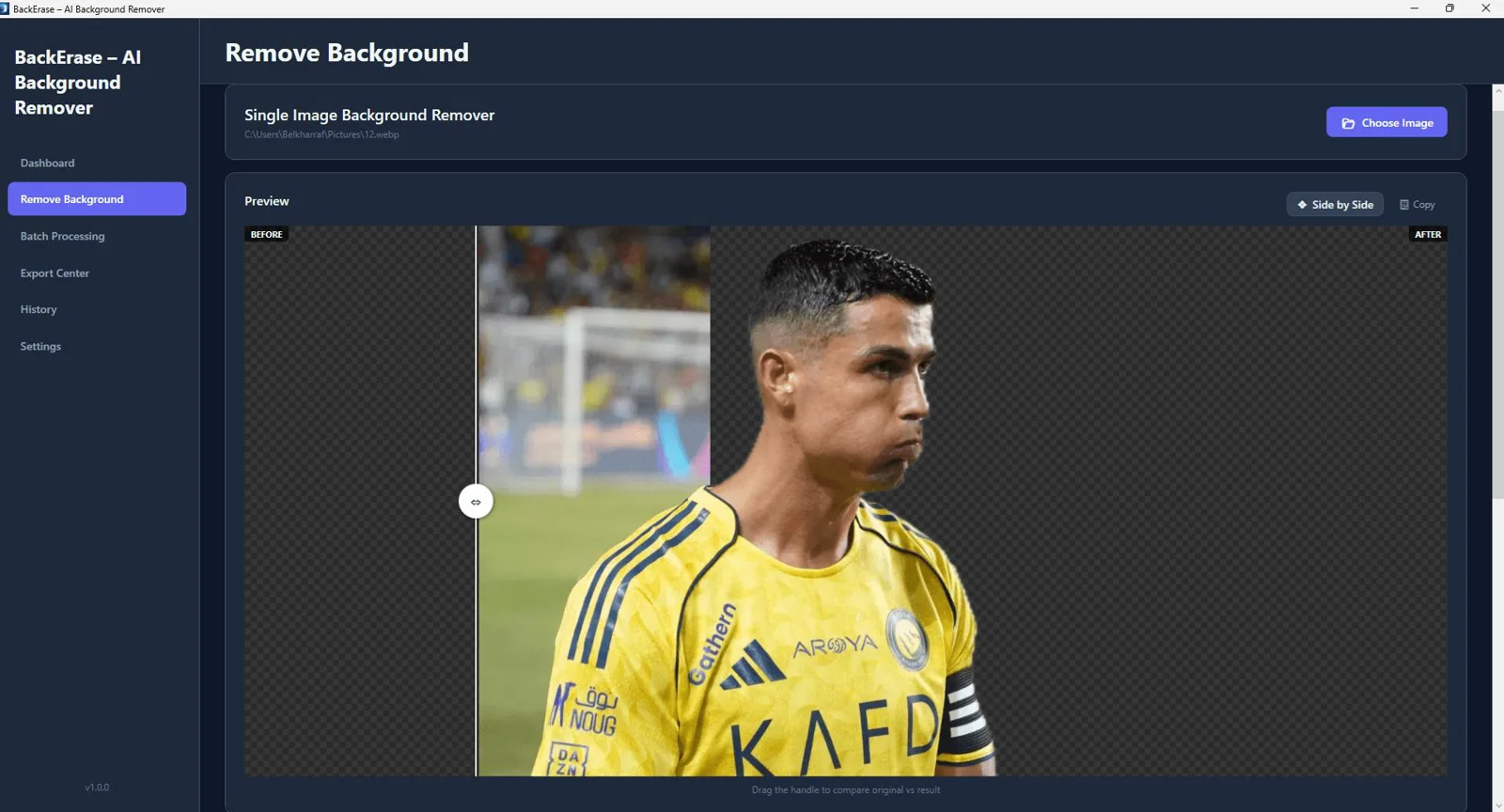
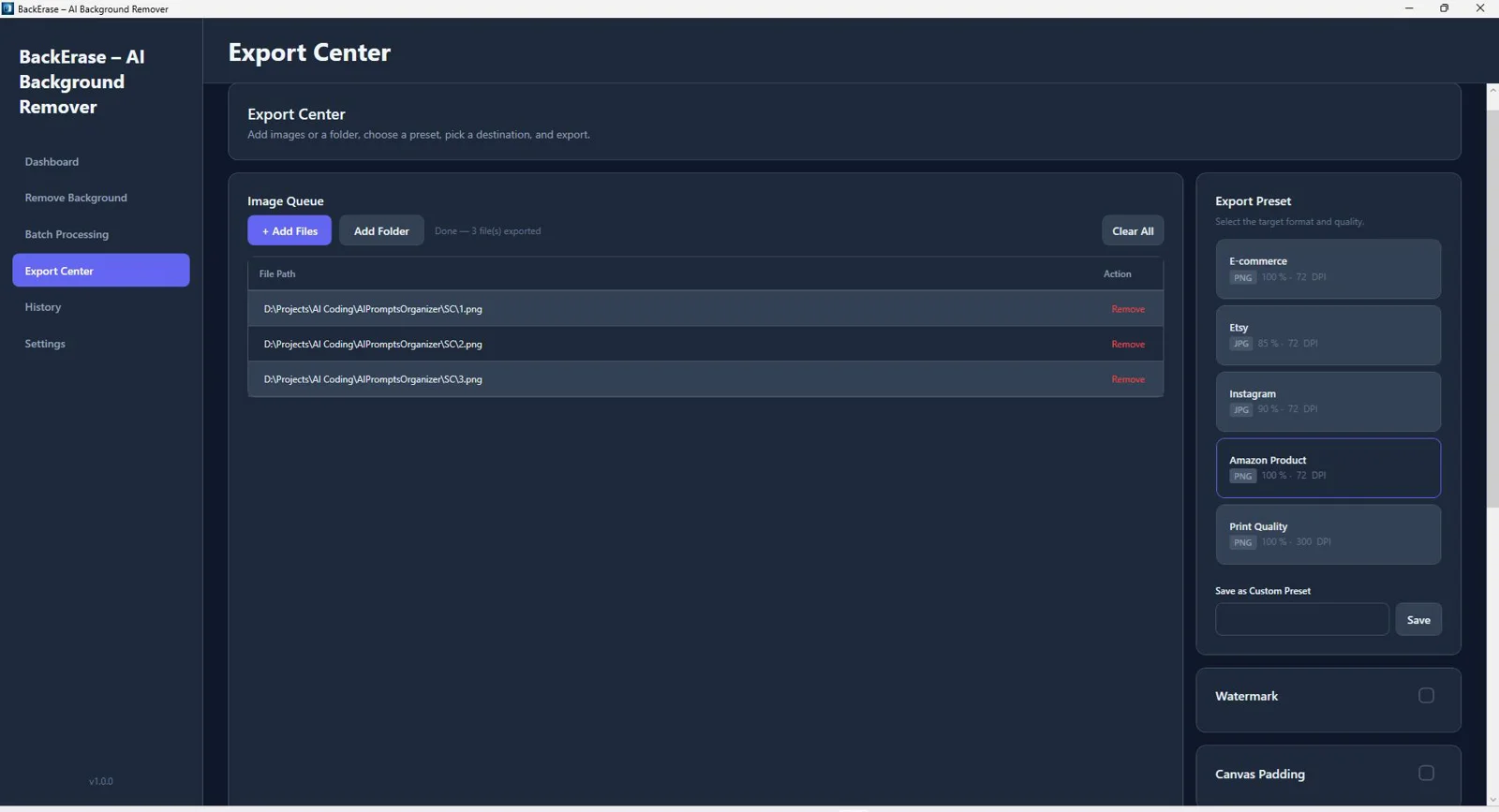
BackErase – AI Background Remover
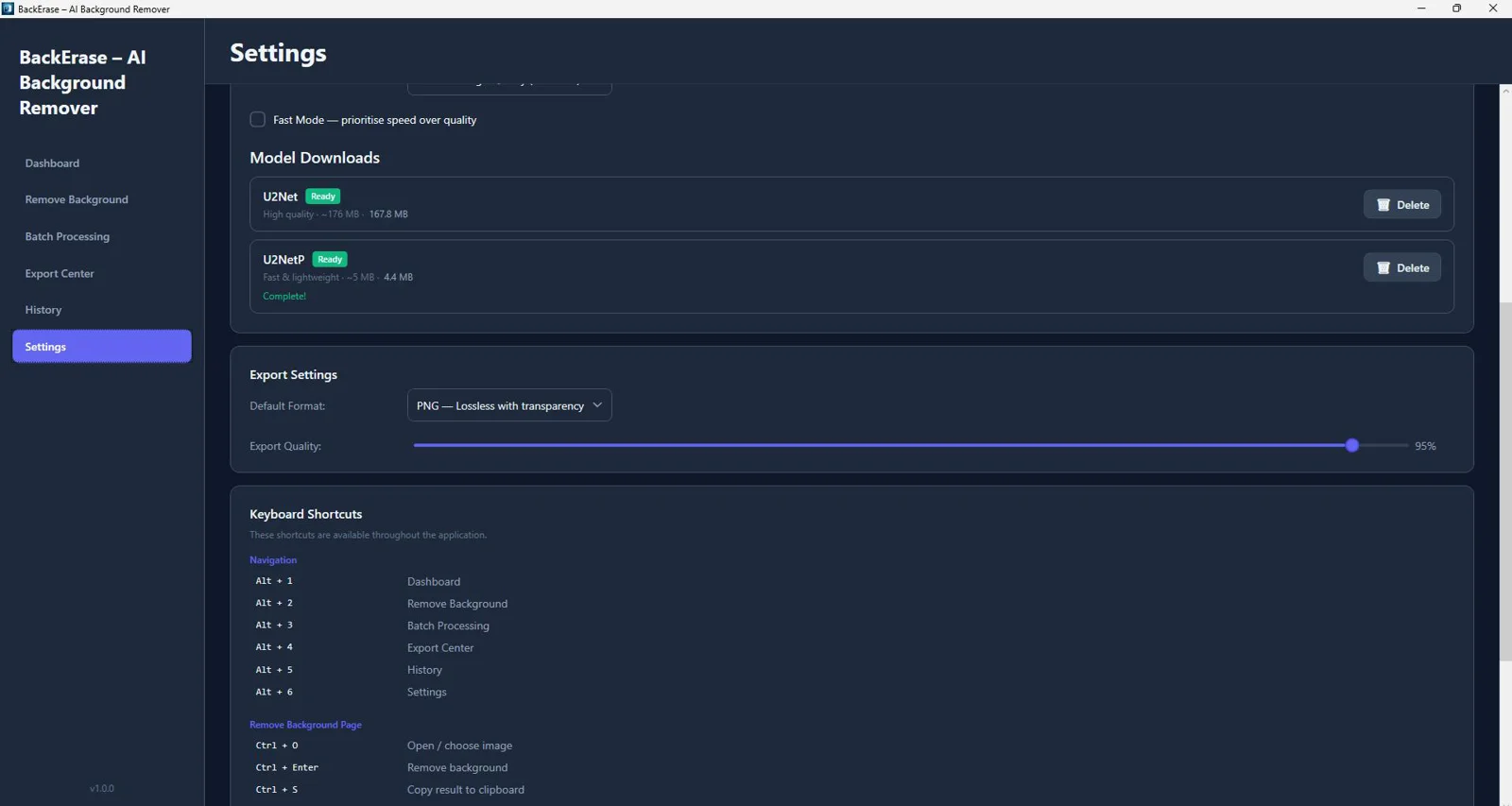
AI Background Removal (U2Net & U2NetP ONNX)
State-of-the-art models isolate subjects automatically for clean, accurate cutouts—even on hair and complex edges.
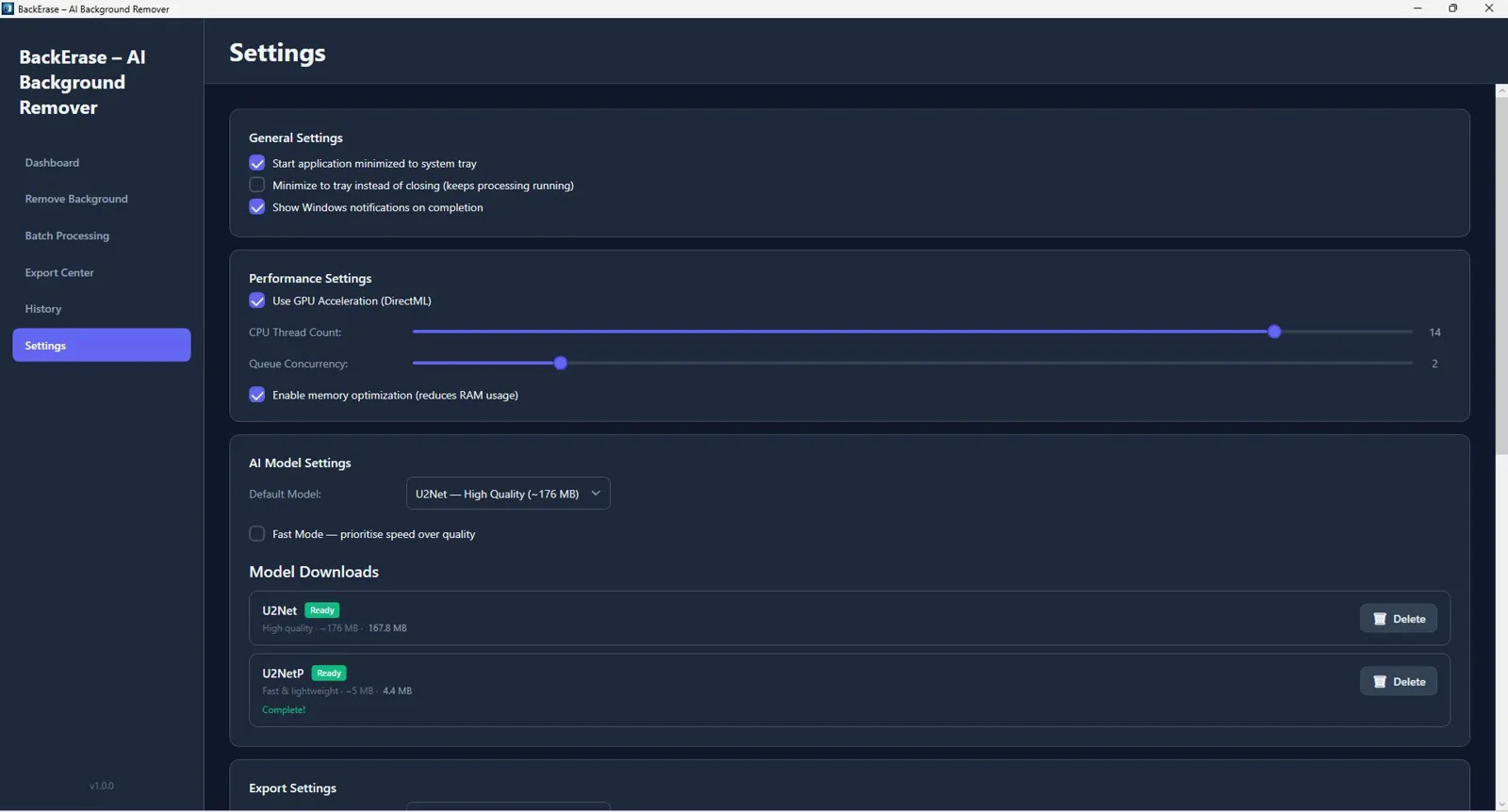
Fully Offline Processing (No API Required)
Work securely on your PC with zero uploads, ideal for sensitive content and air-gapped workflows.
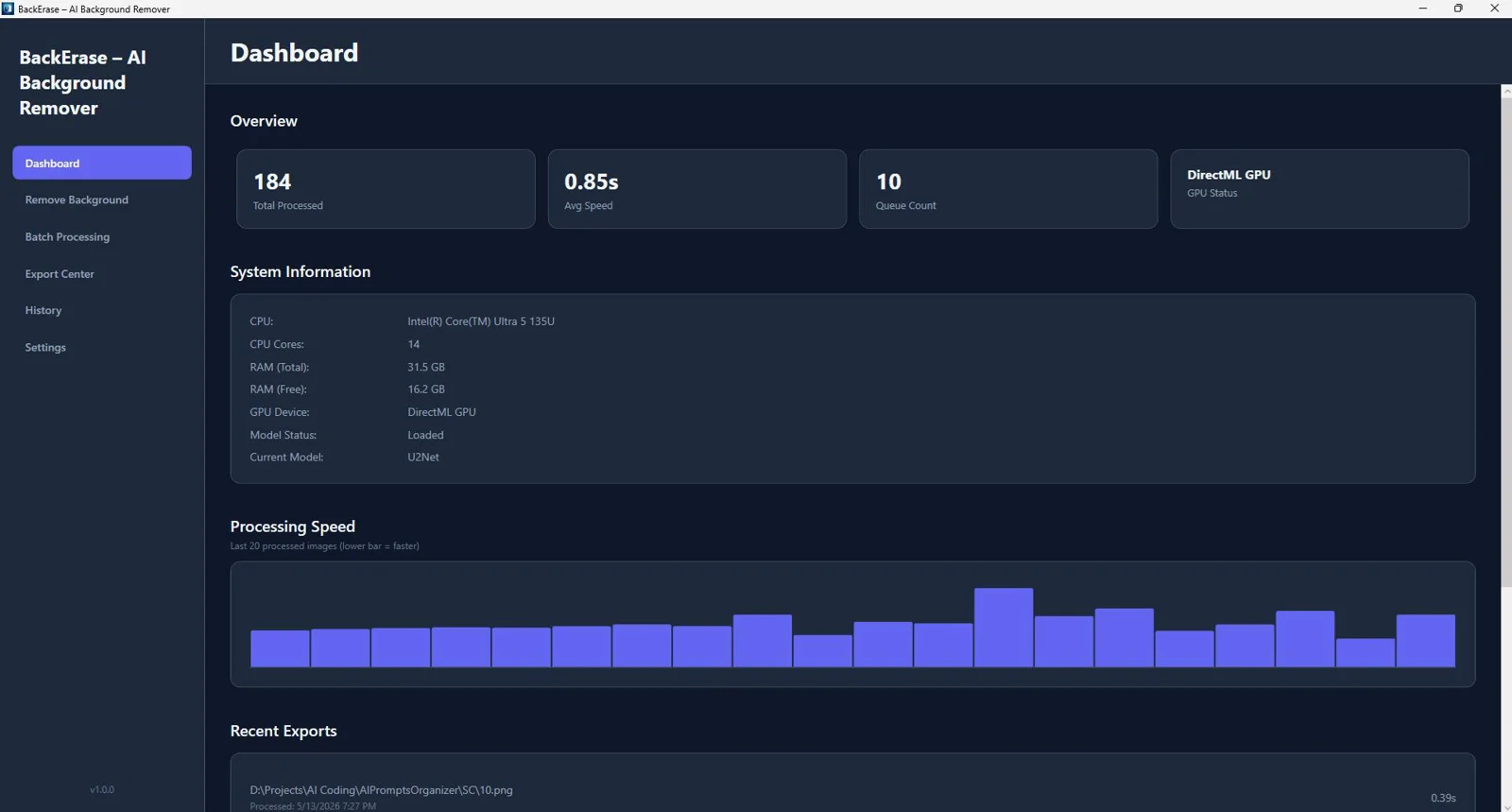
GPU Acceleration (DirectML) + CPU Mode
Harness your Windows GPU for real speed; automatic CPU fallback keeps you productive on any machine.
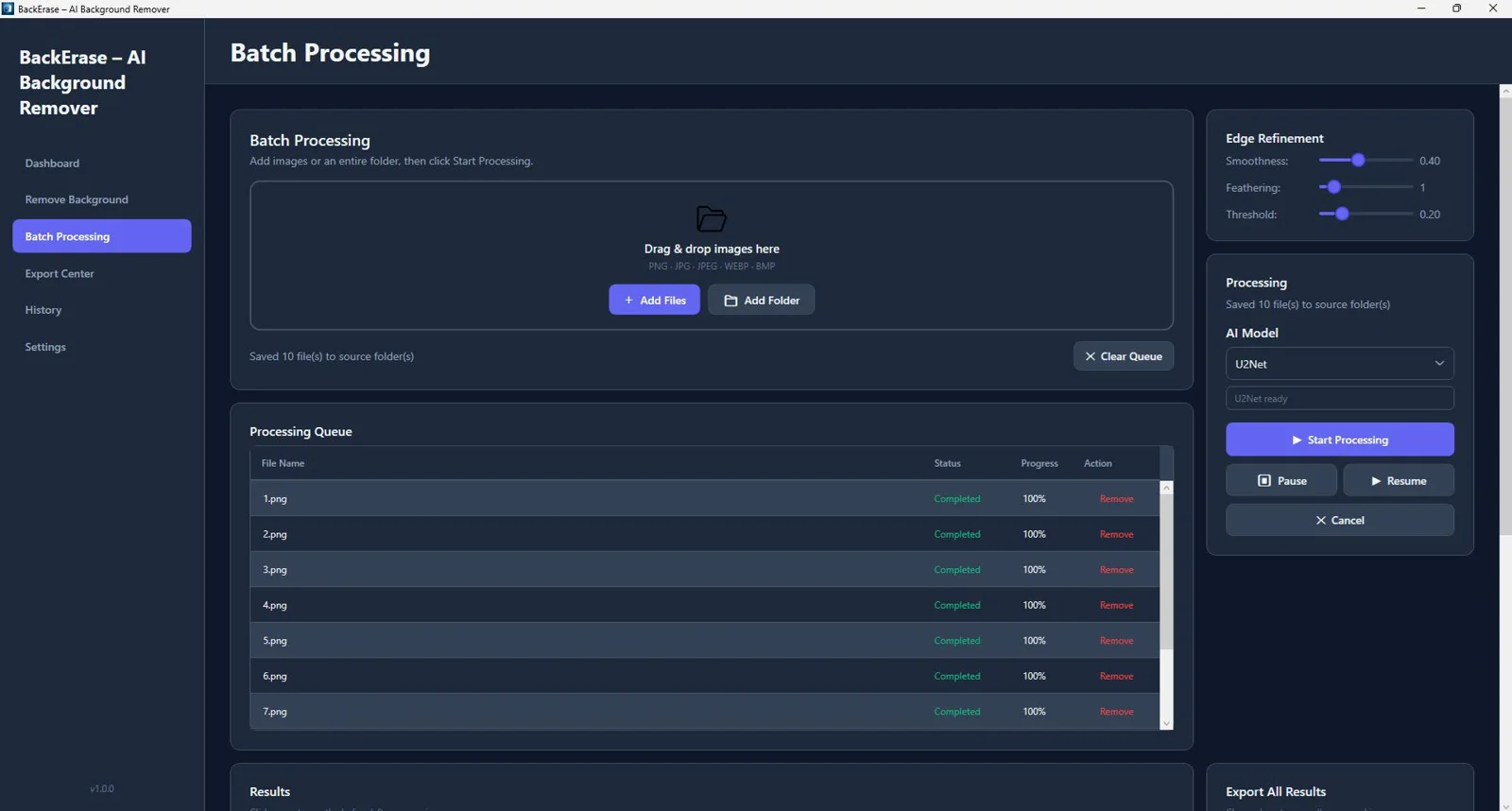
Batch Image Processing with Queue System
Process entire folders at once using a reliable queue built for high-volume production.
Drag & Drop Support
Drop images in and go—no complicated setup or learning curve.
Before/After Comparison Slider
Instantly verify results and fine-tune without guesswork.
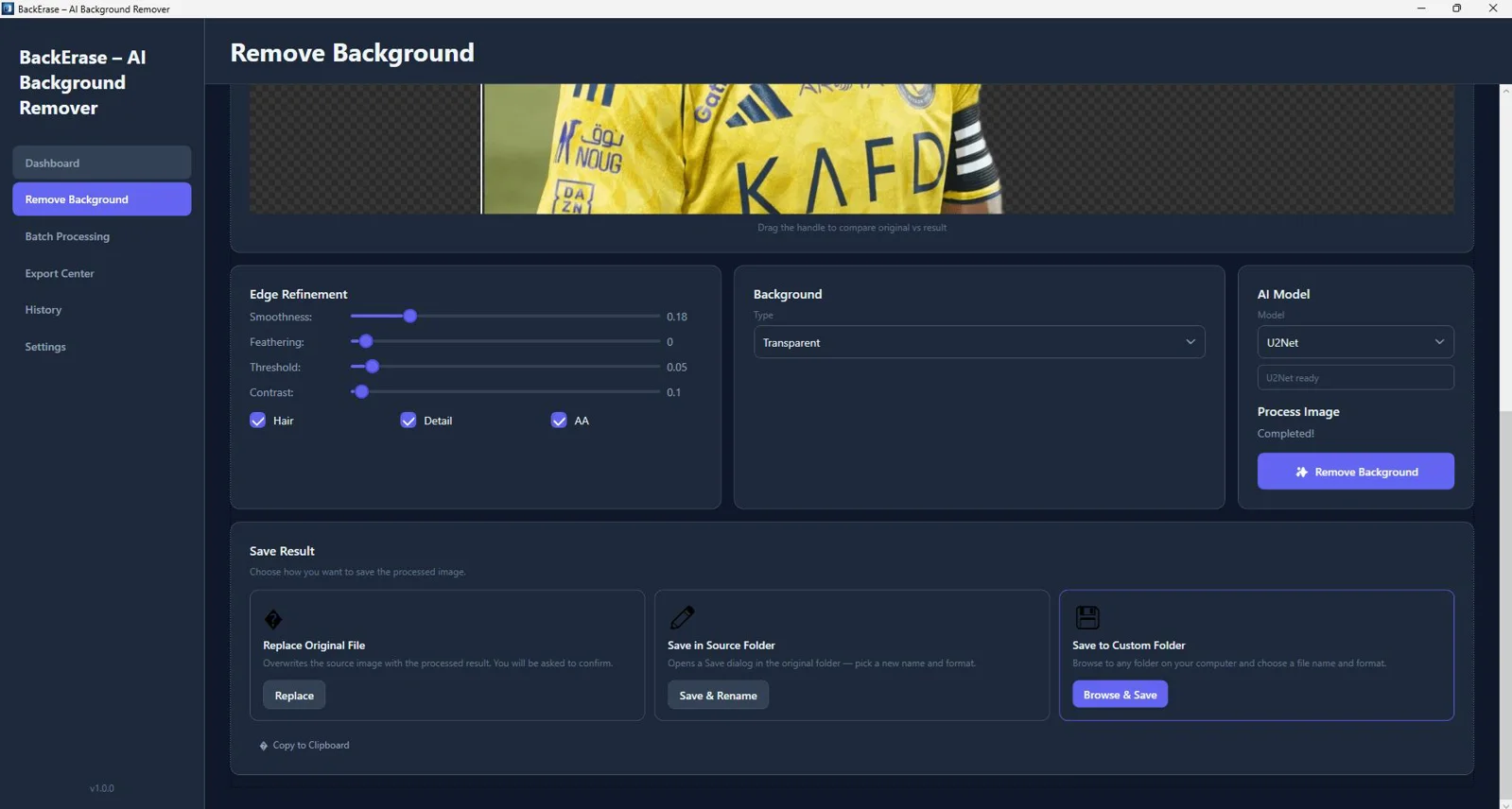
Edge Refinement (Hair & Fine Detail Enhancement)
Dial in delicate edges to remove halos and preserve natural, lifelike detail.
Background Replacement (Color, Gradient, Image, Blur)
Swap backgrounds in a click to match brand palettes, studio looks, or subtle depth-of-field blur.
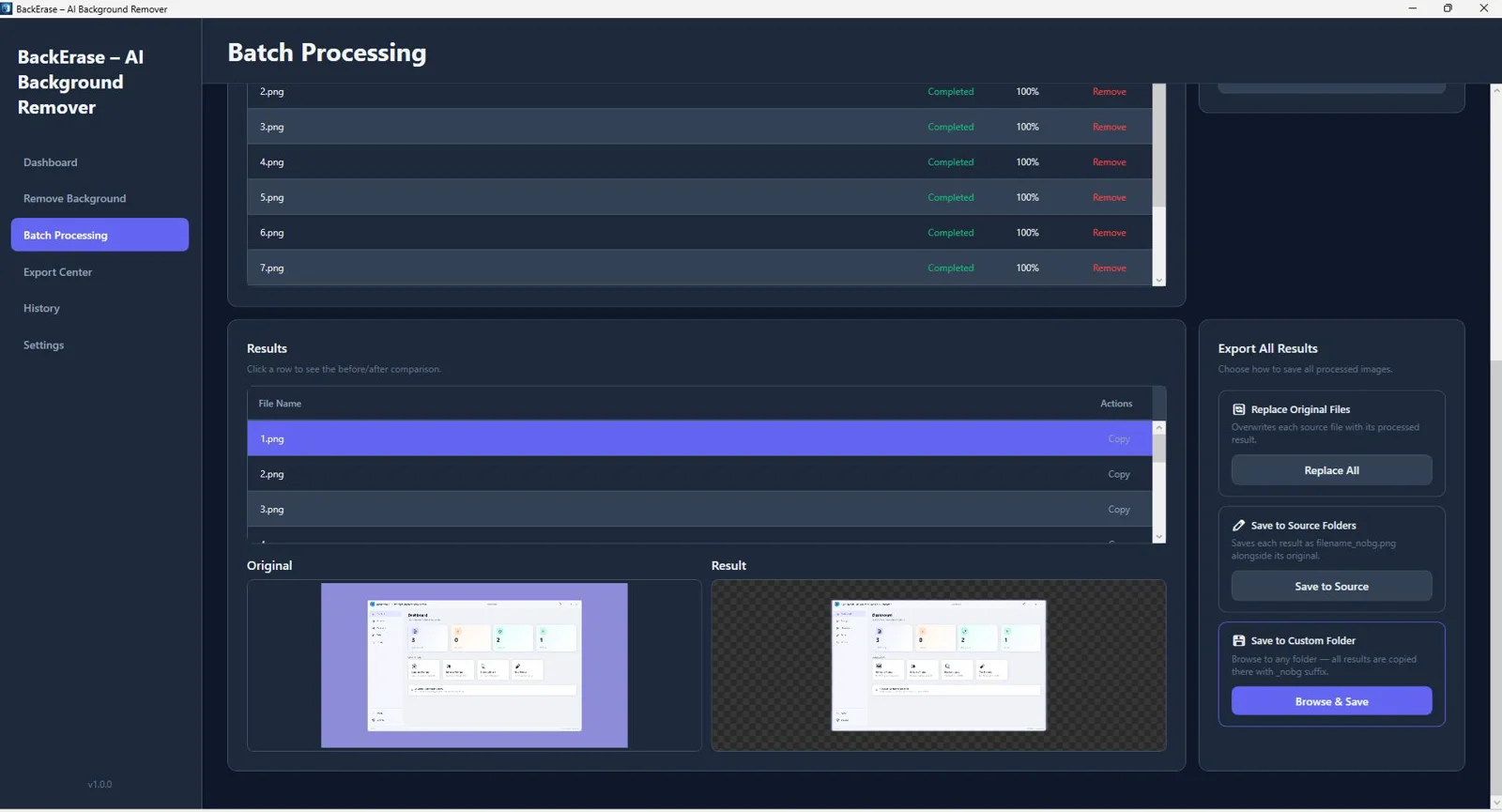
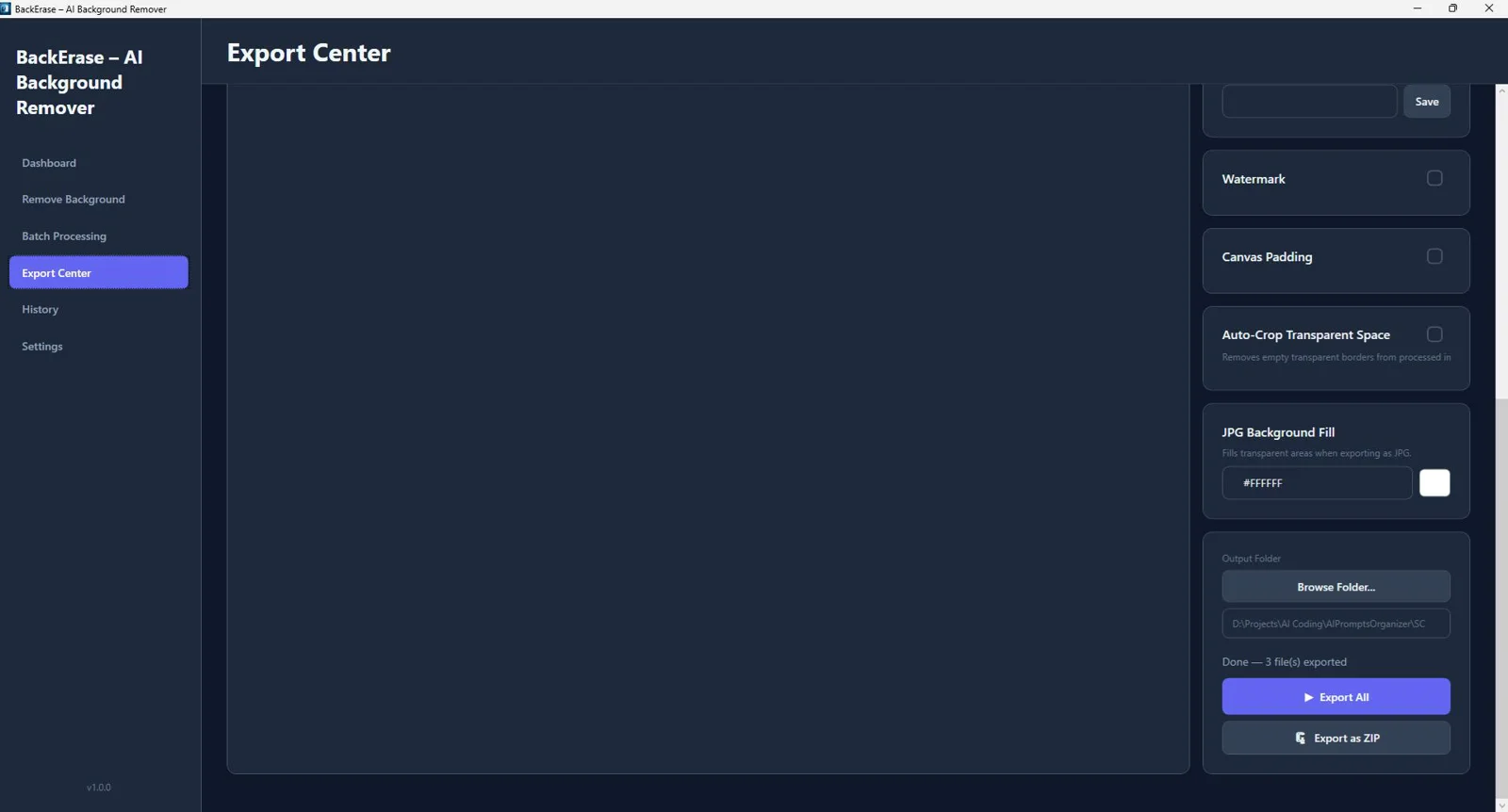
Export Presets (Ecommerce, Etsy, Amazon, Instagram)
One-click presets deliver marketplace-ready outputs that meet common spec requirements.
PNG Transparency Support
Export clean PNGs with alpha channels for seamless compositing and design workflows.
Copy to Clipboard
Send results straight into your design app with a single click.
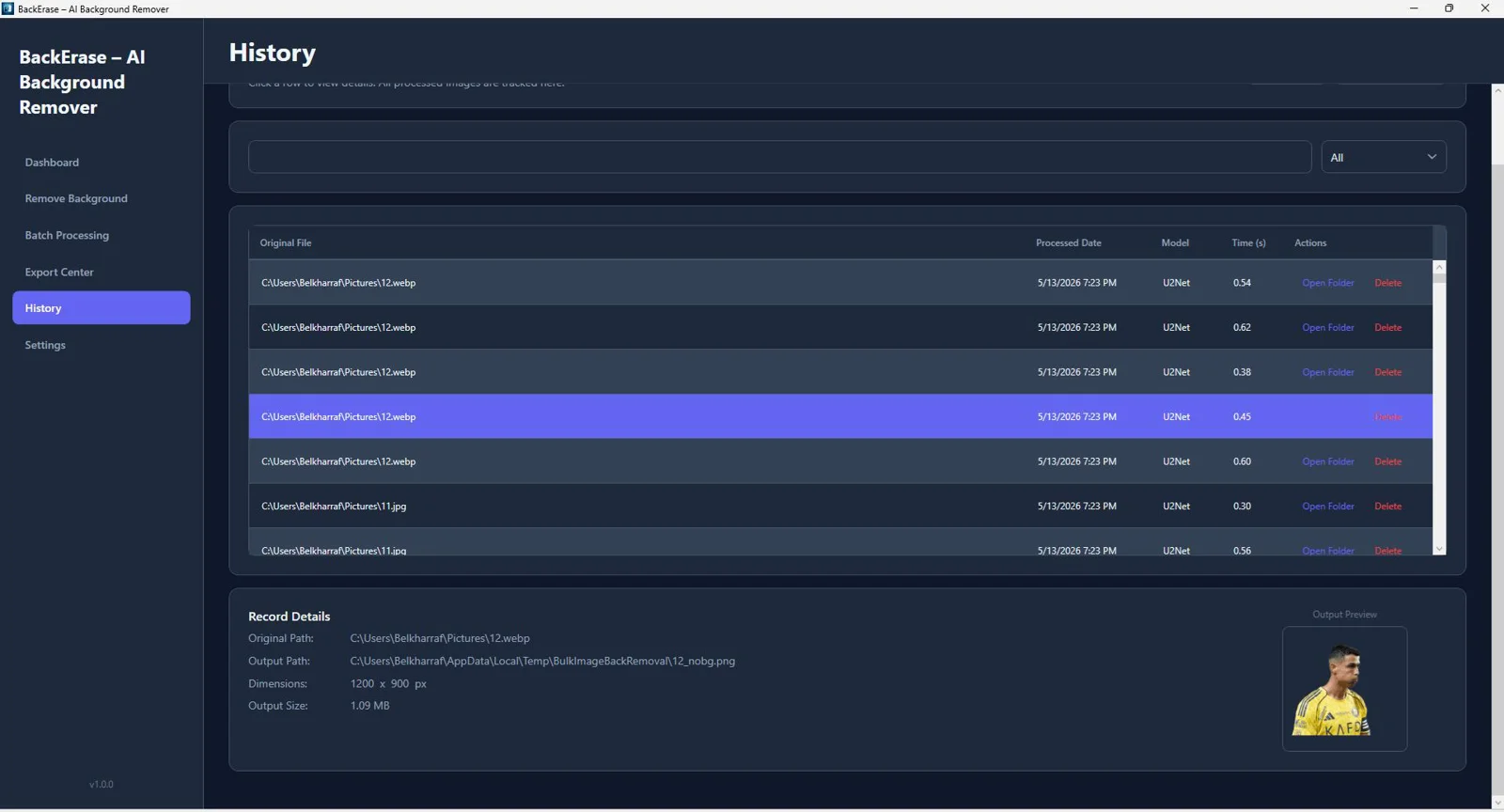
History Tracking System
Quickly revisit previous results to restore or re-export without reprocessing.
Export Optimization Tools
Optimize quality and file size for fast-loading product pages and social posts.
Real-Time Preview
See changes as you work to fine-tune faster and with confidence.
Modern WPF Interface
A clean, responsive Windows UI designed for speed, focus, and productivity.
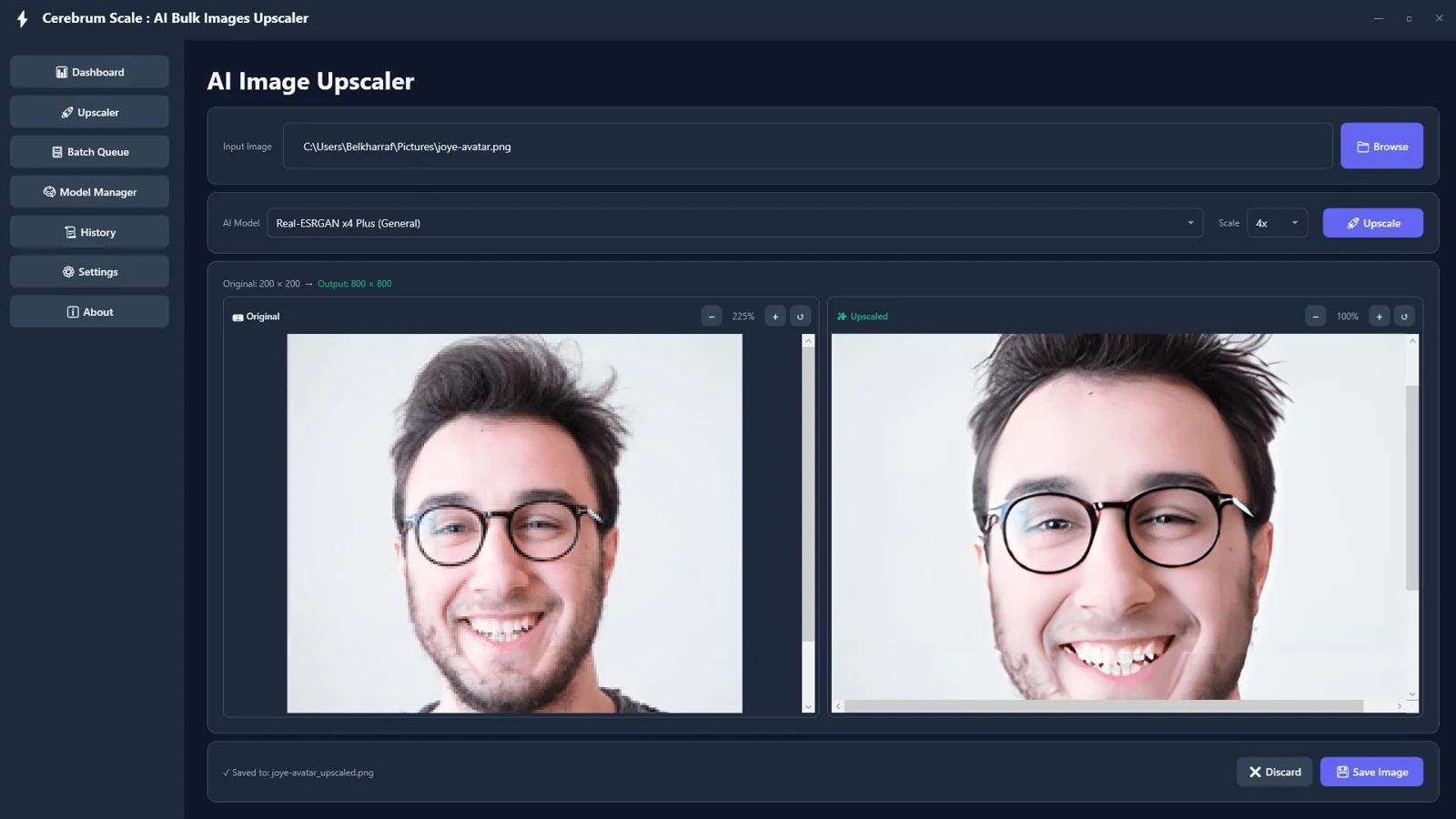
Cerebrum Scale : AI Offline Bulk Images Upscaler
AI Upscaling — No APIs, No Monthly Fees
Process images 100% offline for privacy and reliability. Enjoy unlimited use with zero subscriptions or usage caps.
ONNX Runtime Offline Processing
Run advanced AI models locally for stable, consistent quality without any internet connection.
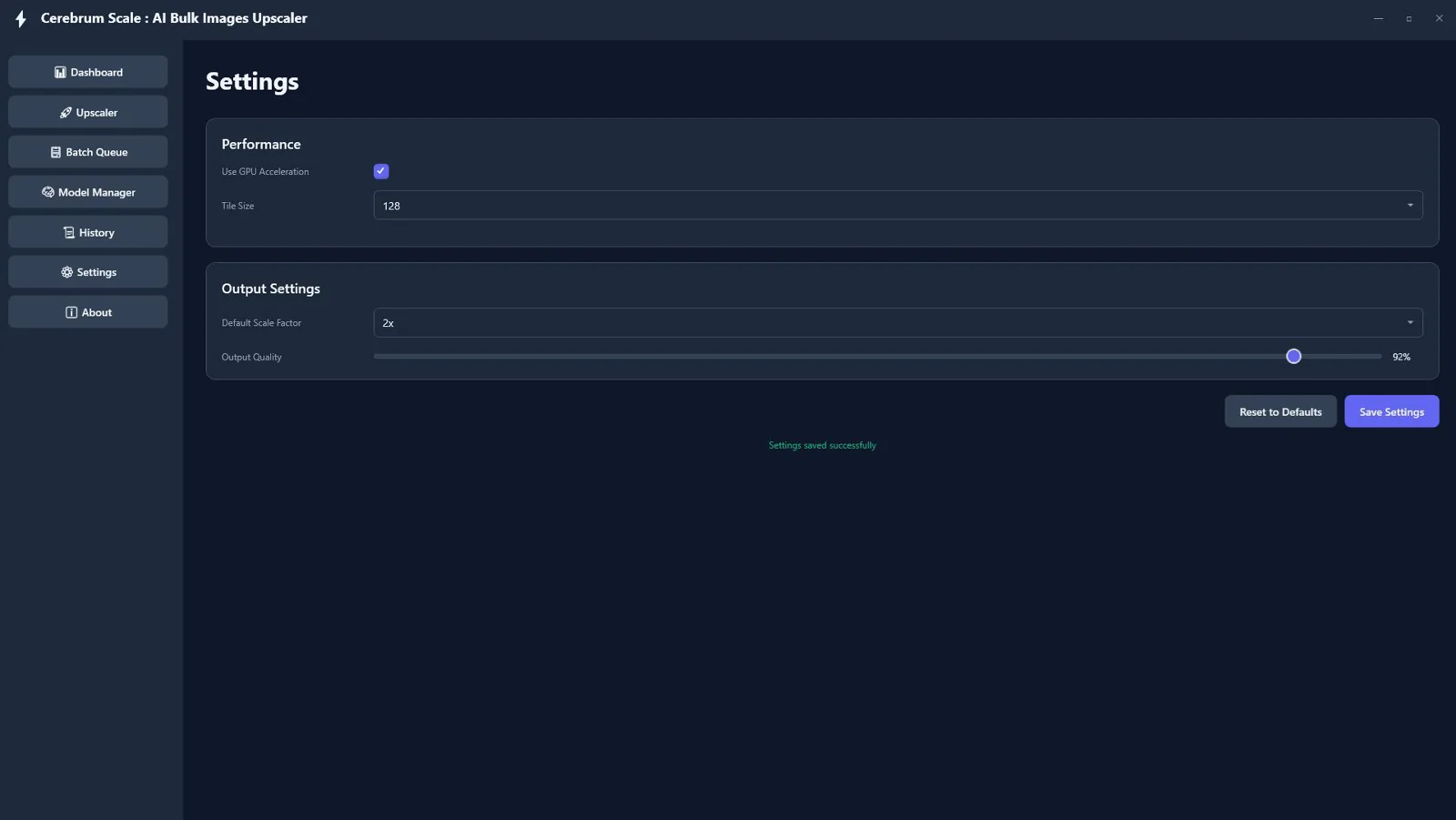
2x and 4x Upscaling
Choose the scale that fits your project — from social media to print‑ready assets.
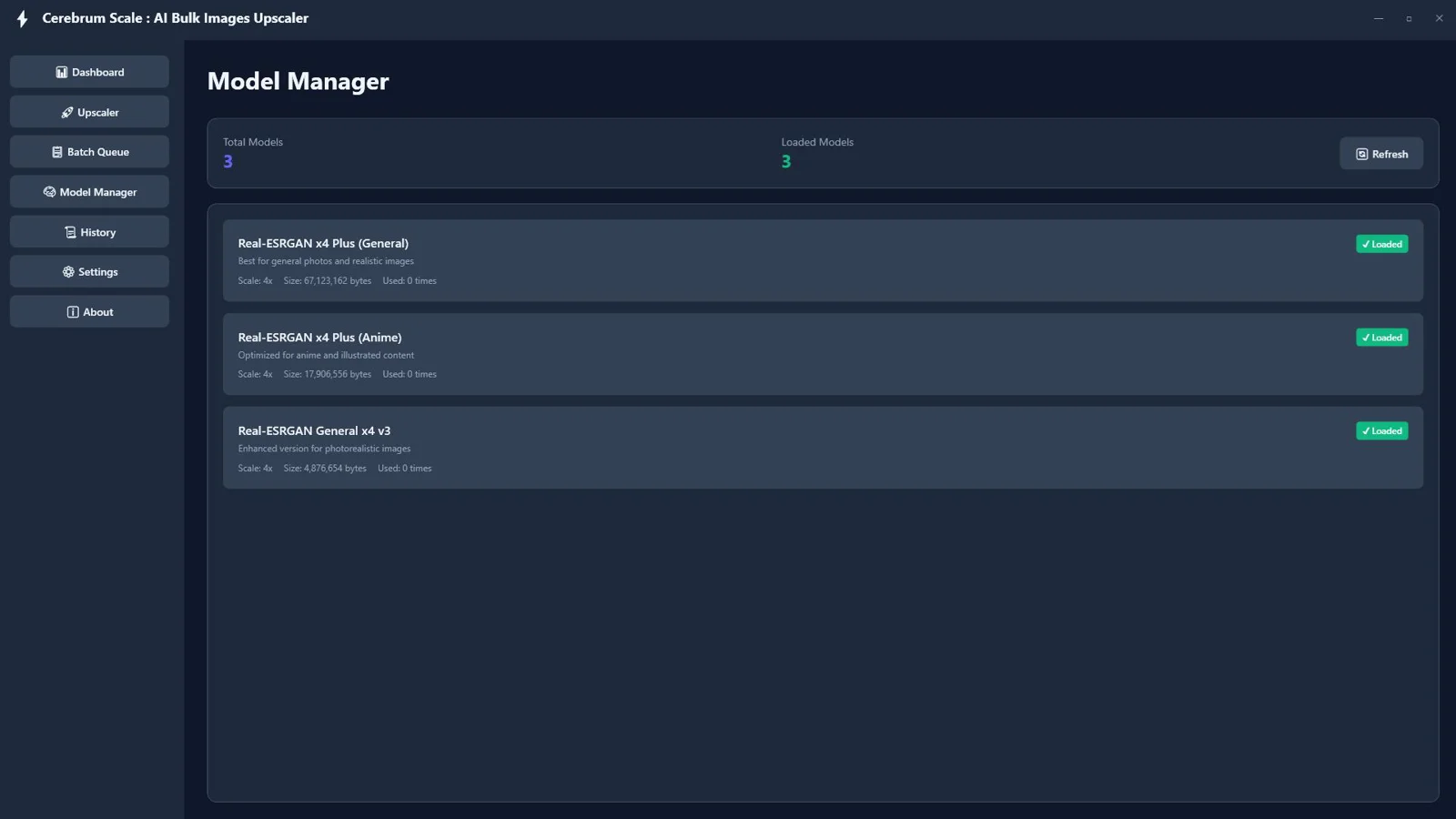
Multiple AI Models (General, Anime, Photo)
Match the right model to your image type for natural, artifact‑free results across styles.
GPU Acceleration with DirectML
Leverage your Windows GPU to dramatically speed up processing times on large batches.
Tile‑Based Rendering for Large Images
Handle big files more reliably by processing in tiles to maintain stability and quality.
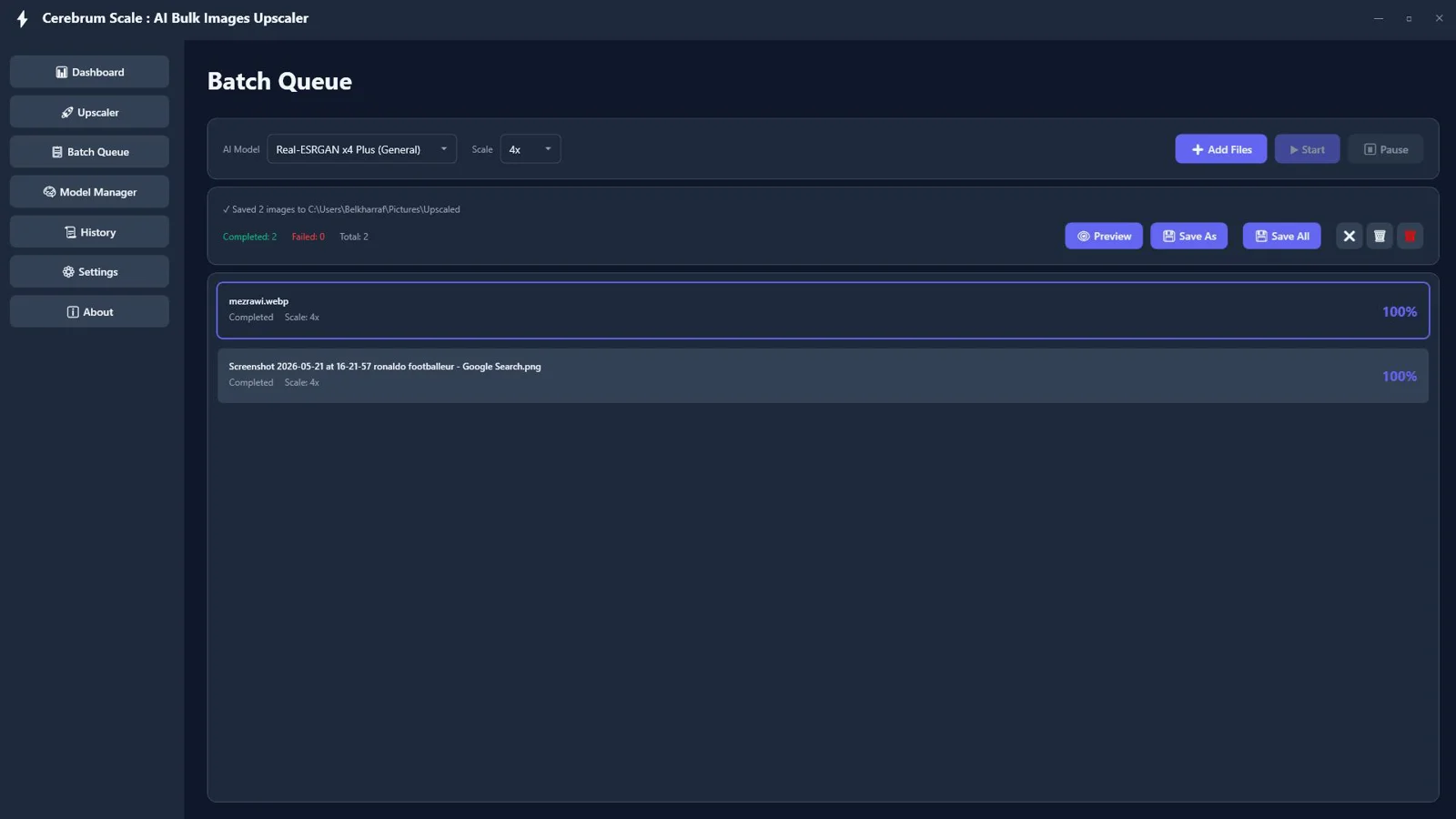
Batch Queue Processing
Upscale entire folders at once and let the queue run — unlimited, offline, and efficient.
Start / Pause / Resume Tasks
Stay in control of long jobs and keep your workflow moving when priorities shift.
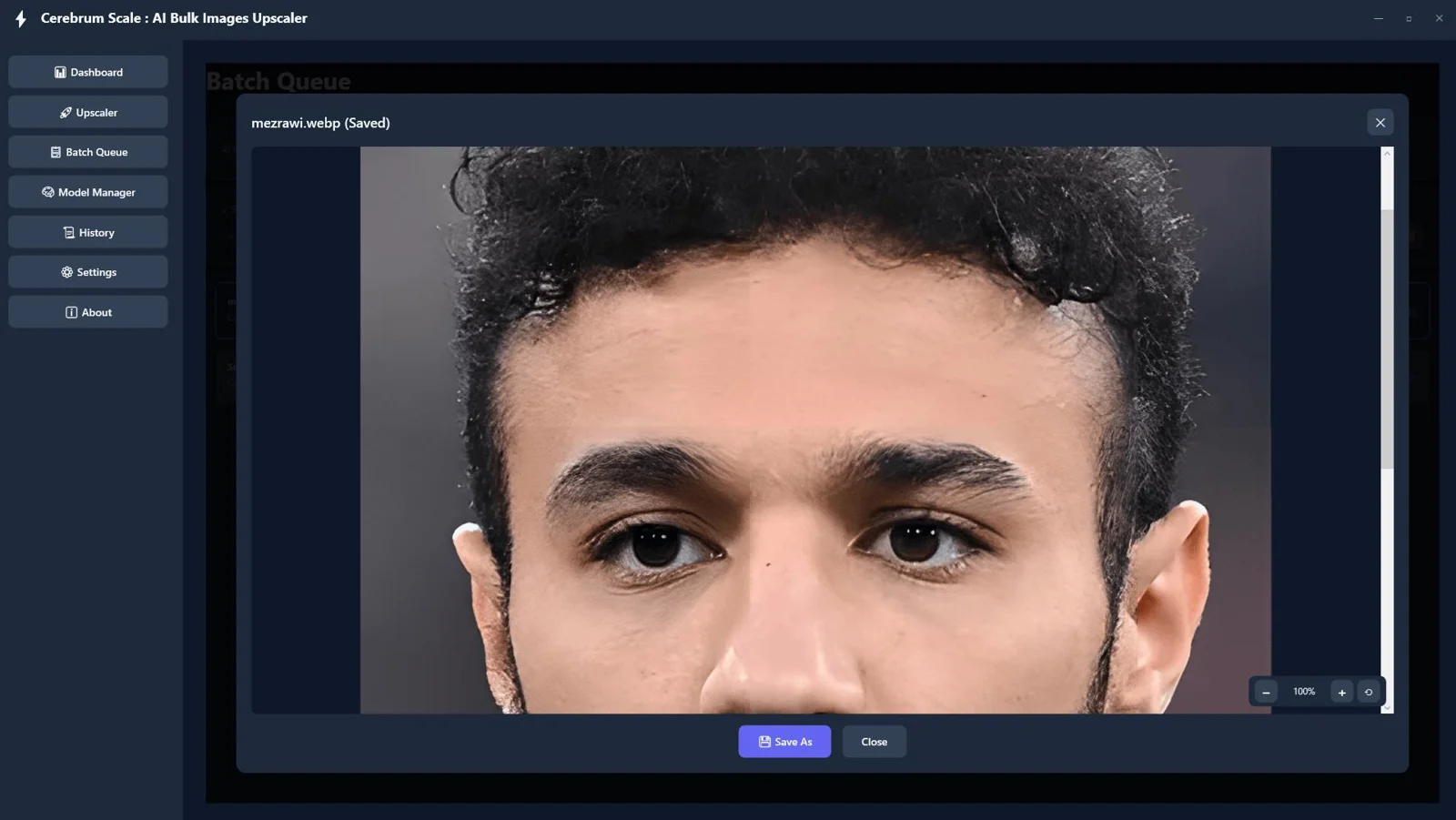
Image Preview with Zoom Controls
Inspect fine details before saving so you always deliver on quality.
Save Individual or Bulk Images
Export one hero image or an entire set in a single pass to hit deadlines faster.
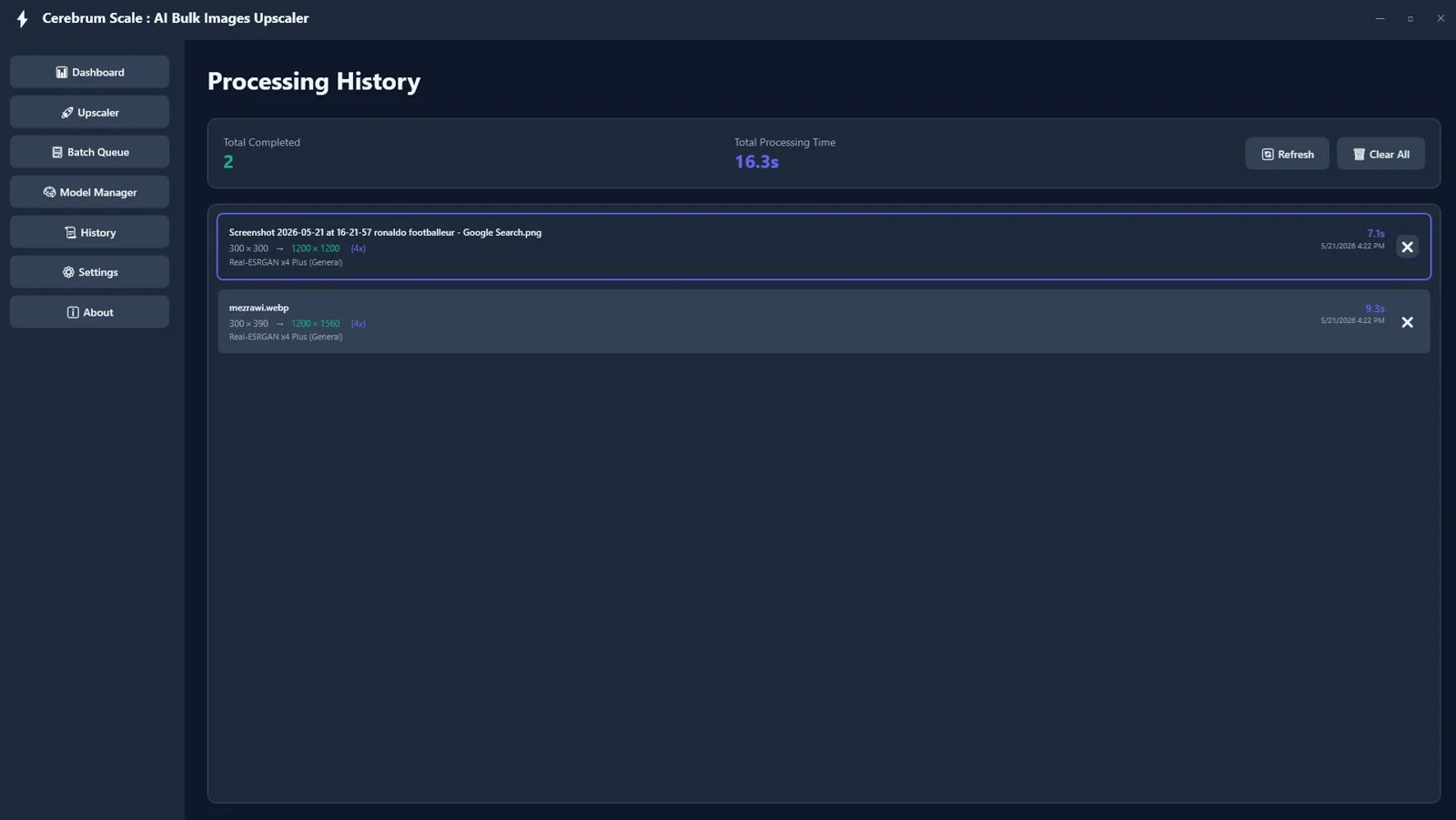
Processing History & Statistics
Track runs, scales, and outputs to keep projects organized and repeatable.
Modern Dark UI
Work comfortably in a sleek, distraction‑free interface built for long sessions.
Borderless WPF Interface
Enjoy a clean, native Windows experience with smooth interactions.
PNG, JPG, JPEG, BMP, WebP Support
Import PNG, JPG/JPEG, BMP, and WebP; export to PNG, JPG, or WebP for seamless delivery.
Our reputation, built by our users.
Great work and tools
"Great work and tools. Customer service was great!"
I recommand strongly
"Greate tools and support"
Excellent Customer Service
"After signing up and making payment I had a couple of queries... the response was extremely quick."
Flash Sale Expires In:
Instant Access